
How to connect ipad keyboard case
author: Eliza
2026-09-23

How to Connect an iPad Keyboard Case: Step-by-Step Beginner’s Guide
Connecting an iPad keyboard case should be quick and effortless, but many users run into pairing failures, lag, or no connection at all. Most connection issues are not device faults — they are simply caused by incorrect setup. This honest, easy-to-follow guide covers the two most common connection methods for all iPad keyboard cases, plus quick fixes for frequent problems.
Two Main Connection Types for iPad Keyboard Cases
All iPad keyboard cases fall into two categories: Bluetooth wireless and Smart Connector. Confirm your case type first, and you can finish setup in 1 minute.

1. Bluetooth iPad Keyboard Case (Most Common)
This type works with all iPad models and offers flexible wireless use. Follow these simple steps:
-
Turn on your keyboard case and hold the power/pair button for 2–3 seconds until the indicator light flashes blue, which means it enters pairing mode.
-
Open your iPad Settings > Bluetooth and turn Bluetooth on.
-
Find your keyboard case name in the available device list and tap to connect.
-
Once the indicator light turns solid or stops flashing, the pairing is done. You can start typing immediately.
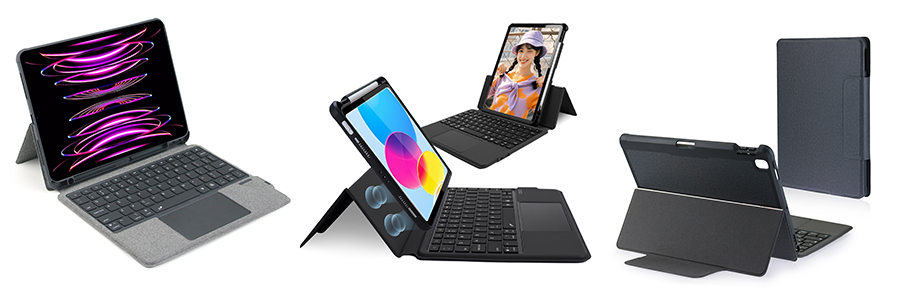
2. Smart Connector Keyboard Case (No Pairing Needed)
Smart Connector cases are ultra-convenient with zero setup process, exclusively for compatible iPad models:
-
Open the keyboard case and place your iPad into the case slot.
-
Align the three magnetic Smart Connector contacts on the iPad bottom with the case connector.
-
The magnets will snap automatically, and the keyboard activates instantly. No Bluetooth, no charging required.
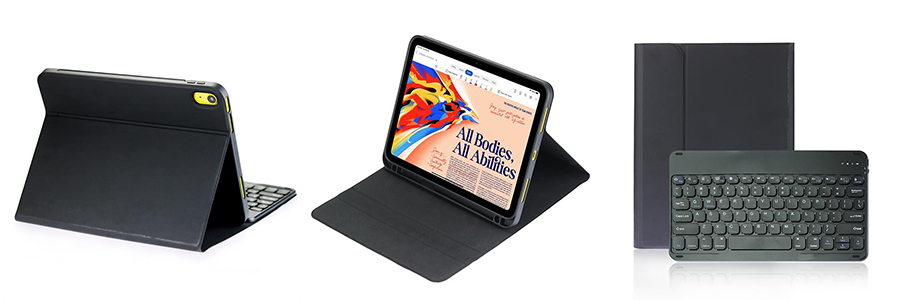
Quick Troubleshooting for Connection Issues
If your iPad keyboard case won’t connect or keeps disconnecting, try these easy fixes:
-
Connection failed: Turn Bluetooth off and on again, then restart your keyboard case and re-pair.
-
No response: Check if the keyboard is out of power — low battery is the top cause of connection failure.
-
Smart Connector not working: Wipe the contact points clean to remove dust or debris that blocks signal transmission.
-
Lagging typing: Disconnect other Bluetooth devices to avoid signal interference.
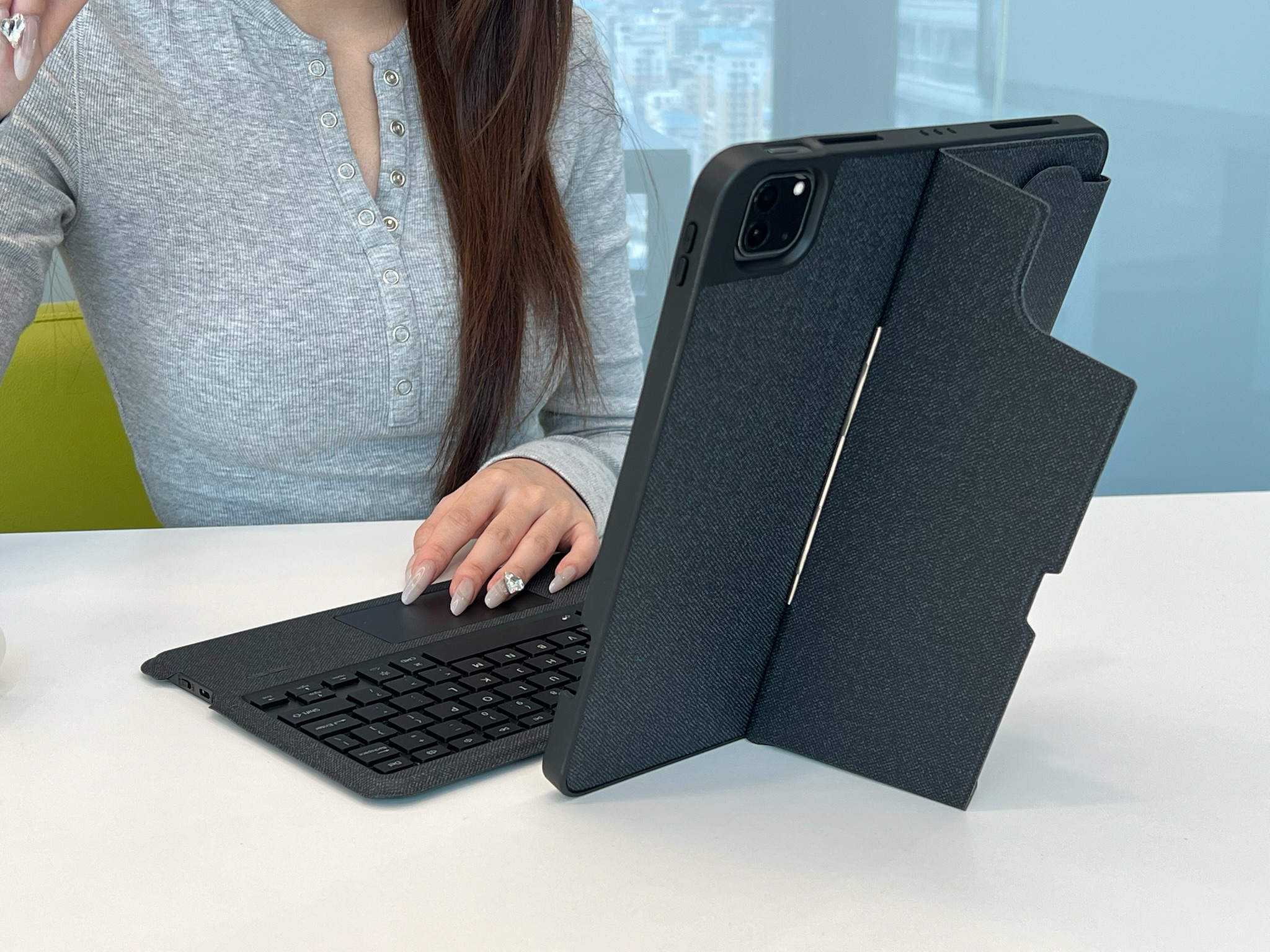
Vorkycase iPad Keyboard Cases: Stable & User-Friendly
At Vorkycase, we design every iPad keyboard case for truly hassle-free daily use. We know users hate complicated pairing steps and unstable connections, so we optimize every detail for better compatibility and usability.
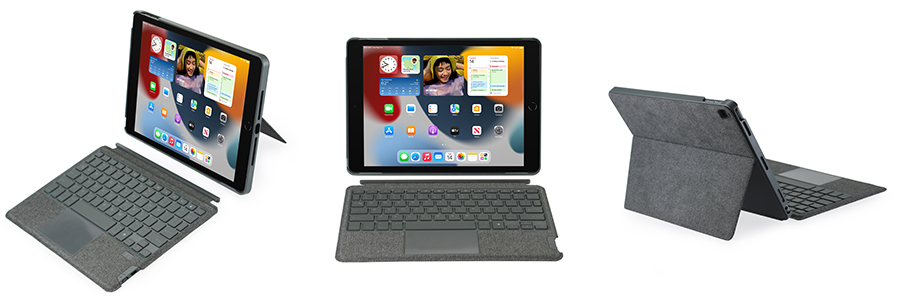
Our Bluetooth keyboard cases support fast one-time pairing, steady low-latency connection, and long standby battery life with no frequent disconnection. Our Smart Connector models feature precise magnetic alignment, auto wake/sleep function, and perfect fit for specific iPad generations.
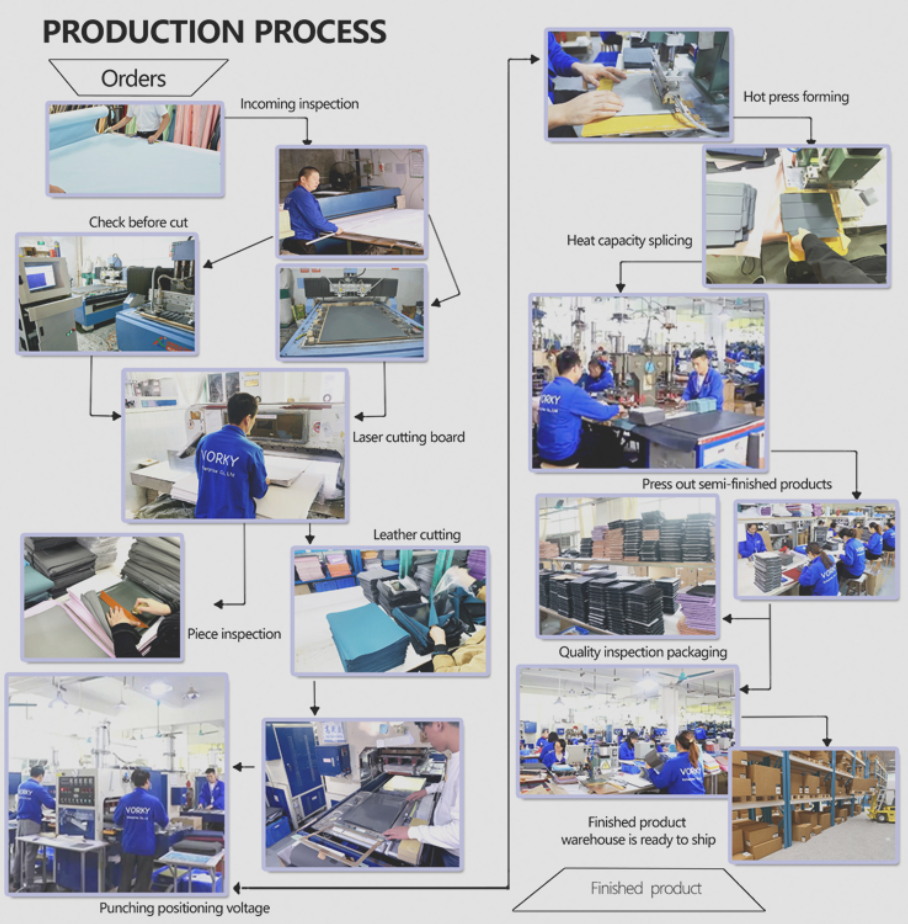
All Vorkycase iPad keyboard cases adopt quiet responsive keys, multi-angle adjustable stands, and full-protection folio design. Beyond standard styles, we support custom colors, logo printing, and bulk order solutions for personal, study, and business scenarios. Every product undergoes strict quality testing to ensure stable connection and durable performance.
Final Verdict
Connecting an iPad keyboard case is simple once you use the right method. Avoid messy setup and unstable generic accessories. If you want a plug-and-play, smooth-typing iPad keyboard case that works reliably every day, Vorkycase delivers practical, user-centric protection and productivity for your iPad.

iPad Mini 2 Case with Keyboard
What Cases Fit iPad A16
Related Article


If you still use your iPad Mini 2 for note-taking, reading or light work, finding a well-fitted case with keyboard can feel tricky. Many universal keyboard cases either do not fit the iPad Mini 2 properly or have flimsy keys that break quickly. This guide breaks down what to look for in an iPad Mini 2 case with keyboard, and introduces our reliable Vorkycase option.
iPad Mini 2 Case with Keyboard

If you own the iPad A16, finding a perfectly matching case can be confusing. Many tablet covers look similar online but end up not fitting your device well.
What Cases Fit iPad A16

Many tablet users search for how to make a case for a tablet, hoping to get a custom, unique, and well-fitted protective solution. A homemade tablet case is perfect for casual use and DIY fun, while professionally made cases deliver durable protection for long-term daily use. In this guide, we share two practical ways to make a tablet case, simple enough for everyone to follow.
How to Make a Case for a Tablet