
Can You Use a Case With iPad Magic Keyboard?
author: Eliza
2026-07-15

Can You Use a Case With iPad Magic Keyboard? Practical Guide
Lots of iPad owners wonder whether they can attach a regular protective case while using the official iPad Magic Keyboard. The short‑answer is not all tablet cases work alongside Magic Keyboard, and compatibility mainly depends on the case’s design and thickness. Read this straightforward guide to clear up your doubts.
When a regular case won’t pair with Magic Keyboard
Apple’s Magic Keyboard connects via the Smart Connector and uses a tight‑floating hinge. If you add a thick, bulky full‑wrap case on your iPad, several issues will happen:
- Extra thickness breaks the contact between Smart Connector pins, causing intermittent connection failures.
- Raised edge bumpers stop the iPad from sitting securely inside the keyboard frame.
- Over‑sized shell forces the hinge open, which gradually damages the Magic Keyboard over time.
Hard rugged shockproof cases and thick folio‑style sleeves almost always conflict with Magic Keyboard.

Which cases work well with iPad Magic Keyboard
Only slim‑fit, low‑profile back‑only cases are safe choices.
- Thin‑shell rear‑only covers that just protect the iPad’s back without wrapping around the bottom edge.
- Minimal‑thickness TPU back shells with no extended side frames around the Smart Connector area.
This way, the bottom contacts stay exposed for steady connection, and your iPad still gets basic scratch protection.
Vorkycase Slim‑Back Cases Made for Magic‑Keyboard Users
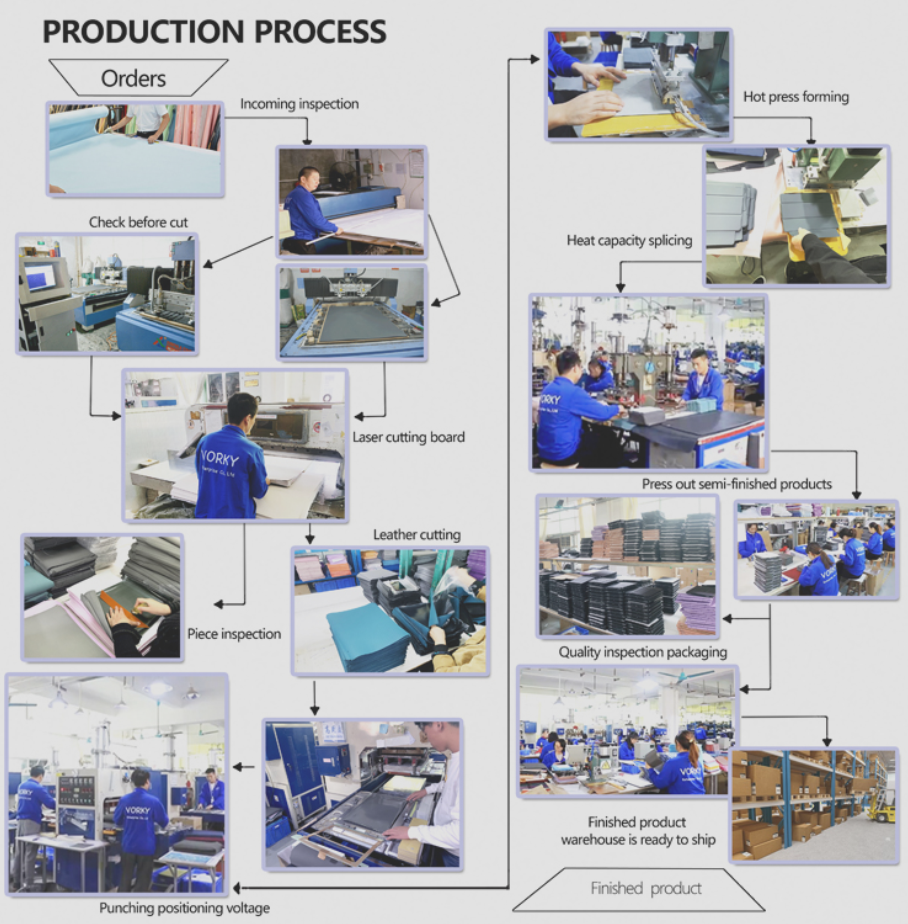
At Vorkycase, we fully understand this common pain point for iPad users who own Magic Keyboard. We create dedicated ultra‑thin back cases specially designed to be compatible with Apple Magic Keyboard. Our engineers cut away material near the bottom Smart‑Connector zone after repeated testing.
Our slim TPU or hard‑PC shells only cover the rear panel and slight side edges without adding unnecessary bulk. The bottom area keeps completely exposed so the Smart Connector connects reliably every single time. Meanwhile our products guard against fingerprints, minor scuffs and everyday abrasion.
If you prefer a full folio keyboard setup instead of Apple’s official version, our detachable Vorkycase keyboard‑folio series is another great alternative. It combines protective cover and Bluetooth keyboard together and cuts your extra‑purchase costs. We also offer custom‑logo service for bulk‑order clients.

Final takeaway
Skip thick full‑enclosure cases if you rely on iPad Magic Keyboard. Choose a well‑engineered slim back‑case from Vorkycase. You can protect your tablet and keep the Magic Keyboard working perfectly at the same time without compromise.

Magnetic Suspension Floating Integrated Magic Keyboard Case For iPad
iPad 10th Generation Case with Keyboard
Related Article


If you still use your iPad Mini 2 for note-taking, reading or light work, finding a well-fitted case with keyboard can feel tricky. Many universal keyboard cases either do not fit the iPad Mini 2 properly or have flimsy keys that break quickly. This guide breaks down what to look for in an iPad Mini 2 case with keyboard, and introduces our reliable Vorkycase option.
iPad Mini 2 Case with Keyboard

Connecting an iPad keyboard case should be quick and effortless, but many users run into pairing failures, lag, or no connection at all. Most connection issues are not device faults — they are simply caused by incorrect setup. This honest, easy-to-follow guide covers the two most common connection methods for all iPad keyboard cases, plus quick fixes for frequent problems.
How to connect ipad keyboard case
