
How to Make a Custom Tablet Case?
author: Eliza
2026-02-13

How to Make a Custom Tablet Case: Simple, Down-to-Earth Tips
If you’ve ever wished for a tablet case that’s truly “yours” – not the generic designs you see everywhere – you’re not alone. Custom tablet cases let you add a personal touch, whether it’s a photo, a logo, or just your favourite colour. The good news? It’s not as complicated as it sounds, and you don’t need fancy tools or skills. This guide is honest, straightforward, and perfect for anyone who wants something a little different.

Step 1: Figure Out Your Needs (No Overcomplicating It)
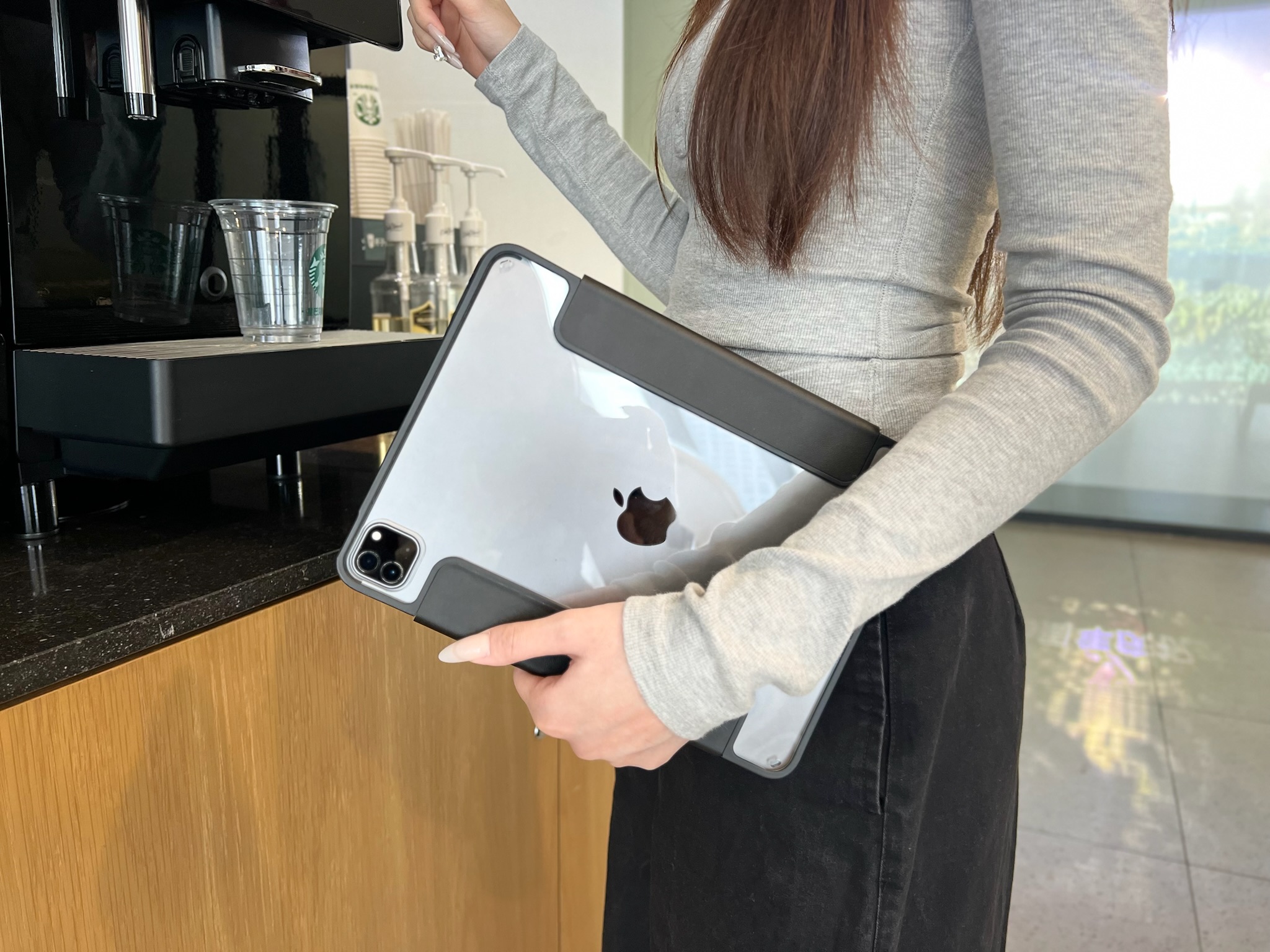
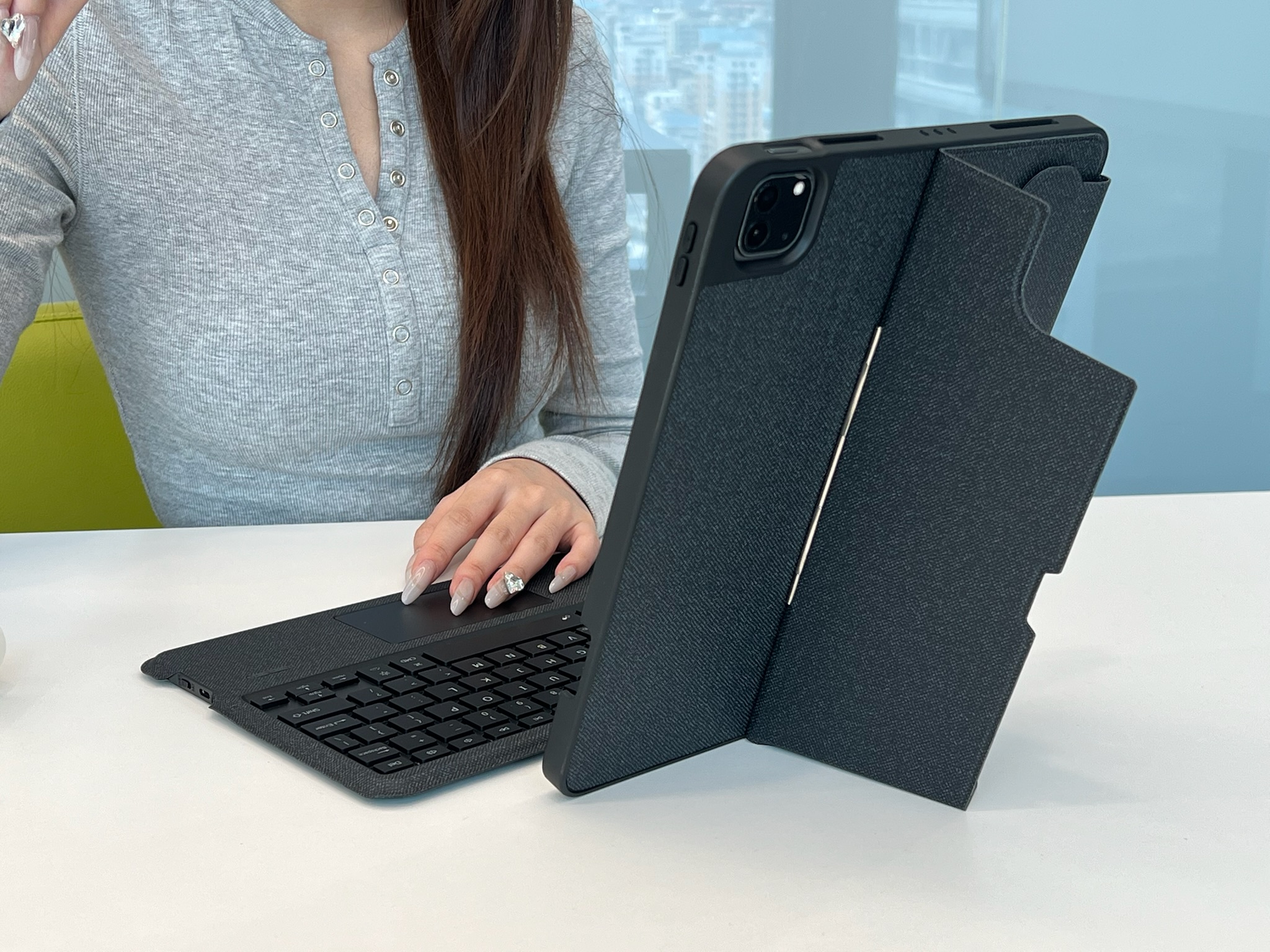
First things first: decide what you want from your custom case. Do you want a simple design (like a monogram or a solid colour with a small detail)? Or something more personal (a family photo, a quote, or your business logo)? Also, think about functionality – do you need it to be protective, slim, or compatible with a keyboard? Knowing this upfront saves you time later.
Step 2: Choose Your Material
The material matters – it affects both the look and how durable your case is. Here are the most common options, kept simple:
-
Silicone/TPU: Flexible, protective, and great for bold colours or simple prints. Easy to clean, too.
-
Leather/Faux Leather: Sleek and professional, perfect for monograms or subtle logos (great for work).
-
Fabric: Soft and casual, ideal for photos or patterns – but less water-resistant than silicone.
Step 3: Pick Your Customisation Method
You don’t have to make the case from scratch (unless you want to!). Most people use a trusted supplier to handle the hard work – here’s how to go about it:
-
Find a reliable custom supplier (more on this later) – they’ll have templates for different tablet models, so you don’t have to worry about sizing.
-
Share your design: Upload a photo, send a logo, or choose a colour and text. Ask for a sample first if you’re unsure – it’s better to check than regret it.
-
Confirm the details: Double-check the tablet model, design placement, and material before placing your order. Small mistakes are easy to fix upfront.

A Note on Making It Easy (And Happy Spring Festival!)
Making a custom tablet case should be fun, not stressful – and that’s where Vorkycase comes in. First, we’d like to send our warmest wishes to you: Happy Spring Festival and good luck in the Year of the Horse! May this year bring you joy, success, and all the little things that make life easier.
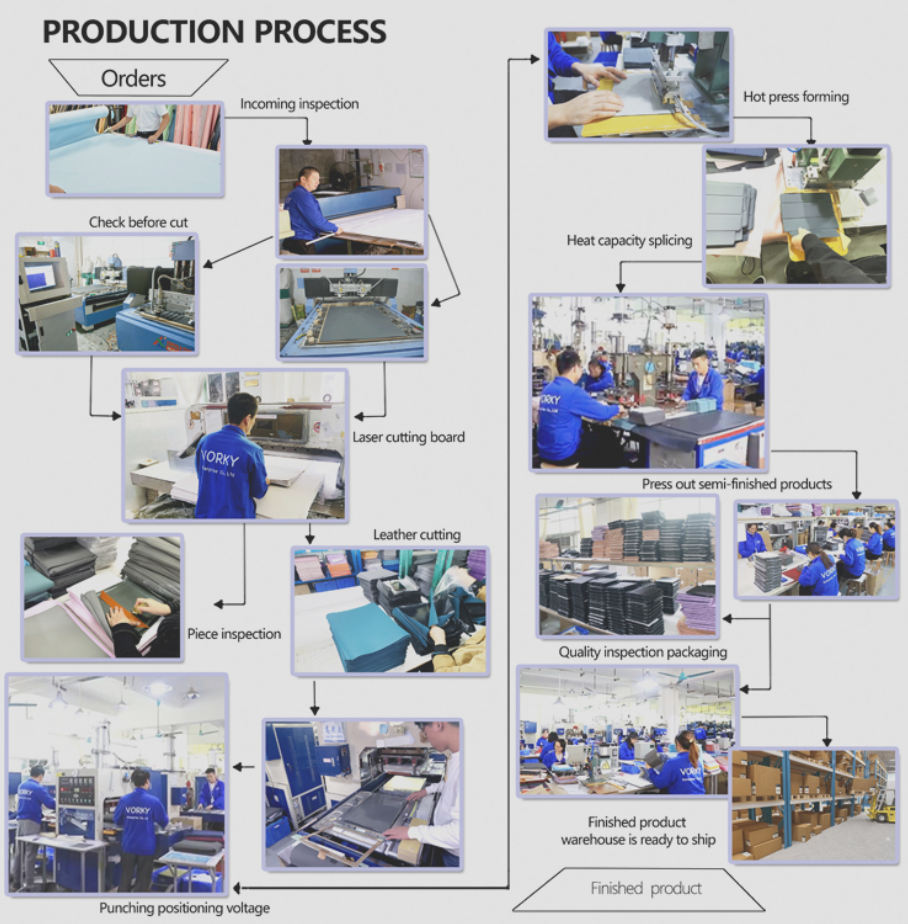
At Vorkycase, we’ve been making quality tablet cases, keyboard cases, phone cases, and more for 15 years. We specialise in customisation – whether you want a logo (silk-printed, embossed, or woven), GRS materials, a specific leather/fabric, colour, or print, we’ve got you covered. Our team takes care of every detail, from sampling to delivery, so you can get a custom case that’s perfect for you or your team – no hassle, no stress.

Final Tip: Keep It Simple, Keep It You
Customisation is all about making something that fits your style. You don’t need a fancy design – even a small personal touch makes your tablet case feel special. And if you want to skip the DIY hassle, Vorkycase is here to help. We ship worldwide, deliver on time, and our cases are built to last – with that perfect balance of quality and value.
Whether you’re after a custom tablet case, a sleek keyboard case, or a durable phone case, head to Vorkycase to browse our range. Here’s to a wonderful Year of the Horse – and a tablet case that’s truly yours.

What Cases Fit the iPhone 16e?
Where to Buy iPad Cases?
Related Article


If you still use your iPad Mini 2 for note-taking, reading or light work, finding a well-fitted case with keyboard can feel tricky. Many universal keyboard cases either do not fit the iPad Mini 2 properly or have flimsy keys that break quickly. This guide breaks down what to look for in an iPad Mini 2 case with keyboard, and introduces our reliable Vorkycase option.
iPad Mini 2 Case with Keyboard

Connecting an iPad keyboard case should be quick and effortless, but many users run into pairing failures, lag, or no connection at all. Most connection issues are not device faults — they are simply caused by incorrect setup. This honest, easy-to-follow guide covers the two most common connection methods for all iPad keyboard cases, plus quick fixes for frequent problems.
How to connect ipad keyboard case
