
180° Adjustable Rotatable Touchpad Bluetooth Keyboard Case For iPad With Pencil Holder
author: Levi
2026-07-31
-
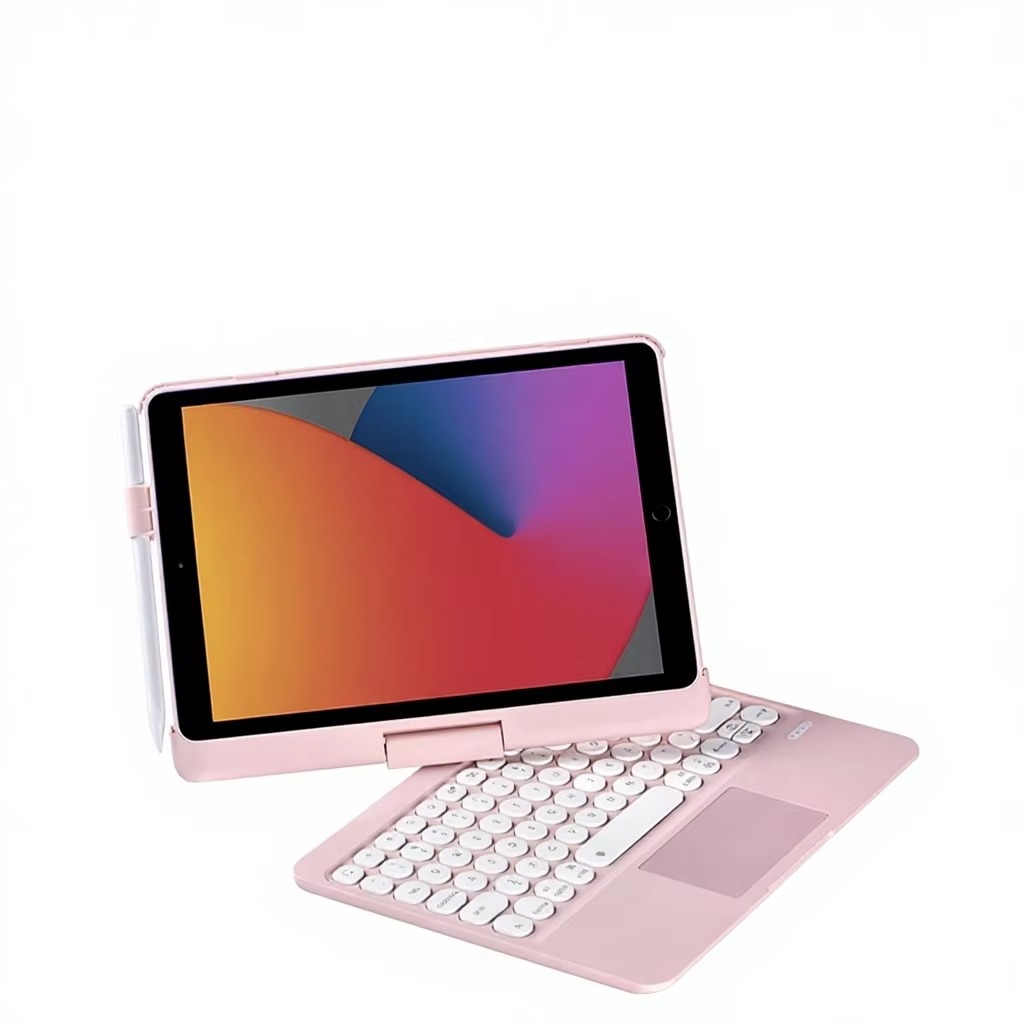
180° Free Adjustable Integrated BracketThe hinge supports 180° open-close adjustment, with stable viewing angles ranging up to 120°. You can customize the tilt freely for typing documents, online classes and video playback. The whole case is only 1.6 cm thin, lightweight enough to slip into most backpacks.
-
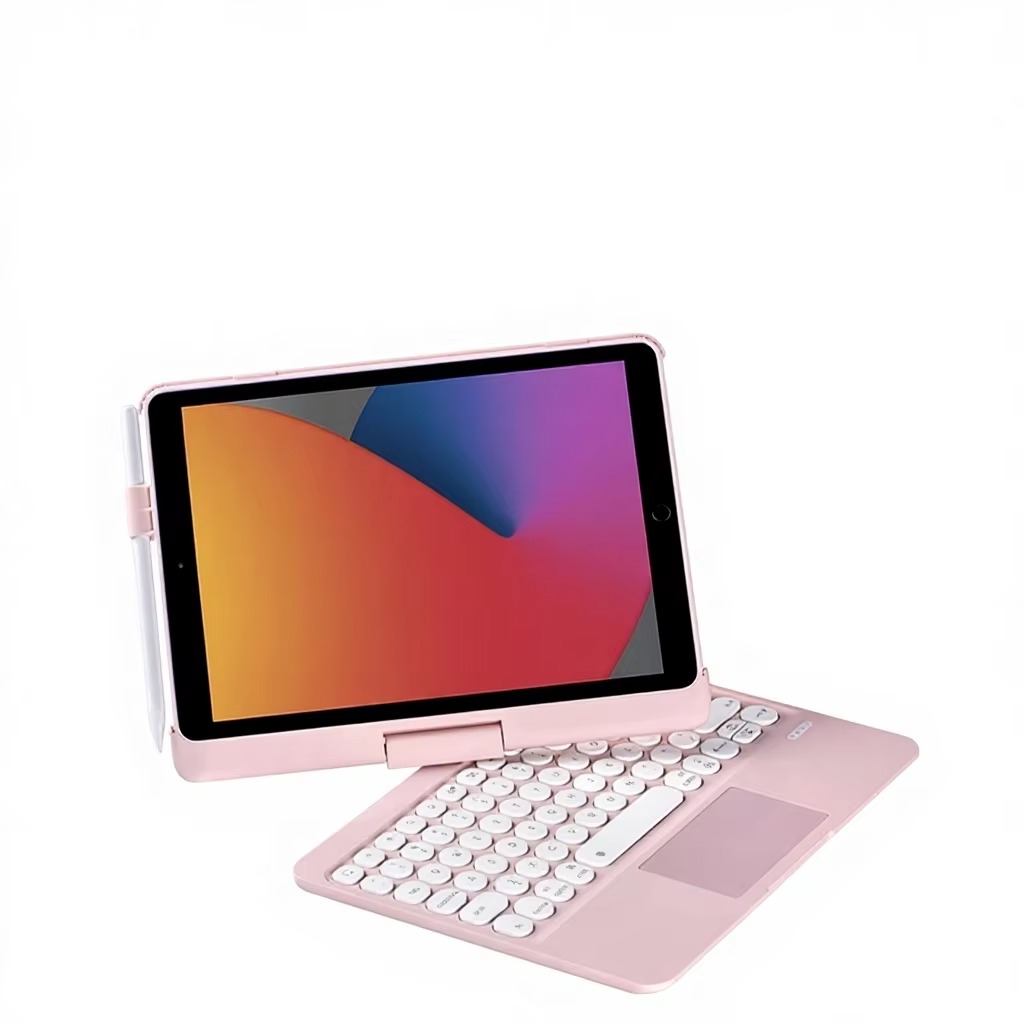
Smart Multi-gesture Touchpad & Round Silent KeycapsFull-size responsive touchpad supports complete iPadOS gesture control, no extra mouse needed. The round chiclet keys deliver soft, quiet keystrokes, making long-hour typing more comfortable without disturbing others. Stable Bluetooth connection ensures low power consumption and long standby time.
-
Side Apple Pencil Storage SlotA dedicated side slot keeps your Apple Pencil firmly in place, preventing scratches and loss during daily carry. It also supports on-the-go charging without taking the stylus out.
-
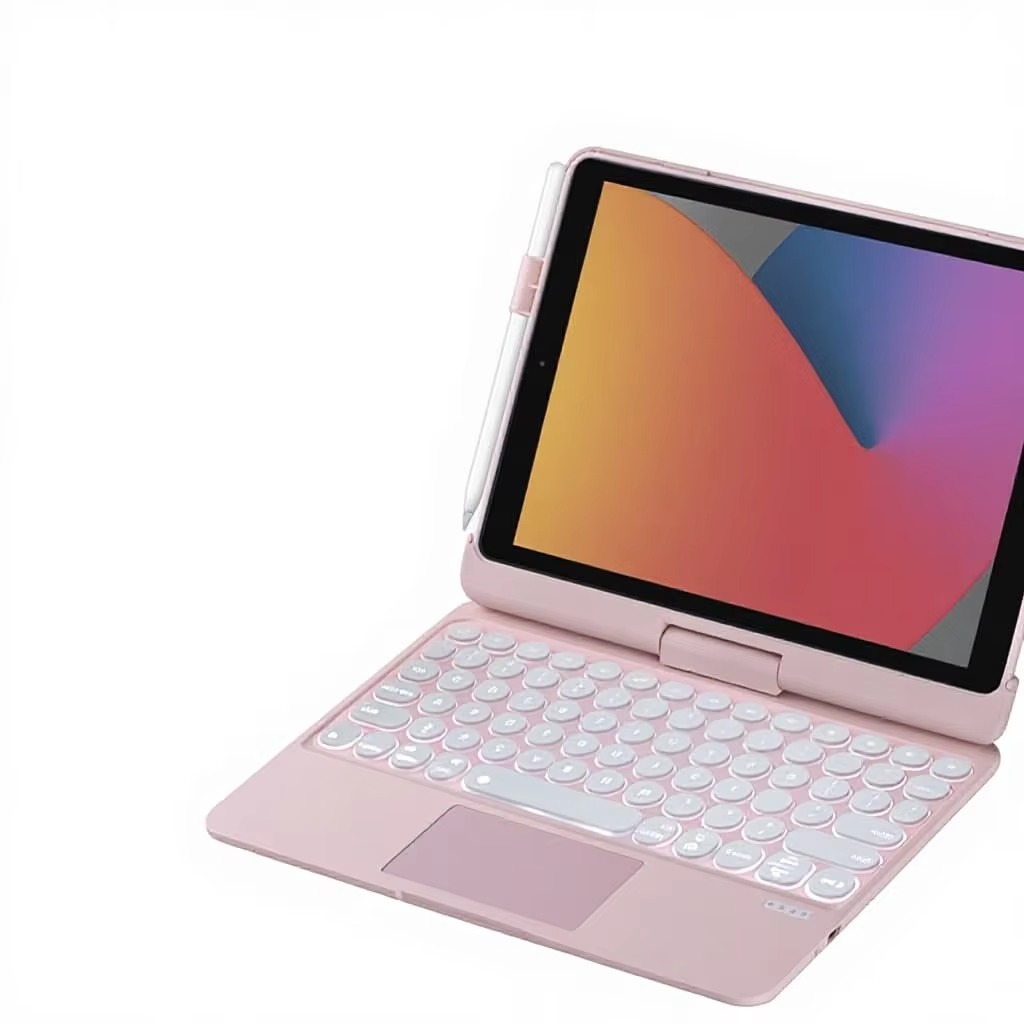
Solid All-in-one Anti-drop ConstructionThe integrated keyboard and case structure avoids loose separation. Hard PC shell protects the tablet from bumps, drops and daily scratches, with precise cutouts for all ports, cameras and buttons.
-
Authoritative Global Safety CertificationsThe item is certified with CE, FCC, ROHS, UKCA and SGS, complying with mainstream market access standards worldwide, with reliable quality for long-term daily use.
-

A Tablet Case
Detachable Bluetooth Keyboard Folio Protective Case For iPad With Pencil Storage Slot
Related Article


If you still use your iPad Mini 2 for note-taking, reading or light work, finding a well-fitted case with keyboard can feel tricky. Many universal keyboard cases either do not fit the iPad Mini 2 properly or have flimsy keys that break quickly. This guide breaks down what to look for in an iPad Mini 2 case with keyboard, and introduces our reliable Vorkycase option.
iPad Mini 2 Case with Keyboard

Connecting an iPad keyboard case should be quick and effortless, but many users run into pairing failures, lag, or no connection at all. Most connection issues are not device faults — they are simply caused by incorrect setup. This honest, easy-to-follow guide covers the two most common connection methods for all iPad keyboard cases, plus quick fixes for frequent problems.
How to connect ipad keyboard case
