
3-in-1 Multifunctional Waterproof Leather Laptop Sleeve
author: Levi
2026-06-04
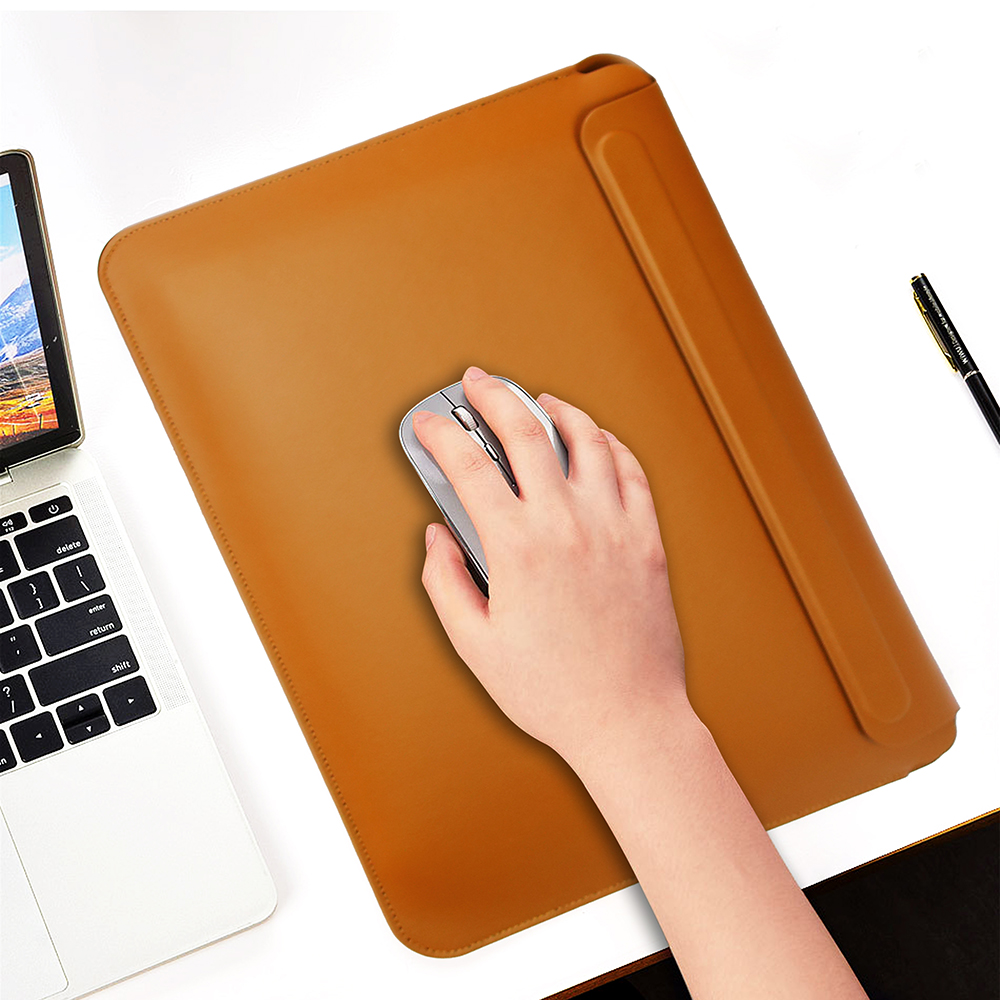
Core Product Advantages
1. Three-in-One Integrated Functionality
Works as laptop storage sleeve, foldable cooling stand and wide mouse pad all at once. Unfold the rear embedded bracket to prop up the notebook, and the whole leather surface can serve as a smooth large mouse pad to save extra desk space.
2. Dual Adjustable Ergonomic Viewing Angles
Origami-style hidden bracket supports 30° and 60° two fixed heights. Lifts screen to proper eye level to relieve cervical fatigue and wrist strain from long-hour typing, meanwhile leaves bottom airflow gap to boost laptop heat dissipation.

3. Premium Waterproof Wear-Resistant Leather
Selected smooth faux leather features full waterproof and anti-seepage performance, effectively blocking accidental liquid splashes, dust and minor scratches to guard your notebook against daily abrasion. Ultra thin 3mm profile avoids bulky bulk for easy packing inside backpacks.
4. Anti-Slip Bottom Design
Four built-in silicone anti-slip bumpers on the base prevent slipping on smooth desktop surfaces, stabilizing both the sleeve and laptop during use.

5. Diverse Color Matching & Wide Compatibility
Available in brown, navy, black and dark green classic tones, precisely tailored via real machine mold to fit most mainstream laptop sizes for universal daily use.
Perfect for office workers, freelancers and frequent business travelers pursuing minimalist portable mobile office gear.


Dual-Pocket Shockproof Neoprene Laptop Sleeve
Ultra Thin Magnetic Leather Laptop Sleeve | Built-in Adjustable Stand
Related Article


If you still use your iPad Mini 2 for note-taking, reading or light work, finding a well-fitted case with keyboard can feel tricky. Many universal keyboard cases either do not fit the iPad Mini 2 properly or have flimsy keys that break quickly. This guide breaks down what to look for in an iPad Mini 2 case with keyboard, and introduces our reliable Vorkycase option.
iPad Mini 2 Case with Keyboard

Connecting an iPad keyboard case should be quick and effortless, but many users run into pairing failures, lag, or no connection at all. Most connection issues are not device faults — they are simply caused by incorrect setup. This honest, easy-to-follow guide covers the two most common connection methods for all iPad keyboard cases, plus quick fixes for frequent problems.
How to connect ipad keyboard case
