
360° Rotatable Aluminum Alloy Keyboard Case For iPad
author: Levi
2026-08-01
-
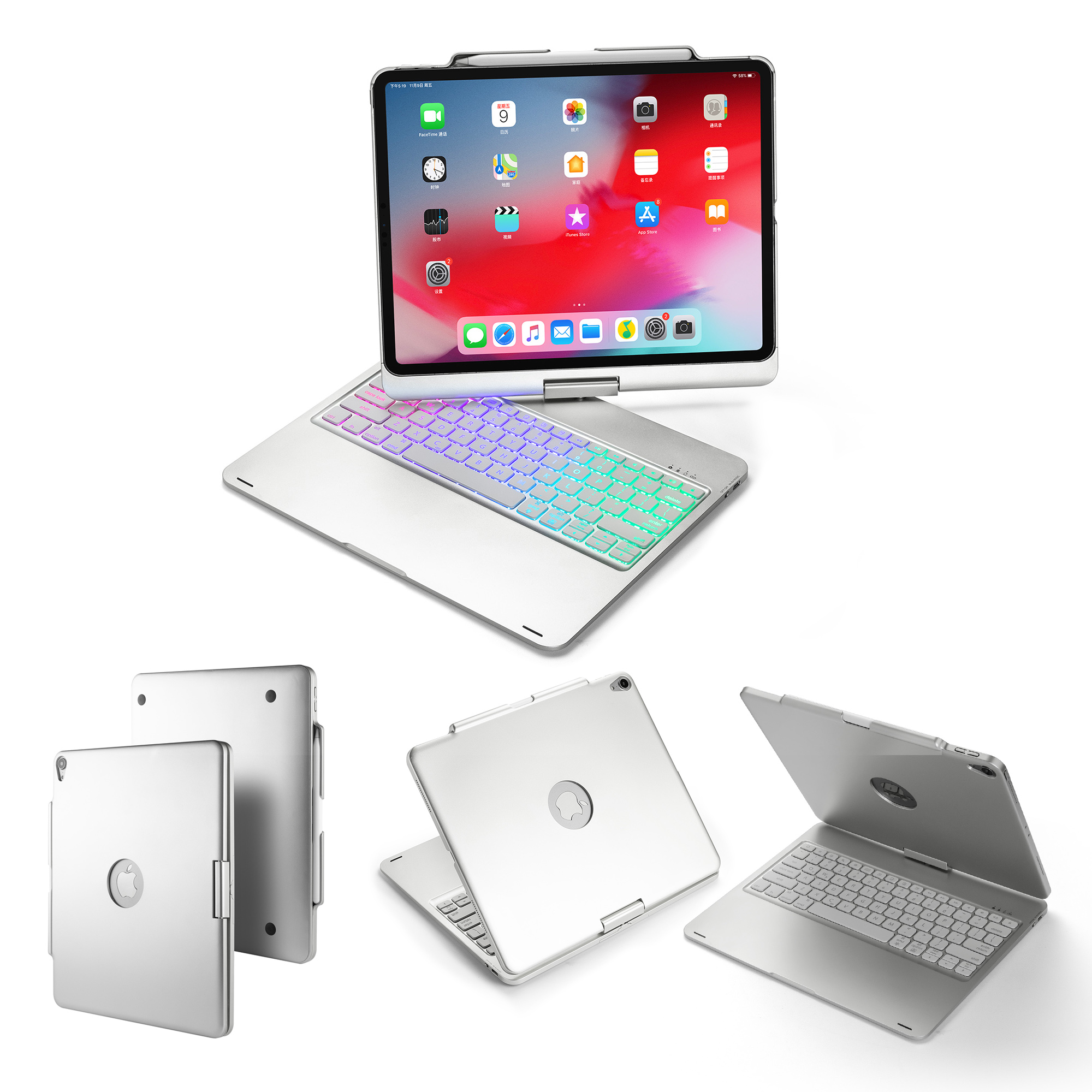
360° Free Rotating Hinge DesignThe swivel hinge supports full 360-degree rotation, you can flip and rotate the iPad freely to switch between horizontal typing, vertical browsing and other postures, the hinge stays tight without shaking.
-
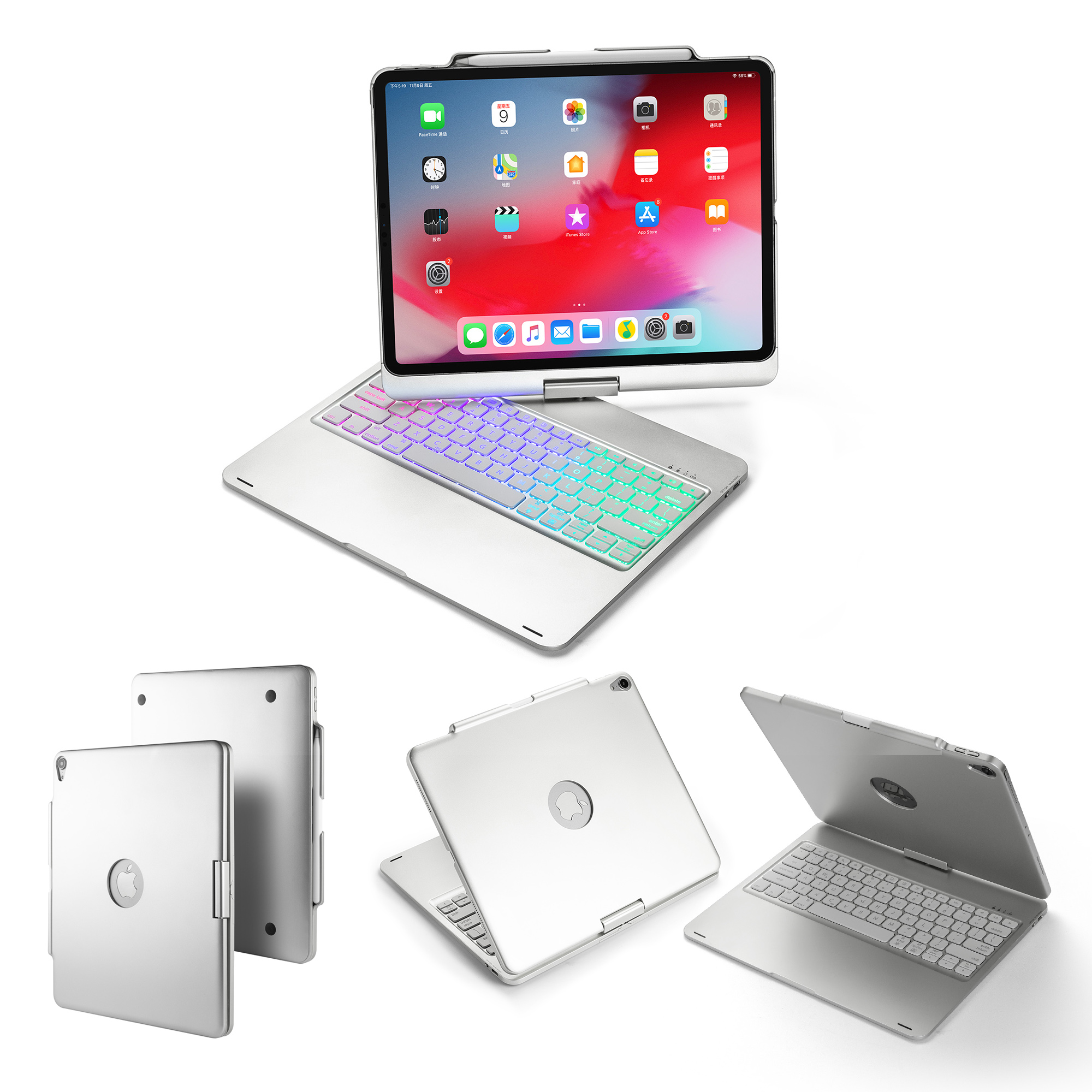
Aluminum Alloy Full Metal HousingHard metal shell resists bending, bumps and scratches effectively. Matte silver finish keeps fingerprints away, bringing high-end laptop texture while fully protecting the tablet body.
-
Adjustable RGB Rainbow Backlit Keyboard7-color RGB backlight with multiple brightness levels, you can turn on the backlight for night typing or turn it off to save power. Scissor-switch keys offer quiet and comfortable typing feedback, with independent function shortcut keys for brightness, media control and screenshot.
-
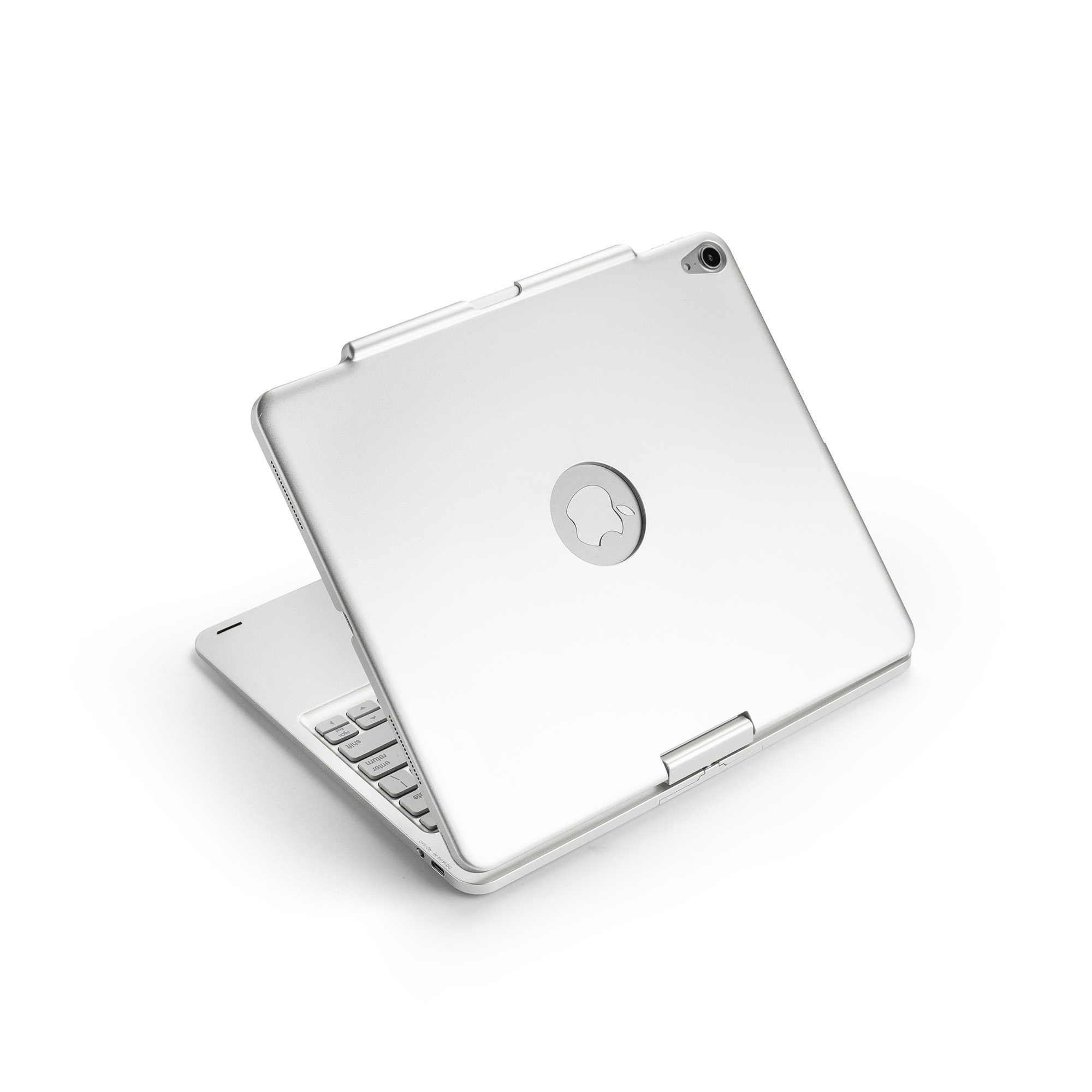
Stable Low-Power Bluetooth ConnectionBluetooth 5.3 fast pairing ensures continuous stable connection with iPad. Built-in large-capacity rechargeable battery supports long standby time, charged via universal Type-C port.
-
Slim Integrated Laptop StructureOne-piece keyboard and stand structure without loose parts. The whole unit is lightweight and portable, easy to put into backpacks, ideal for outdoor office, online classes and travel use.

Detachable Trackpad Keyboard Folio Case for iPad
Full Touchpad Detachable Keyboard Folio Case For iPad
Related Article


If you still use your iPad Mini 2 for note-taking, reading or light work, finding a well-fitted case with keyboard can feel tricky. Many universal keyboard cases either do not fit the iPad Mini 2 properly or have flimsy keys that break quickly. This guide breaks down what to look for in an iPad Mini 2 case with keyboard, and introduces our reliable Vorkycase option.
iPad Mini 2 Case with Keyboard

Connecting an iPad keyboard case should be quick and effortless, but many users run into pairing failures, lag, or no connection at all. Most connection issues are not device faults — they are simply caused by incorrect setup. This honest, easy-to-follow guide covers the two most common connection methods for all iPad keyboard cases, plus quick fixes for frequent problems.
How to connect ipad keyboard case
