
360° Rotatable Ring Kickstand Detachable Bluetooth Keyboard Case For iPad
author: Levi
2026-07-31
-
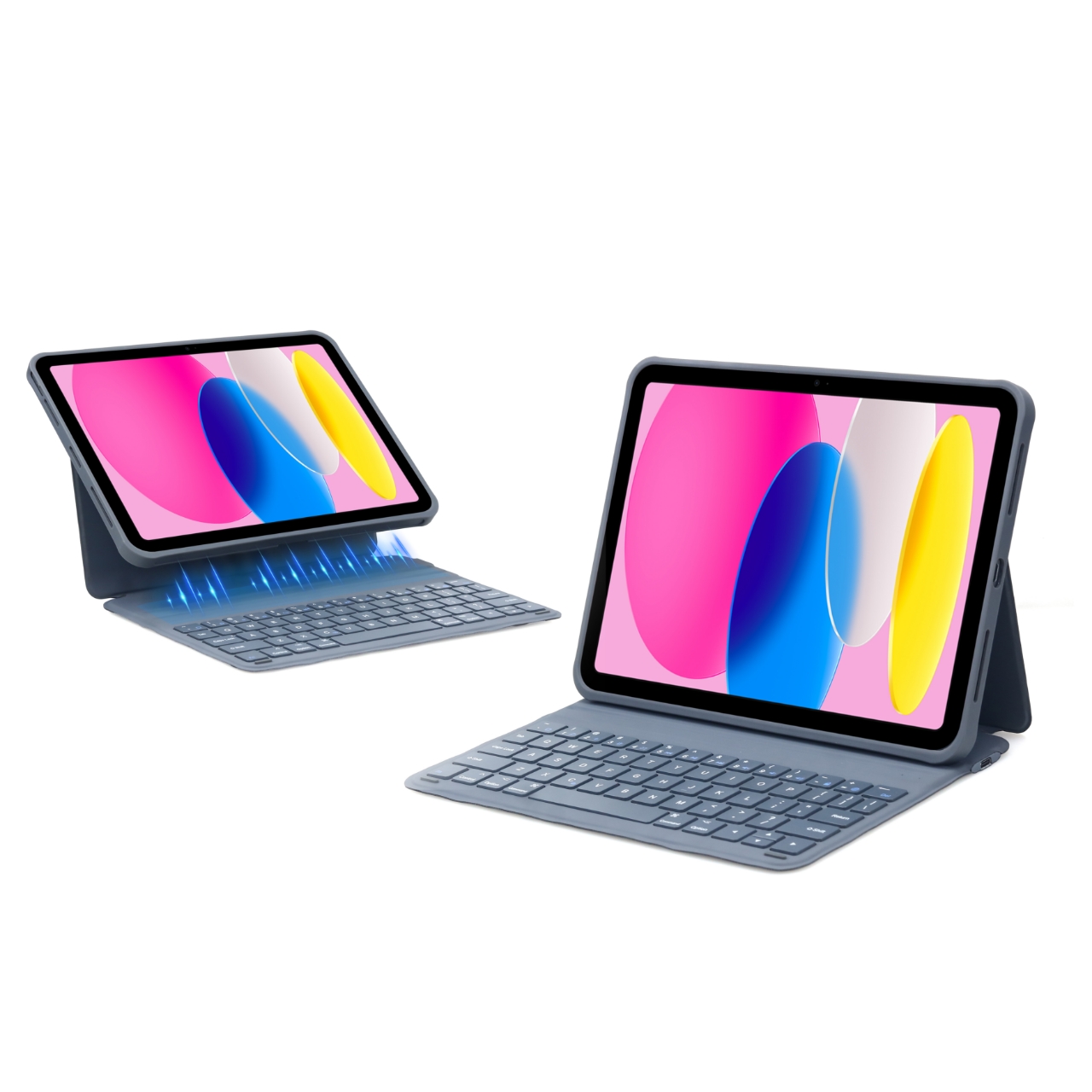
Detachable Split Design For Flexible Usage The protective frame and keyboard base are separated structures. Remove the keyboard when only needing the protective shell for carrying, combine them together to form a laptop typing mode, meeting lightweight carrying and efficient office two kinds of demands.
-
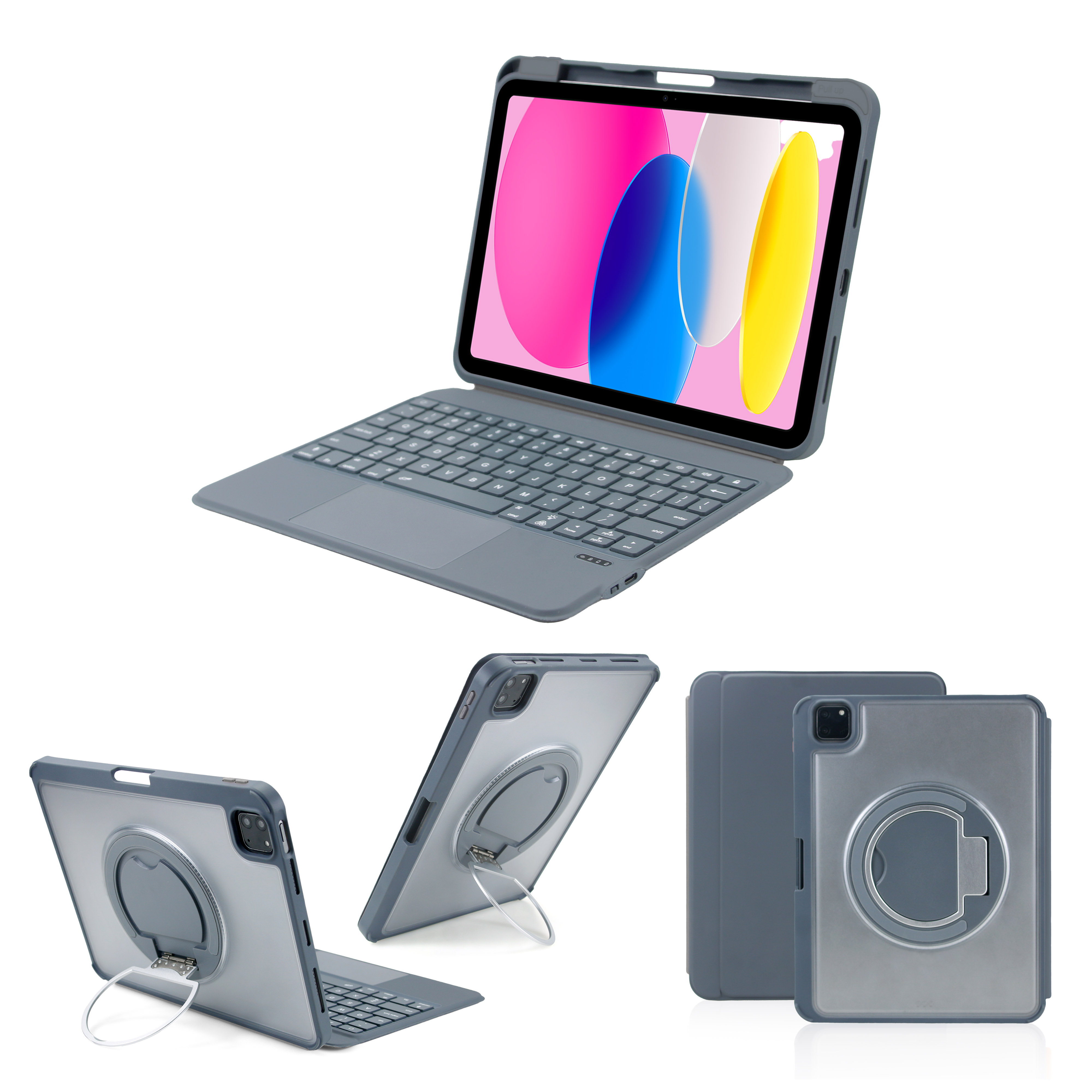
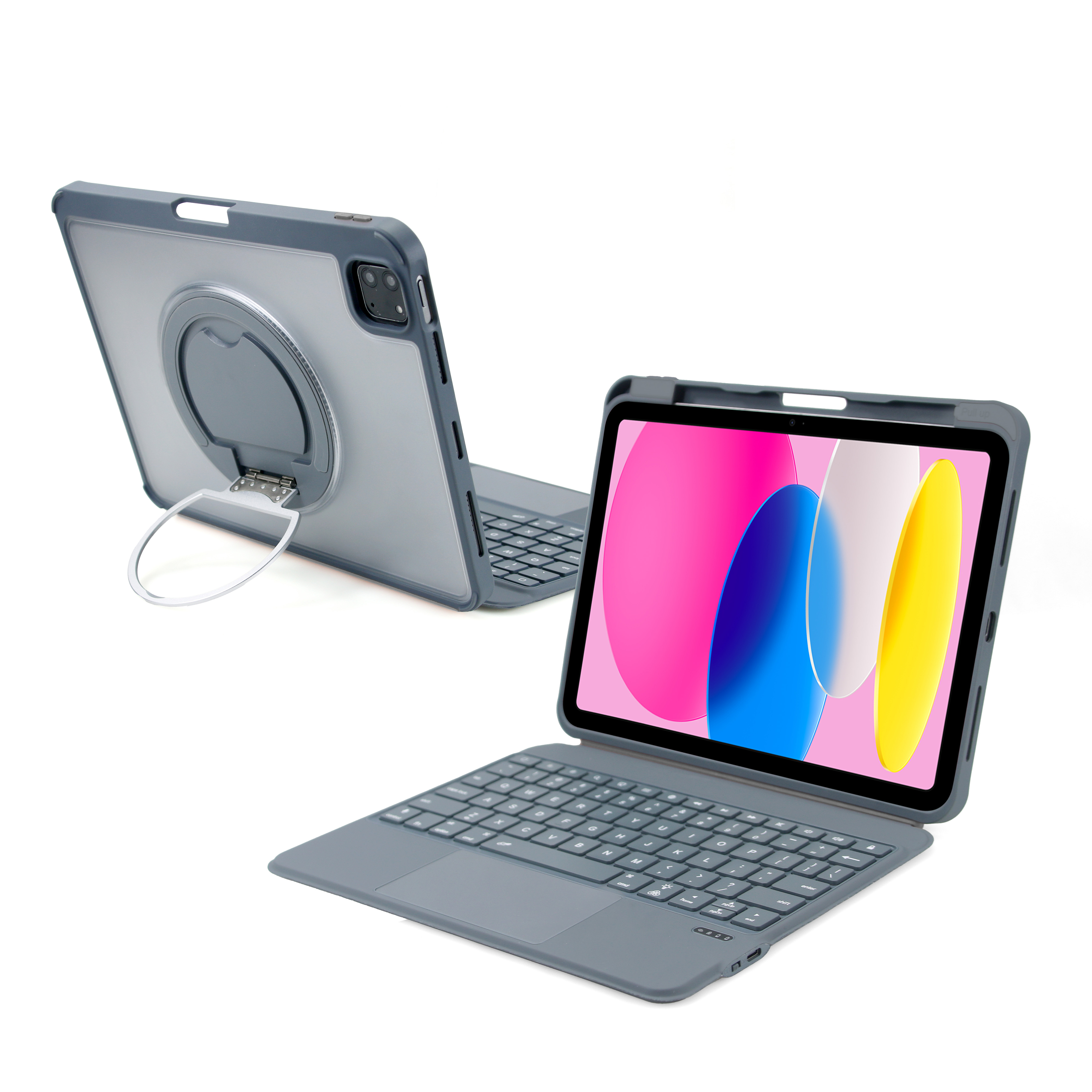
360° Rotatable Metal Ring Bracket The rear metal ring support can rotate 360 degrees arbitrarily, supports horizontal screen typing posture and vertical screen browsing posture at will. The metal hinge is wear-resistant and sturdy, the ring bracket can also be used as a hand-held finger ring to prevent slipping when holding the tablet alone.
-
Frosted Transparent Hard Back Panel + Full Body Anti-drop Protection The back adopts matte transparent PC material, long-term use is not easy to yellow, retains the original appearance of the iPad. The four corners use thickened soft buffer wrap edges, effectively cushioning impact force when falling, precise openings reserve normal use of camera, buttons and charging ports.
-
Built-in Apple Pencil Storage Slot A reserved pen slot is designed on the side of the protective frame, supports placing the stylus and realizes magnetic charging without taking out the pencil frequently, avoiding the loss of the stylus during daily carrying.
-
Full Trackpad Bluetooth Keyboard With iOS Shortcuts Equipped with an integrated large-size responsive trackpad, supports multi-finger gesture operation under iPadOS system. Standard layout mute keycaps with exclusive iOS function shortcut keys, one-key operation for screen capture, brightness adjustment, media playback and page switching, stable Bluetooth pairing with low power consumption for long endurance.

Magnetic Detachable Trackpad Keyboard Folio Case For iPad
Magnetic Integrated Wireless Keyboard Folio Case For iPad
Related Article


If you still use your iPad Mini 2 for note-taking, reading or light work, finding a well-fitted case with keyboard can feel tricky. Many universal keyboard cases either do not fit the iPad Mini 2 properly or have flimsy keys that break quickly. This guide breaks down what to look for in an iPad Mini 2 case with keyboard, and introduces our reliable Vorkycase option.
iPad Mini 2 Case with Keyboard

Connecting an iPad keyboard case should be quick and effortless, but many users run into pairing failures, lag, or no connection at all. Most connection issues are not device faults — they are simply caused by incorrect setup. This honest, easy-to-follow guide covers the two most common connection methods for all iPad keyboard cases, plus quick fixes for frequent problems.
How to connect ipad keyboard case
