
All-In-One Rugged Shockproof Tablet Keyboard Case
author: Levi
2026-06-04
Core Product Advantages
1. Dual-Layer Shockproof Rugged Build
Combined hard PC backboard + flexible soft silicone bumper construction, thickened corner buffer design effectively disperses impact force from drops and collisions; textured anti-slip edge grooves improve handheld friction to avoid slipping, fully protecting tablet screen and frame from abrasion and breakage.
2. Detachable Wireless Touchpad Keyboard
Magnetic separable full-size keyboard with integrated precision multi-touch touchpad, independent Bluetooth pairing for instant connection; ergonomic keycap layout reduces typing fatigue, can be detached separately to switch between typing mode and pure tablet protection mode freely.

3. 360° Rotatable Back Kickstand & Adjustable Hand Strap
Central circular 360-degree rotary bracket supports arbitrary angle adjustment for typing, video chat and reading; flexible elastic hand strap on rear bracket enables single-hand secure grip during field inspection, outdoor shooting and mobile work to prevent accidental falling.
4. Reserved Stylus Storage Cutout
Pre-set precise pencil slot at case side to hold active stylus, avoiding stylus loss while realizing pen-tablet integrated carry, convenient for daily note-taking and hand-drawing creation.

5. Wide Application Scenarios
Passed CE/FCC/ROHS certification, compatible with mainstream iPad models, perfectly suited for field workers, construction inspectors, business salesmen and school students needing durable all-around tablet protection.
Practical multi-scene integrated solution merging typing, stand, handheld carry and heavy-duty anti-drop protection.

Magnetic Split Detachable Keyboard Folio Tablet Case
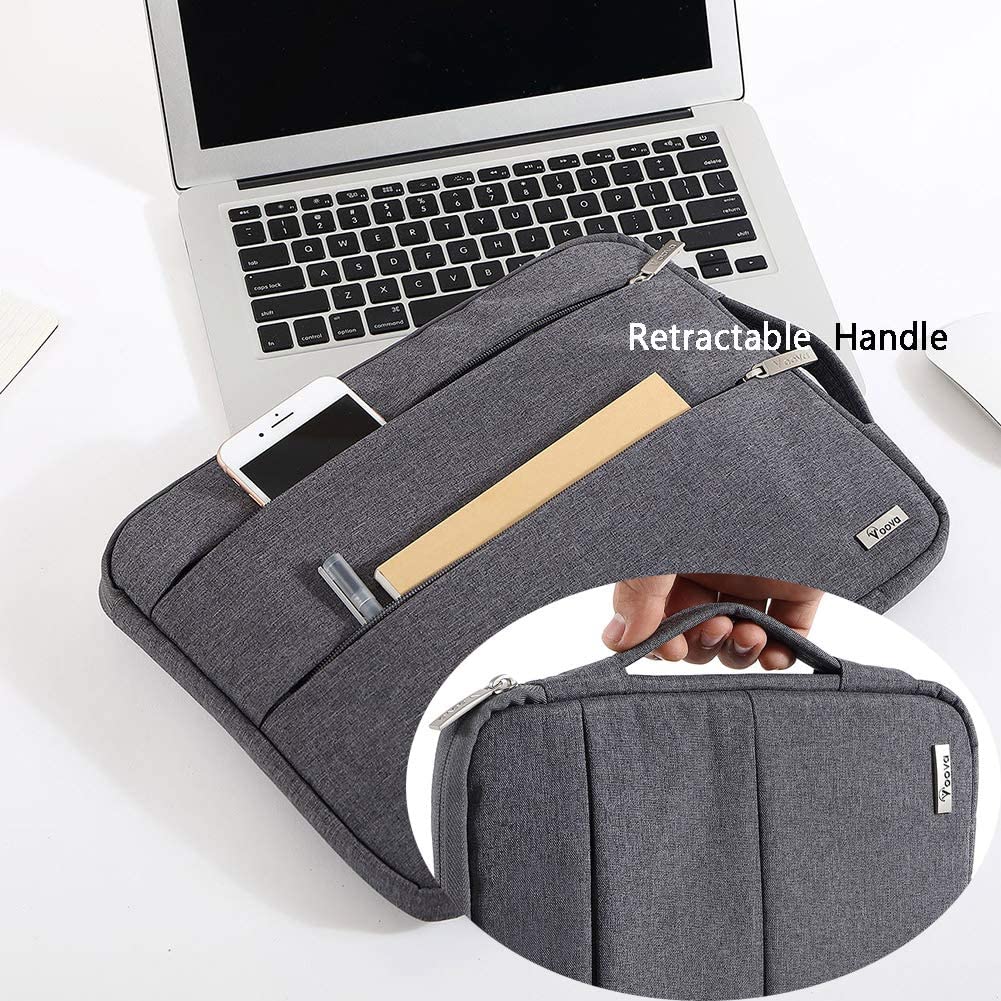
Retractable Hidden Handle Waterproof Multi-Pocket Laptop Sleeve
Related Article


If you still use your iPad Mini 2 for note-taking, reading or light work, finding a well-fitted case with keyboard can feel tricky. Many universal keyboard cases either do not fit the iPad Mini 2 properly or have flimsy keys that break quickly. This guide breaks down what to look for in an iPad Mini 2 case with keyboard, and introduces our reliable Vorkycase option.
iPad Mini 2 Case with Keyboard

Connecting an iPad keyboard case should be quick and effortless, but many users run into pairing failures, lag, or no connection at all. Most connection issues are not device faults — they are simply caused by incorrect setup. This honest, easy-to-follow guide covers the two most common connection methods for all iPad keyboard cases, plus quick fixes for frequent problems.
How to connect ipad keyboard case
