
How to Take Off an iPad Case | Easy Step-by-Step Guide
author: Levi
2026-05-27
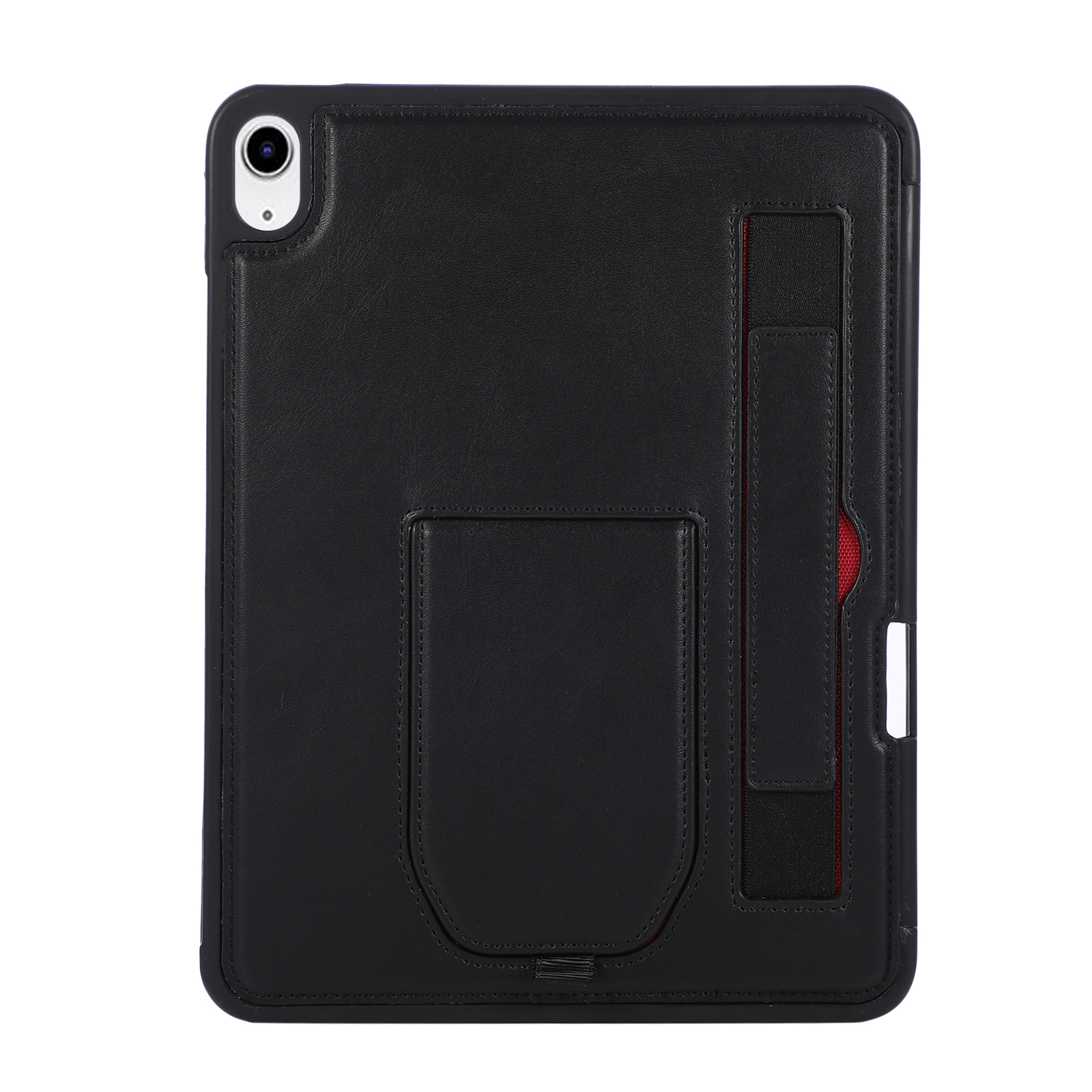
How to Remove Different Types of iPad Cases
1. Soft Silicone & TPU Cases
These flexible cases are the easiest to take off.
- Start from one top corner of your iPad.
- Gently pull the edge of the case outwards with your fingertips.
- Once the corner pops free, work your way around the sides.
- Lift the remaining corners and slide the iPad out slowly.
Tip: Do not use sharp tools — they can scratch your screen or body.
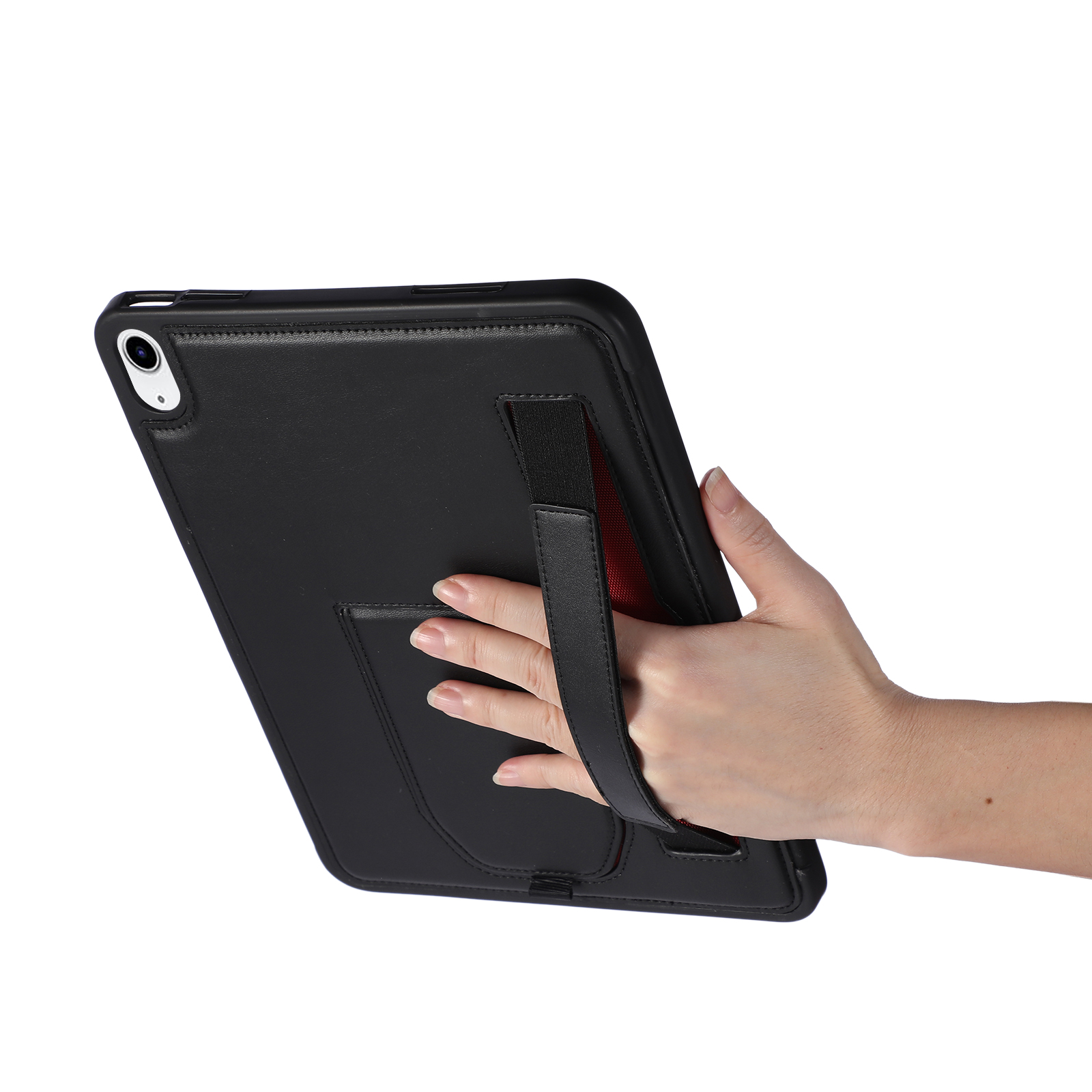
2. Rigid Hard Plastic Cases
These snap-on cases require a little more care.
- Locate the seam where the top and bottom parts meet.
- Use your thumb to push one of the bottom corners inwards.
- Once the corner is released, carefully work the plastic away from the device.
- Move to the opposite corner and repeat the process.
- Once both bottom corners are free, lift the iPad out of the top part.
Tip: Do not force it. If it feels stuck, double-check for hidden tabs or locks.

3. Leather & Folio Keyboard Cases
These often have a tight-fitting TPU or plastic inner shell.
- Open the folio cover and lay it flat on a surface.
- Start with the corner opposite the hinge. Gently pull the inner shell away from the iPad.
- Work your way around each corner, being careful not to overbend the leather.
- Once all corners are released, slide the iPad out from the side of the case.
Tip: For keyboard cases, disconnect any magnetic or wired components first.
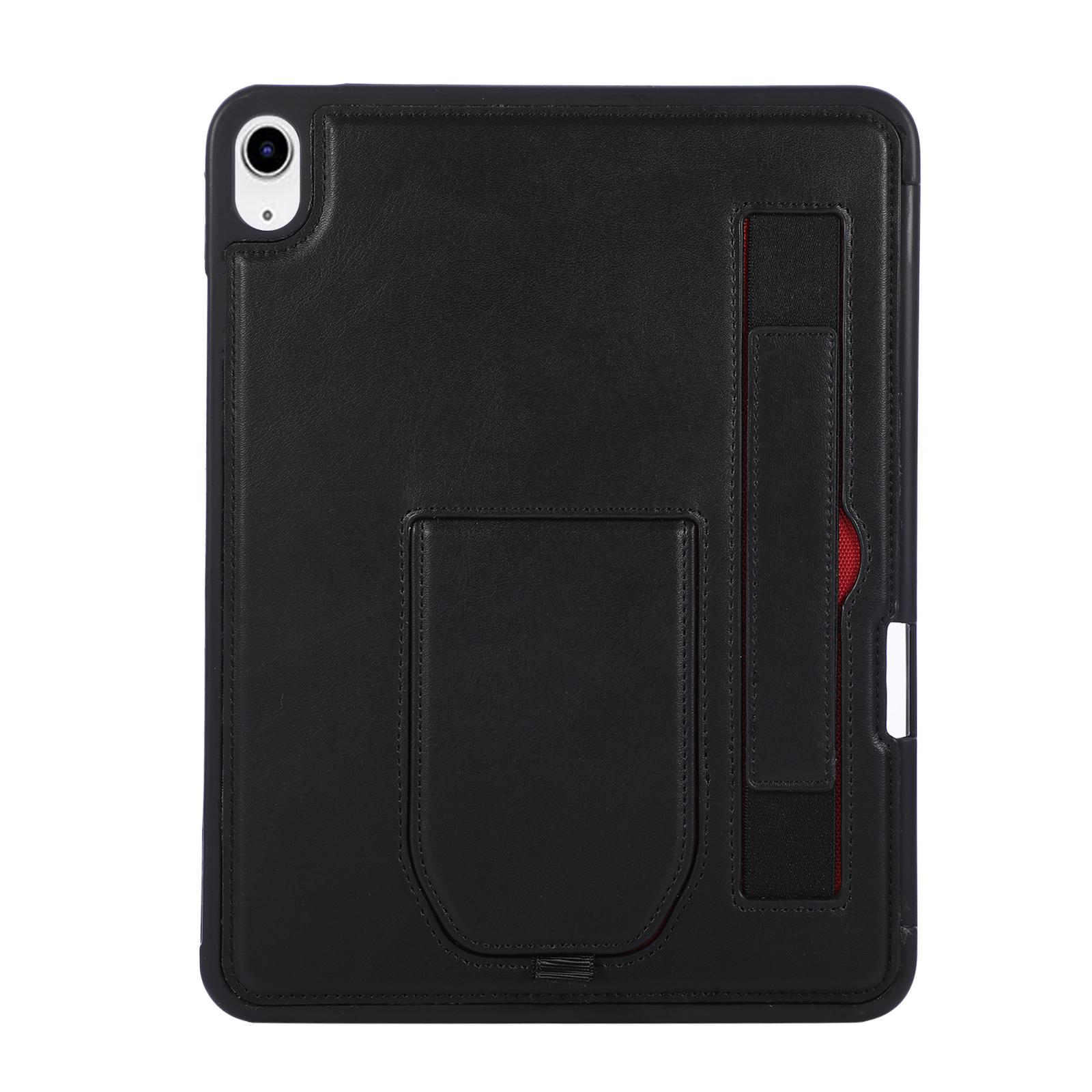
4. Rugged Heavy-Duty Cases
These multi-layer cases often come with clips and latches.
- Lay the case flat and identify any clips or latches around the edges.
- Unclip any securing tabs, usually found on the bottom or side.
- Gently pry the front and back layers apart using your fingers.
- Once the layers are separated, lift the iPad out of the inner protective shell.
Tip: Refer to the manufacturer’s guide for any special unlocking mechanisms.
General Safety Tips
- Avoid sharp objects: Never use knives, screwdrivers or keys to pry the case open.
- Work on a soft surface: Place your iPad on a towel or cloth to prevent scratches.
- Take your time: Rushing can lead to cracked corners or scratches.
- Check for obstructions: Ensure no cables or accessories are connected before removal.
By following these simple steps, you can safely remove any type of iPad case without damaging your device.


iPad Transparent Foldable Stand Case: Style & Function in One
How to Take Off an iPad Case?
Related Article


If you still use your iPad Mini 2 for note-taking, reading or light work, finding a well-fitted case with keyboard can feel tricky. Many universal keyboard cases either do not fit the iPad Mini 2 properly or have flimsy keys that break quickly. This guide breaks down what to look for in an iPad Mini 2 case with keyboard, and introduces our reliable Vorkycase option.
iPad Mini 2 Case with Keyboard

Connecting an iPad keyboard case should be quick and effortless, but many users run into pairing failures, lag, or no connection at all. Most connection issues are not device faults — they are simply caused by incorrect setup. This honest, easy-to-follow guide covers the two most common connection methods for all iPad keyboard cases, plus quick fixes for frequent problems.
How to connect ipad keyboard case
