
A Case for a Tablet
author: Eliza
2026-04-09

A Case for a Tablet: Why It’s Essential & How to Choose the Right One
If you own a tablet, a good case isn’t just an optional accessory—it’s a must-have to keep your device safe, functional, and looking its best. Let’s be real: tablets are slippery, prone to scratches, and easy to drop, whether you’re using it at home, in the office, or on the go. This guide cuts through the hype, sharing simple, honest advice on why a tablet case matters and how to pick one that fits your needs—plus, a trusted option that checks all the boxes: Vorkycase.
Why Every Tablet Needs a Case (It’s Not Just About Protection)
Most people think a tablet case is only for protection—and while that’s a big part of it, it does so much more. A quality case enhances your tablet experience in ways you might not expect:
-
Shield Against Daily Damage: Even small drops, scrapes against a bag, or dust buildup can ruin your tablet’s screen or body. A case adds a buffer to prevent costly repairs.
-
Boost Functionality: Many cases come with built-in stands for hands-free viewing or typing, card slots for convenience, or even keyboard attachments to turn your tablet into a mini laptop.
-
Reflect Your Style: Whether you prefer sleek and professional, casual and colorful, or minimal and understated, a case lets you personalize your tablet without compromising on practicality.
-
Prolong Your Tablet’s Life: A well-made case keeps your tablet in good condition, so it lasts longer—saving you money on a replacement down the line.
How to Choose the Right Tablet Case (No Overcomplicating It)
With so many options out there, picking a tablet case can feel overwhelming. But it doesn’t have to be—focus on these three simple factors, and you’ll find the perfect fit:
-
Fit First: Always choose a case made specifically for your tablet model. Generic cases won’t align with ports, cameras, or buttons, making them useless (and frustrating to use).
-
Pick Your Protection Level: If you’re hard on devices (e.g., kids, travel), go for a rugged, shockproof case. If you just want basic protection for everyday use, a slim silicone or leather case works great.
-
Think About How You Use It: Do you use your tablet for work? A folio case with a keyboard is ideal. For casual use at home? A lightweight, soft-touch case is perfect. Prioritize what matters most to you.
Vorkycase: Your Go-To for Quality Tablet Cases
When it comes to finding a reliable, well-made tablet case, Vorkycase stands out for all the right reasons. With 15 years of manufacturing experience, we design tablet cases that balance protection, functionality, and style—perfect for real-life use.
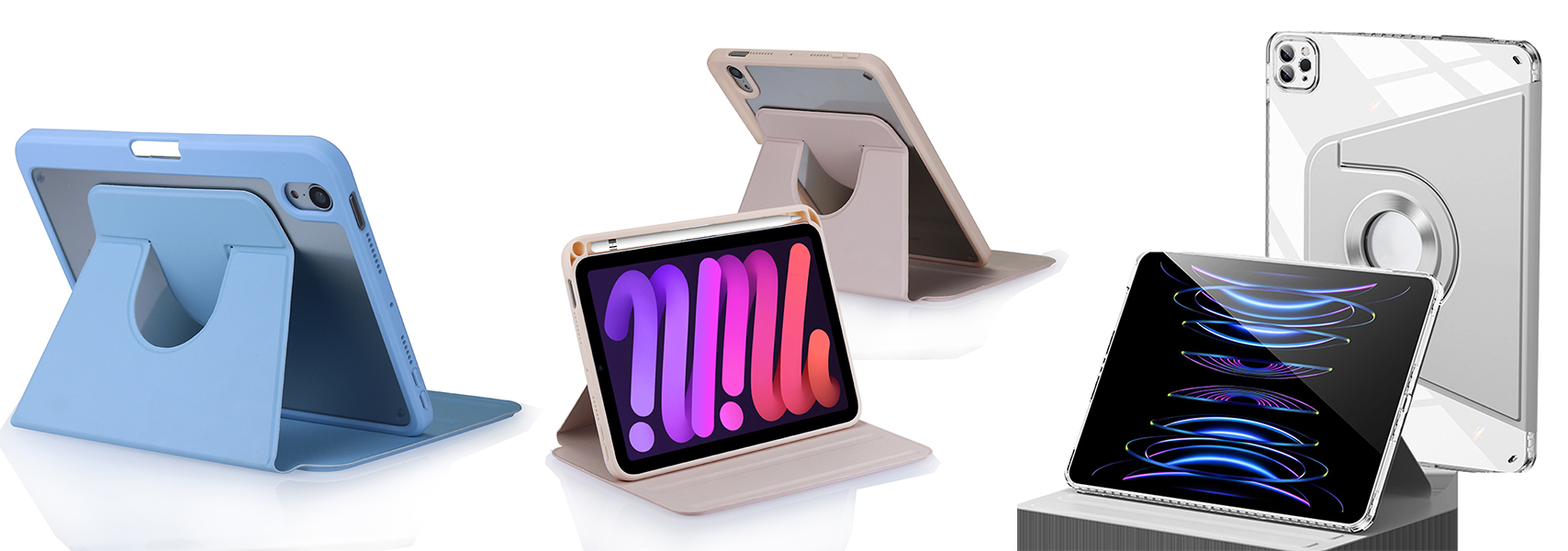
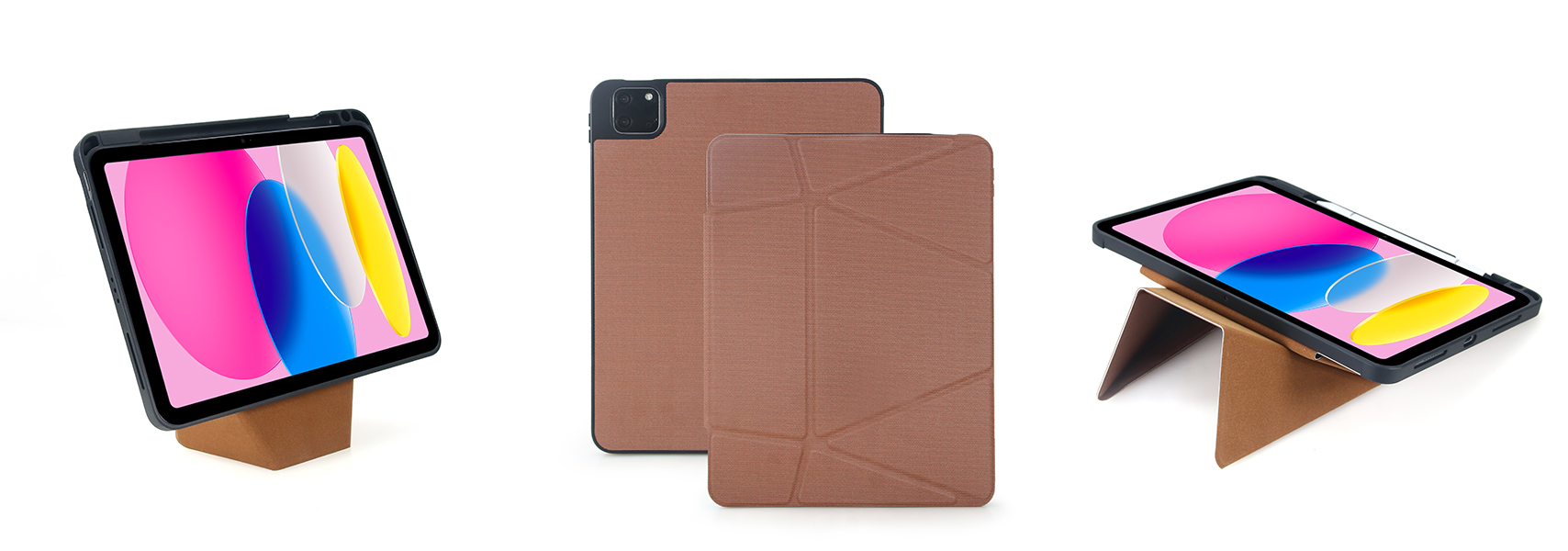
Our tablet cases are crafted with premium materials (silicone, leather, durable fabrics) that feel comfortable in your hand and stand up to daily wear. We offer a range of styles: slim daily cases, rugged protective cases, folio keyboard cases, and even customizable options (logos, colors, materials) for personal or business use.
Beyond tablet cases, we also make high-quality phone cases, tablet keyboard cases, and digital accessories—all with strict quality control, on-time delivery, and a focus on customer satisfaction. We don’t cut corners; we build cases that work as hard as you do.

Final Thought
A great tablet case is more than just a protective layer—it’s a practical addition to your daily routine. It should be easy to use, durable, and tailored to how you use your tablet. If you’re looking for a trusted brand that delivers on quality and value, Vorkycase has you covered.


The Ultimate Guide to Choosing the Perfect MagSafe Flip Wallet Phone Case
How to Connect an iPad Keyboard Case?
Related Article


If you still use your iPad Mini 2 for note-taking, reading or light work, finding a well-fitted case with keyboard can feel tricky. Many universal keyboard cases either do not fit the iPad Mini 2 properly or have flimsy keys that break quickly. This guide breaks down what to look for in an iPad Mini 2 case with keyboard, and introduces our reliable Vorkycase option.
iPad Mini 2 Case with Keyboard

Connecting an iPad keyboard case should be quick and effortless, but many users run into pairing failures, lag, or no connection at all. Most connection issues are not device faults — they are simply caused by incorrect setup. This honest, easy-to-follow guide covers the two most common connection methods for all iPad keyboard cases, plus quick fixes for frequent problems.
How to connect ipad keyboard case
