
How to Make a Tablet Case?
author: Eliza
2026-05-06

How to Make a Tablet Case: 2 Simple Ways (No Fancy Tools Needed)
Let’s be real: most of us search “how to make a tablet case” because we want something that’s actually ours—no generic designs, no flimsy materials, and exactly the features we need. You don’t have to be a craft expert or own a factory to get a great custom case. Below are the two most practical ways to make a tablet case, for both personal fun and professional use.
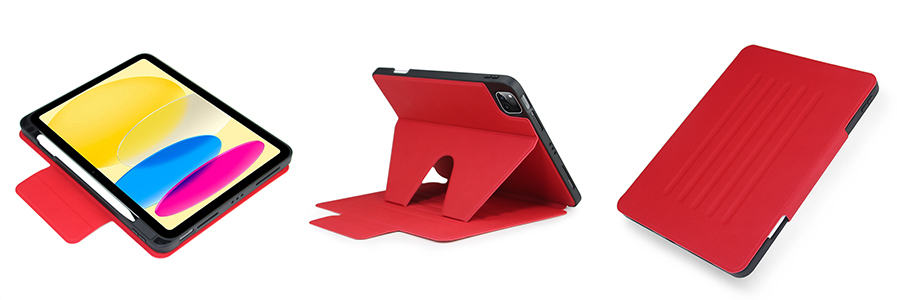
1. Quick DIY Tablet Case (For Casual Personal Use)
If you just want a one-off, fun case to use at home, you can make one with items you probably already have. This is great for kids’ crafts or temporary use, but keep in mind it won’t offer heavy-duty protection.
What you’ll need:
- An old thick fabric (denim jeans, felt, or a cotton towel work best)
- Hot glue gun
- Scissors
- A ruler
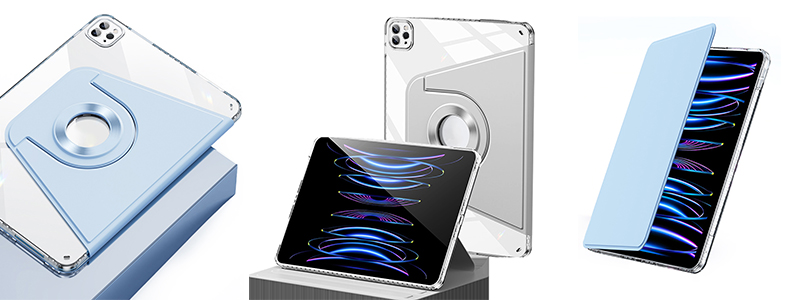
3 easy steps:
- Lay your tablet flat on the fabric and trace around it, adding 2cm extra on all sides for padding. Cut out two identical pieces.
- Glue three sides of the two pieces together, leaving the top open to slide your tablet in. Add a small strip of fabric as a closure if you want.
- For a basic stand, glue a folded piece of fabric to the back—this lets you prop your tablet up for watching videos.
Pro tip: DIY cases work for light use, but they won’t protect against drops, spills, or daily wear. If you need something durable or want to make multiple cases, skip the DIY and go for professional customisation.

2. Professional Custom Tablet Case (For Durability & Bulk Orders)
If you want a case that actually lasts, or need cases for your business, team, or resale, the best way to “make” a tablet case is to work with a trusted manufacturer. They handle all the hard work—design, production, quality control—and you get a perfect, professional product.
How it works (no experience needed):
- Define your needs: Pick your tablet model, material (silicone, leather, fabric), and features (stand, card slot, keyboard attachment).
- Share your design: Send your logo, artwork, or colour preferences. Most factories can do silk printing, embossing, or custom patterns.
- Approve a sample: A good factory will send you a physical sample to check fit, quality, and design before bulk production.
- Place your order: Once the sample is approved, they’ll produce your cases and ship them to you.

Vorkycase: Your Go-To for Custom Tablet Cases
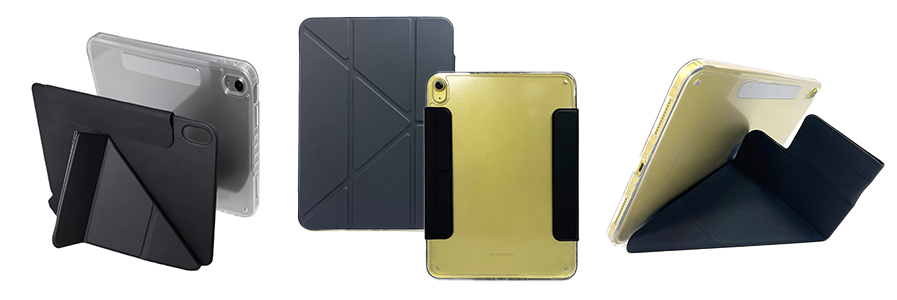
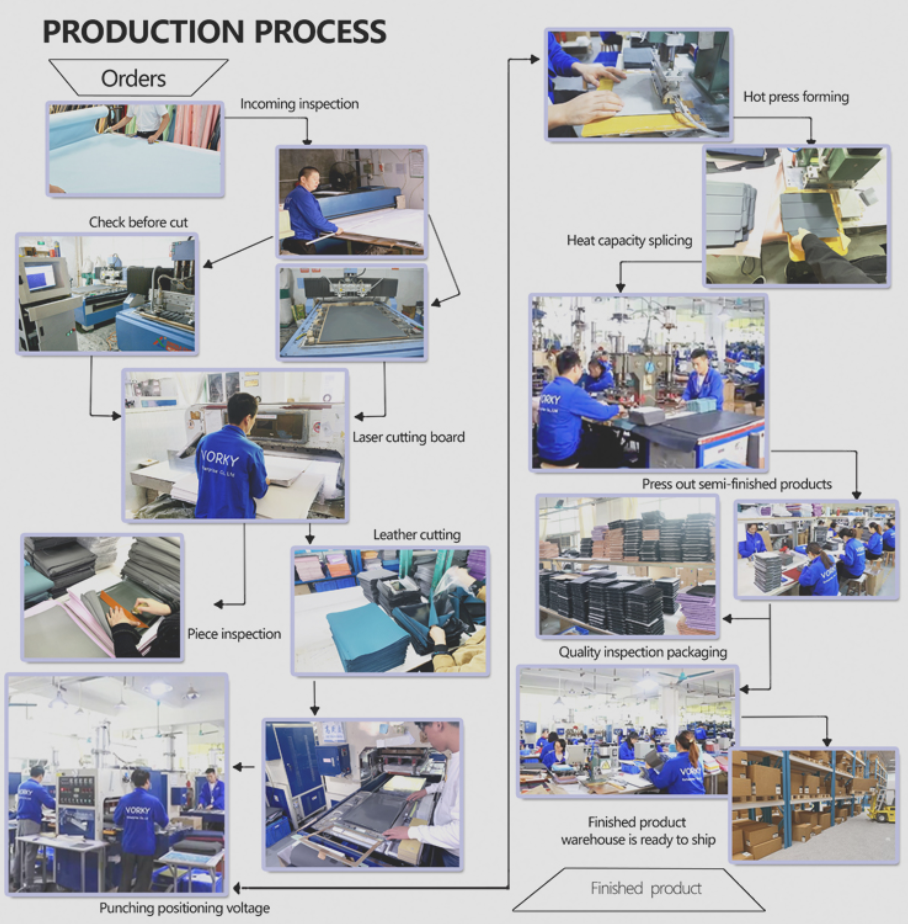
At Vorkycase, we’ve been making high-quality tablet cases for 15 years, and we make the custom process simple and stress-free. Unlike random online sellers, we own our entire production line—including an in-house sample room and mold shop—so we can turn your ideas into reality quickly and accurately.
We offer full customisation options:
- Logo printing (silk screen, embossed, woven labels)
- Eco-friendly GRS materials, premium leather, and durable fabrics
- Custom colours, patterns, and functional designs
- Bulk orders for businesses, retailers, and brands
All our cases go through strict quality checks by our dedicated QC team, and we ship worldwide on time from our Shenzhen factory (close to Yantian Port for fast international delivery). We also make tablet keyboard cases, phone cases, and laptop bags—all with the same attention to detail.
Final Thought
Making a tablet case doesn’t have to be complicated. If you want a fun weekend project, try the DIY method. But if you want a durable, professional case that fits perfectly and lasts for years, Vorkycase is here to help. We take the hassle out of custom production, so you can get exactly the tablet case you want.

galaxy tab s10 / a8 lite fit ipad cases
What to Look for in an iPad Leather Case
Related Article


If you still use your iPad Mini 2 for note-taking, reading or light work, finding a well-fitted case with keyboard can feel tricky. Many universal keyboard cases either do not fit the iPad Mini 2 properly or have flimsy keys that break quickly. This guide breaks down what to look for in an iPad Mini 2 case with keyboard, and introduces our reliable Vorkycase option.
iPad Mini 2 Case with Keyboard

Connecting an iPad keyboard case should be quick and effortless, but many users run into pairing failures, lag, or no connection at all. Most connection issues are not device faults — they are simply caused by incorrect setup. This honest, easy-to-follow guide covers the two most common connection methods for all iPad keyboard cases, plus quick fixes for frequent problems.
How to connect ipad keyboard case
