
Split Detachable Keyboard Folio Case With Top Pencil Slot
author: Levi
2026-06-05
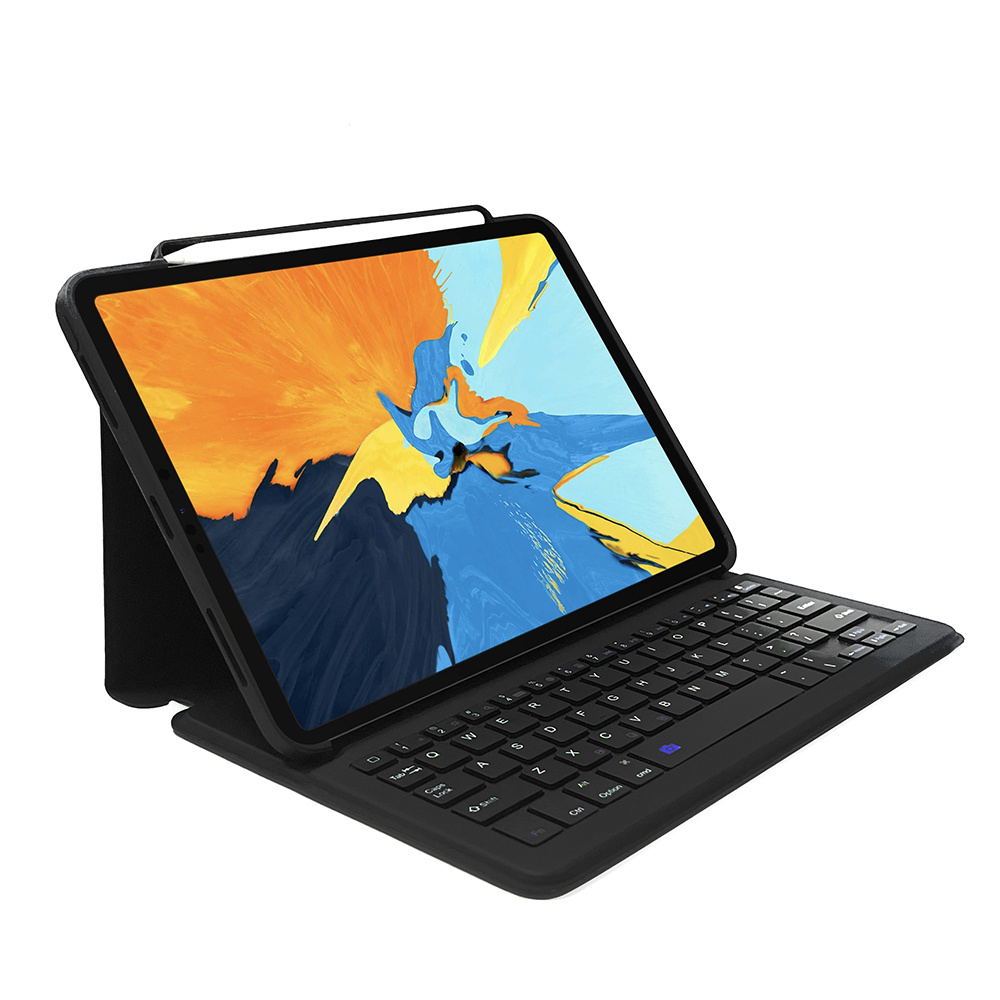
Core Product Features
1. Fully Detachable Split Keyboard Structure
Bluetooth keyboard can be completely detached from the protective leather case, attach to folio for desktop office typing, separate keyboard to use as independent external keypad, remove keyboard-only folio for lightweight daily tablet carry, three flexible usage modes for work, study and leisure.
2. Exclusive Top Pencil Fixed Storage Holder
Built-in horizontal pen slot on the top edge of front cover to stably fix stylus, prevent Apple Pencil rolling off and missing, realize tablet + stylus integrated portable storage for instant note-taking and hand drawing.
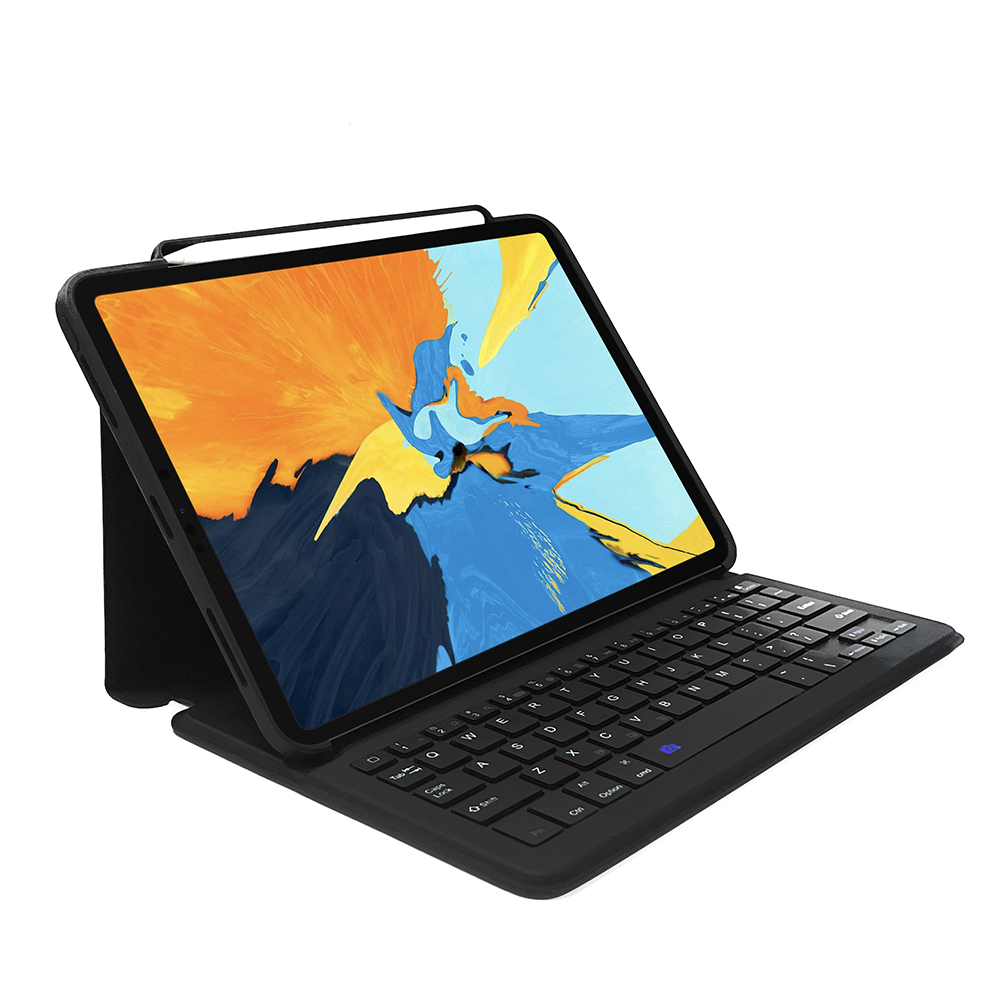
3. Origami Multi-Angle Foldable Kickstand
Folio cover adopts folded indent craft to form adjustable triangular stand, freely switch multiple viewing & typing tilt angles to reduce neck strain during long-time document editing and online class learning.
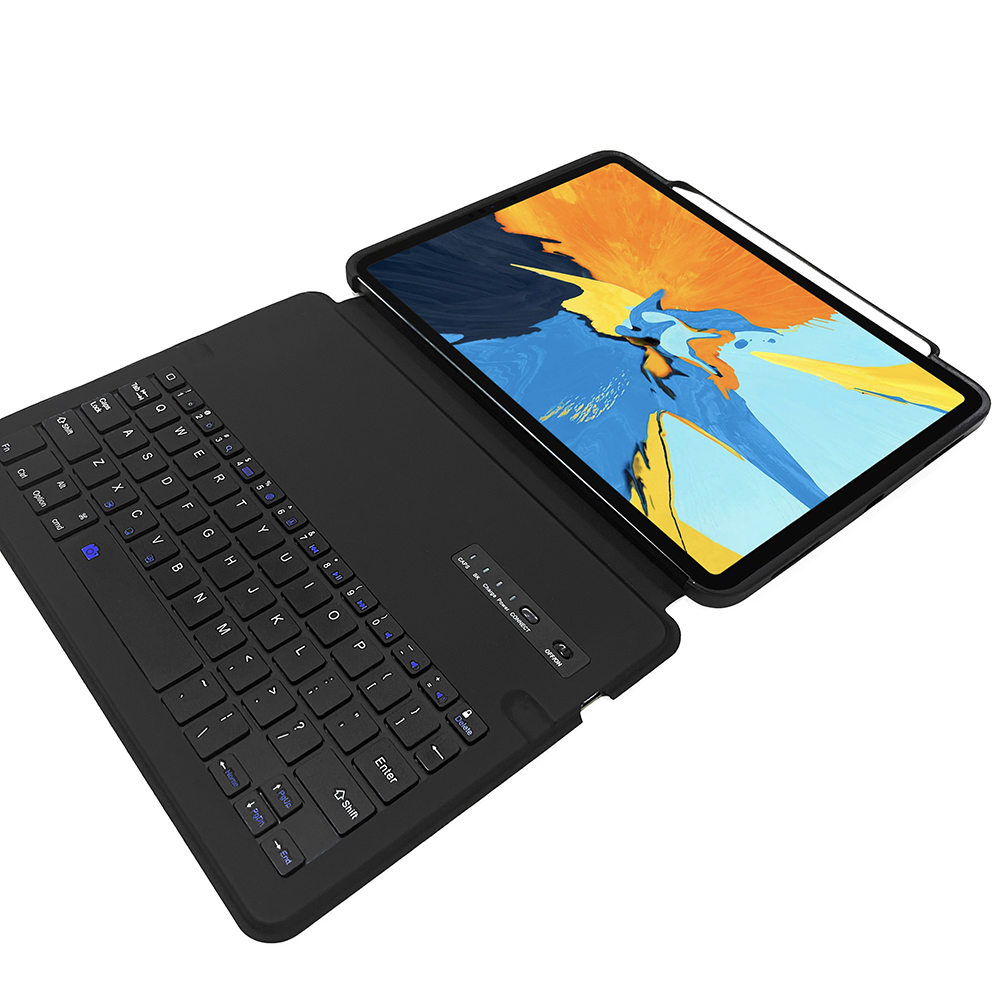
4. Stable Low-Power Bluetooth Scissor-Switch Keyboard
Optimized scissor-switch silent keys with system shortcut function keys, fast one-step Bluetooth pairing with tablet; built-in rechargeable lithium battery inside keyboard for long standby endurance, equipped with independent power switch and charging port.
5. Wear-Resistant PU Leather Precise Cutout Shell
Smooth anti-fingerprint PU outer cover paired with soft scratch-proof inner lining, accurate original-device mold cutouts fully align with camera, buttons and speaker holes without blocking any device functions, wrap four corners for anti-drop buffer.
Cost-effective multi-functional tablet accessory suitable for students and mobile office users.

Magnetic Split Detachable Touchpad Keyboard Tablet Folio Case
180° Rotary Round Key Integrated Touchpad Keyboard iPad Case
Related Article


If you still use your iPad Mini 2 for note-taking, reading or light work, finding a well-fitted case with keyboard can feel tricky. Many universal keyboard cases either do not fit the iPad Mini 2 properly or have flimsy keys that break quickly. This guide breaks down what to look for in an iPad Mini 2 case with keyboard, and introduces our reliable Vorkycase option.
iPad Mini 2 Case with Keyboard

Connecting an iPad keyboard case should be quick and effortless, but many users run into pairing failures, lag, or no connection at all. Most connection issues are not device faults — they are simply caused by incorrect setup. This honest, easy-to-follow guide covers the two most common connection methods for all iPad keyboard cases, plus quick fixes for frequent problems.
How to connect ipad keyboard case
