
Dual-Pocket Shockproof Neoprene Laptop Sleeve
author: Levi
2026-06-03
Core Product Features
1. Independent Dual Pocket Storage
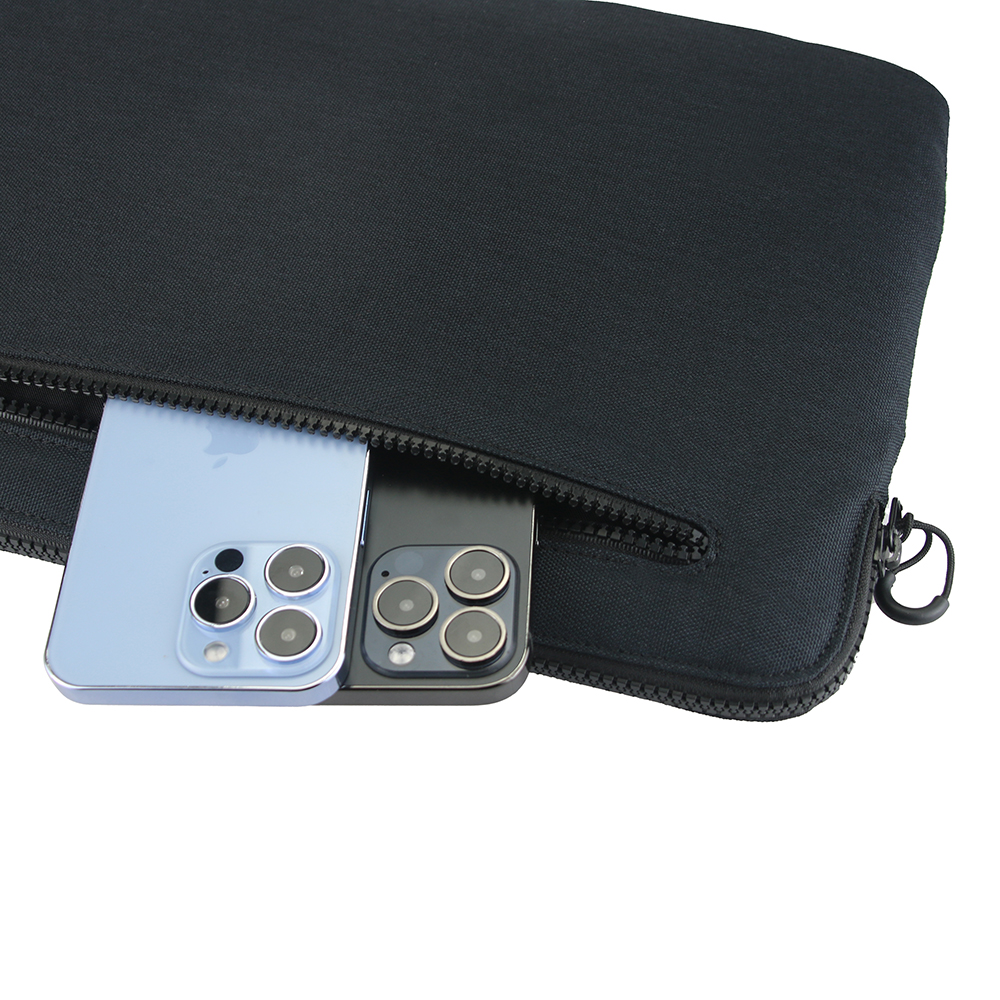
Main large compartment holds laptops securely; extra front zippered pocket separately stores mobile phones, charging adapters, earbuds, pens and small accessories, avoiding messy mixed storage and quick access to daily gadgets.
2. Shock-Absorbent Neoprene Material
Elastic thickened neoprene inner lining delivers excellent cushioning against accidental drops, bumps and extrusion, effectively shielding notebook edges and corners from collision damage. Outer woven fabric features water repellent & anti-wear performance to block daily splash, dust and surface abrasion.
3. Durable Custom Zipper Design
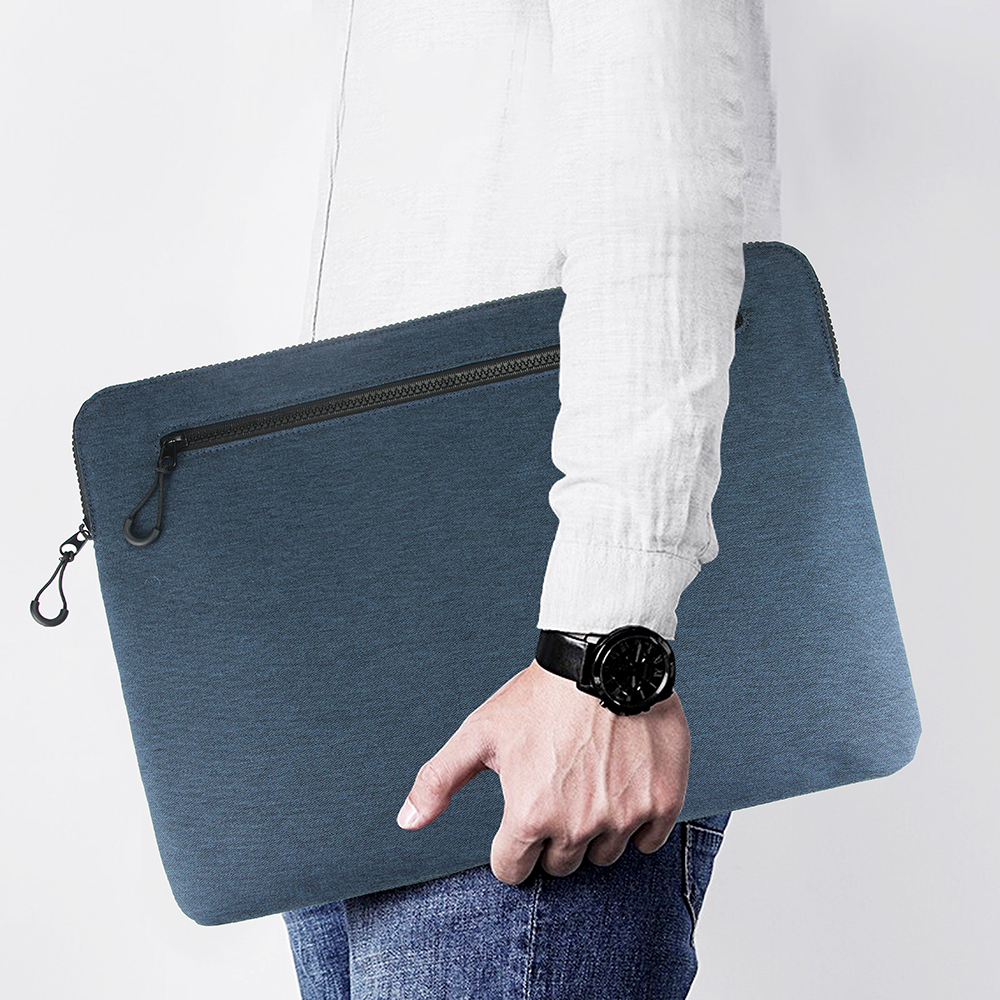
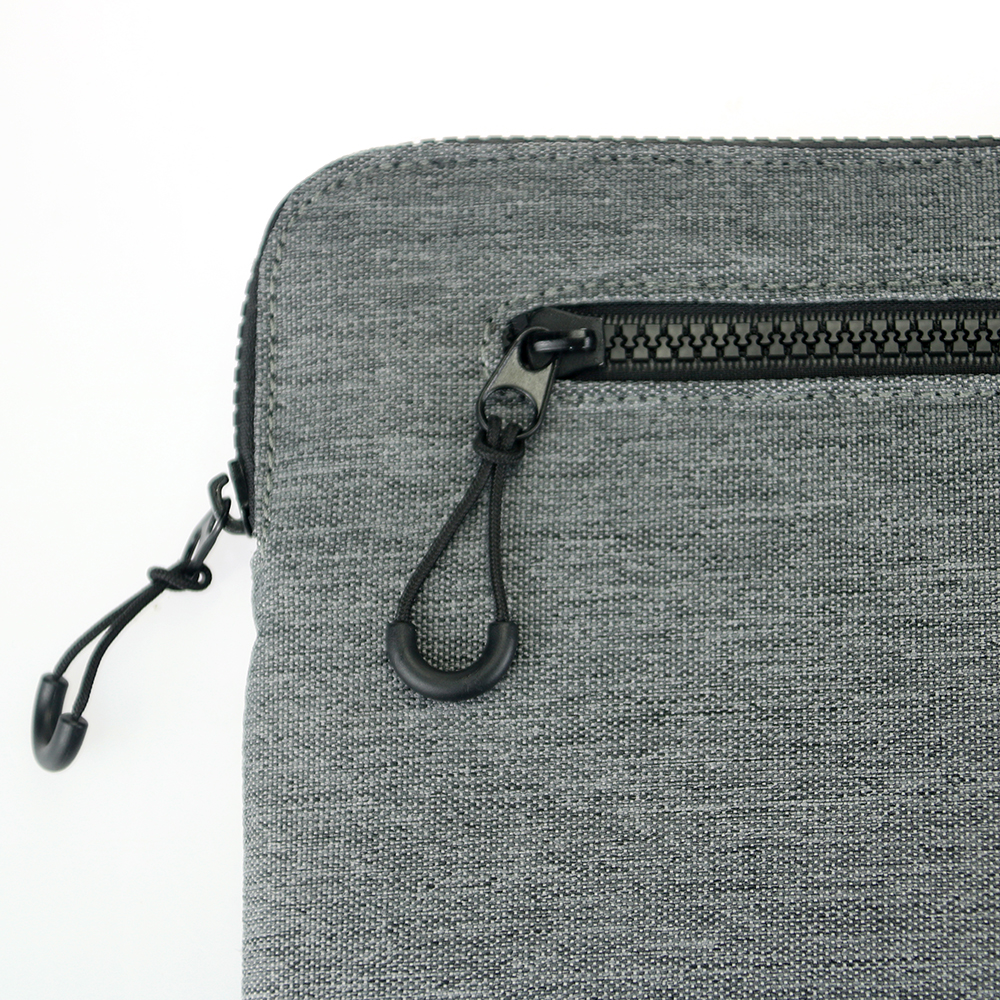
High-quality smooth metal zippers paired with flexible rubber pull tabs, slide smoothly without jamming for long-term frequent opening and closing. Curved rounded pouch edge with fine tight stitching prevents fabric fraying and improves overall durability.
4. Ultra-Slim Portable Outline
Streamlined compact shape won’t take extra space, can be easily slipped into backpacks, briefcases or tote bags without bulk burden for on-the-go carry.
5. Multiple Classic Color Options
Available in navy blue, dark gray and pure black three neutral tones, matching diverse daily outfits and business styles, compatible with most mainstream laptop sizes.
Designed for office clerks, students and frequent travelers looking for cost-effective all-round laptop daily protection.

Magnetic Flap Water-Resistant Fabric Laptop Sleeve
3-in-1 Multifunctional Waterproof Leather Laptop Sleeve
Related Article


If you still use your iPad Mini 2 for note-taking, reading or light work, finding a well-fitted case with keyboard can feel tricky. Many universal keyboard cases either do not fit the iPad Mini 2 properly or have flimsy keys that break quickly. This guide breaks down what to look for in an iPad Mini 2 case with keyboard, and introduces our reliable Vorkycase option.
iPad Mini 2 Case with Keyboard

Connecting an iPad keyboard case should be quick and effortless, but many users run into pairing failures, lag, or no connection at all. Most connection issues are not device faults — they are simply caused by incorrect setup. This honest, easy-to-follow guide covers the two most common connection methods for all iPad keyboard cases, plus quick fixes for frequent problems.
How to connect ipad keyboard case
