
All-in-one Magnetic Touchpad Bluetooth Keyboard Folio Case For Tablet
author: Levi
2026-07-31
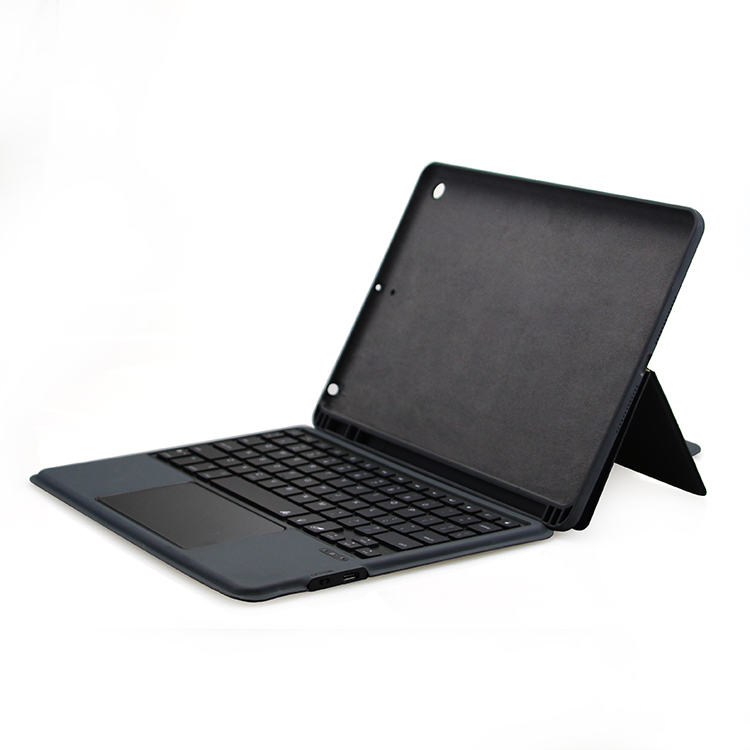
Core Product Highlights
-
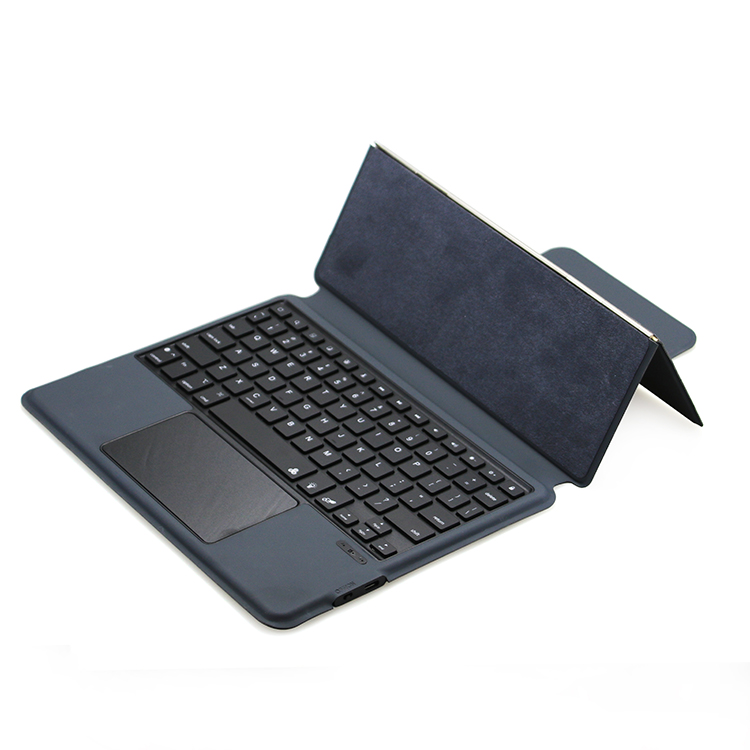
Integrated Keyboard & Large Full-function Touchpad Keyboard and touchpad are integrally fixed on the bottom shell without separate assembly. The spacious touchpad supports complete system gesture operations, replacing the physical mouse to finish page sliding, window switching, zoom and right-click control. Scissor-style keys deliver soft and quiet typing feedback, stable bluetooth pairing brings low power consumption and long standby performance.
-
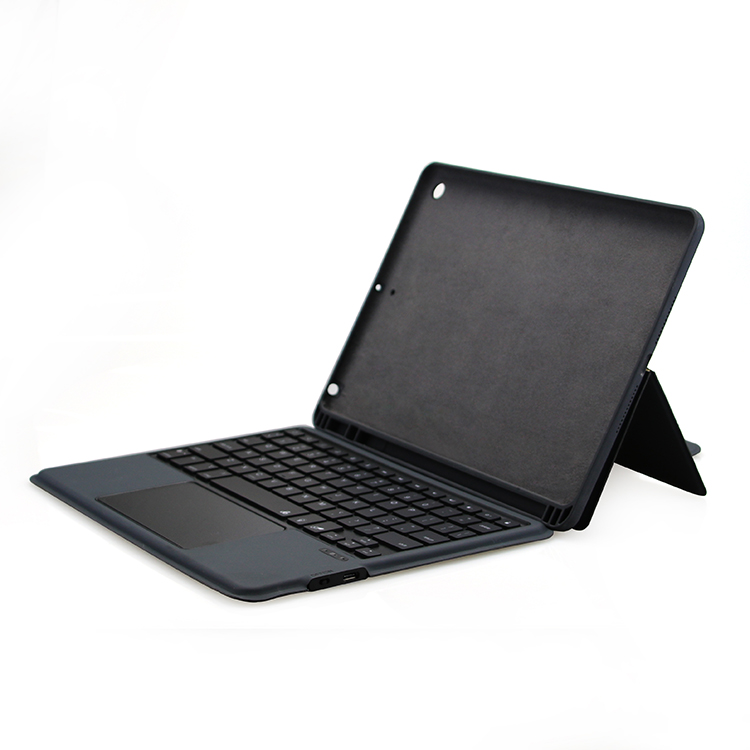
Freely Adjustable Multi-angle Fold Stand The folio back cover adopts segmented folding structure, supporting several stable tilt angles. Users can switch freely between typing posture for document input and horizontal angle for video watching & online classes. The thickened supporting structure avoids shaking and slipping during long-time use.
-
Matte Premium PU Leather & Full-body Anti-drop Protection The exterior uses smooth matte PU material with anti-fingerprint and wear-resistant features. The inner flannel lining wraps the tablet back and screen to buffer impact from falling and extrusion. Side hidden magnetic buckle automatically adsorbs the front cover to prevent accidental opening during outdoor carrying.
-
Integrated Charging Port & Humanized Structure Reserved independent Type-C charging port on the keyboard side, users can charge the keyboard without removing the whole case. The overall wrapped soft shell protects the tablet frame comprehensively against daily bumps and abrasion.
-
Authoritative Global Qualification Certificates The product is certified by CE, FCC, ROHS, UKCA and SGS international standard tests. Stable product quality complies with mainstream market access rules globally, safe and durable for long-term daily use.

Detachable Bluetooth Keyboard Folio Protective Case For iPad With Pencil Storage Slot
RGB Backlit Touchpad Detachable Keyboard Folio Case For iPad
Related Article


If you still use your iPad Mini 2 for note-taking, reading or light work, finding a well-fitted case with keyboard can feel tricky. Many universal keyboard cases either do not fit the iPad Mini 2 properly or have flimsy keys that break quickly. This guide breaks down what to look for in an iPad Mini 2 case with keyboard, and introduces our reliable Vorkycase option.
iPad Mini 2 Case with Keyboard

Connecting an iPad keyboard case should be quick and effortless, but many users run into pairing failures, lag, or no connection at all. Most connection issues are not device faults — they are simply caused by incorrect setup. This honest, easy-to-follow guide covers the two most common connection methods for all iPad keyboard cases, plus quick fixes for frequent problems.
How to connect ipad keyboard case
