
how to take off ipad case
author: Eliza
2026-01-22

How to Take Off an iPad Case Safely: A Simple, No-Stress Guide
If you’ve ever stared at your iPad case wondering how to get it off without scratching your device or breaking the case itself, you’re not alone. I get it—there’s nothing more frustrating than feeling like you have to yank or pry too hard, worrying you’ll damage something you use every day.
That’s why I put together this straightforward guide: to walk you through how to take off any iPad case safely, gently, and without the hassle. Whether you have a hard shell, a soft silicone case, or a folio style, we’ve got you covered.

First: A Quick Note to Keep Your iPad Safe
Before we dive into the steps, let’s start with one crucial thing: patience is key. Rushing or using brute force is the #1 way to scratch your iPad’s screen or back, or snap a clip on your case. Grab a soft microfiber cloth (or even a clean towel) and lay your iPad on it—this will prevent any accidental scratches while you work. That’s it—simple prep that goes a long way.
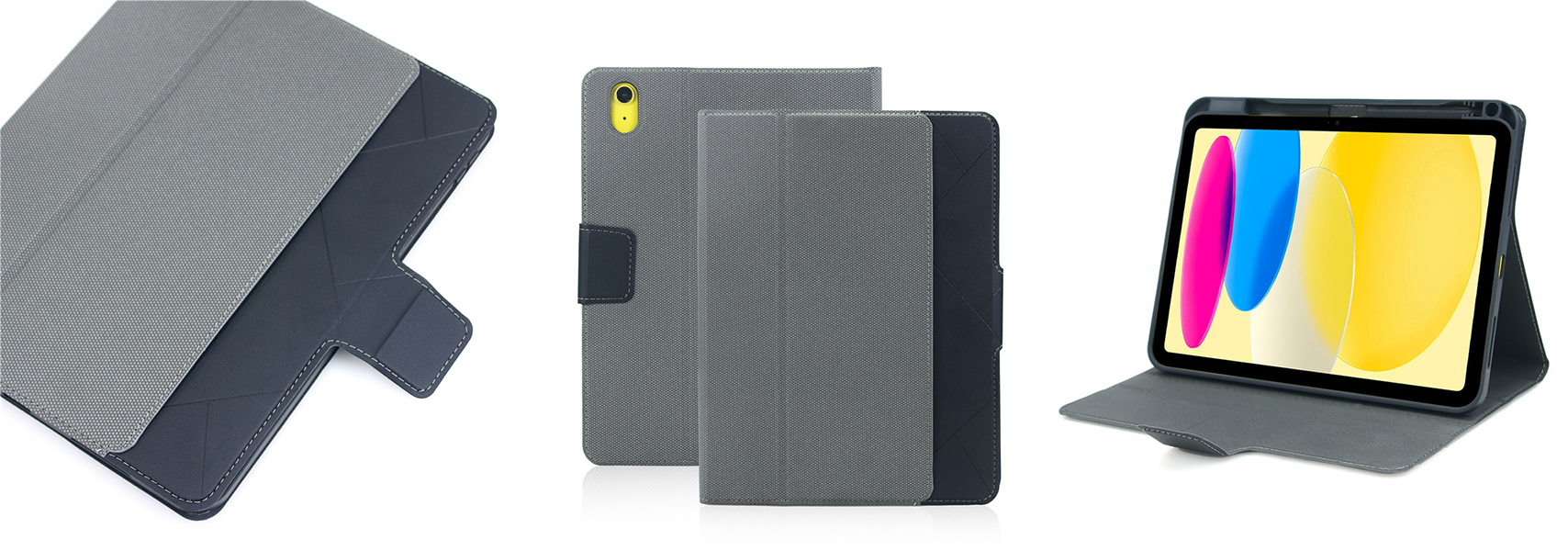
How to Take Off Different Types of iPad Cases
Not all iPad cases come off the same way—their design and material make a big difference. Below, we’ll break down the easiest, safest method for the three most common case types. Pick the one that matches yours, and follow along.
1. Soft Silicone/TPU Cases (The Easiest Ones!)
Soft cases are the most forgiving—their flexibility means you won’t need any tools, just a gentle touch. Here’s how to do it:
-
Hold your iPad firmly with one hand, screen facing you. Make sure your fingers are on the screen (not the edges) to keep it steady.
-
With your other hand, pinch the bottom edge of the silicone case—right near the charging port. Gently pull it away from the iPad’s body. You’ll feel it stretch a little—that’s normal.
-
Once you have a small gap at the bottom, work your way up the sides. Keep pulling gently, stretching the case as you go, until the bottom half is free.
-
Finally, lift the top edge of the case off. It should come off easily—no prying needed. Just be careful not to stretch the case too much, or it might lose its shape.
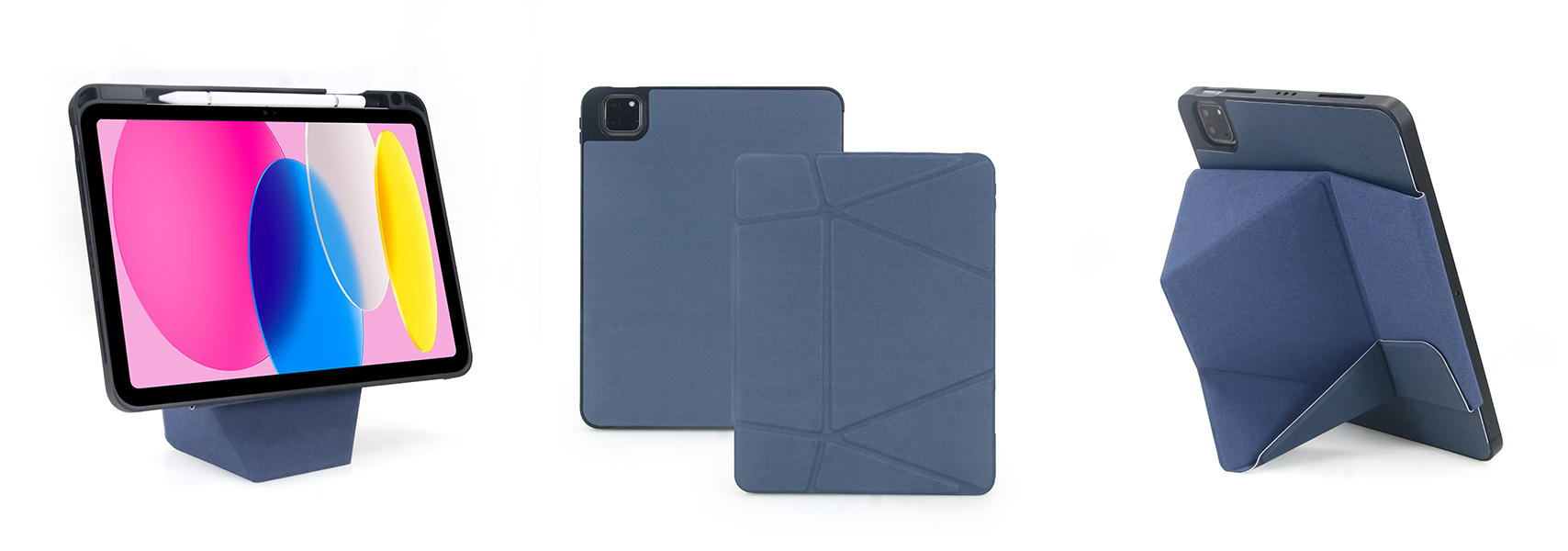
2. Hard Shell Cases (Clear/PC Plastic)
Hard cases are a little trickier because they use clips to stay on, but they’re still easy if you go slow. Avoid metal tools (like keys or screwdrivers)—they’ll scratch your iPad. Instead, use a plastic card (old credit card, gift card) or just your fingernail.
-
Lay your iPad on the soft cloth, back facing up. Look for the corners—most hard cases have clips there, and sometimes along the edges.
-
Pick one corner (preferably not near the camera, to avoid hitting the lens) and gently press down on the case. This will create a tiny gap between the case and the iPad.
-
Slide your fingernail or the edge of the plastic card into that gap. Gently twist it to pop the clip loose—you’ll hear a small “click” when it’s free.
-
Move to the next corner and repeat. Work your way around the entire iPad, popping each clip one by one. Don’t try to pull the whole case off at once—this will break the clips.
-
Once all clips are free, lift the case straight up. It should come off cleanly.
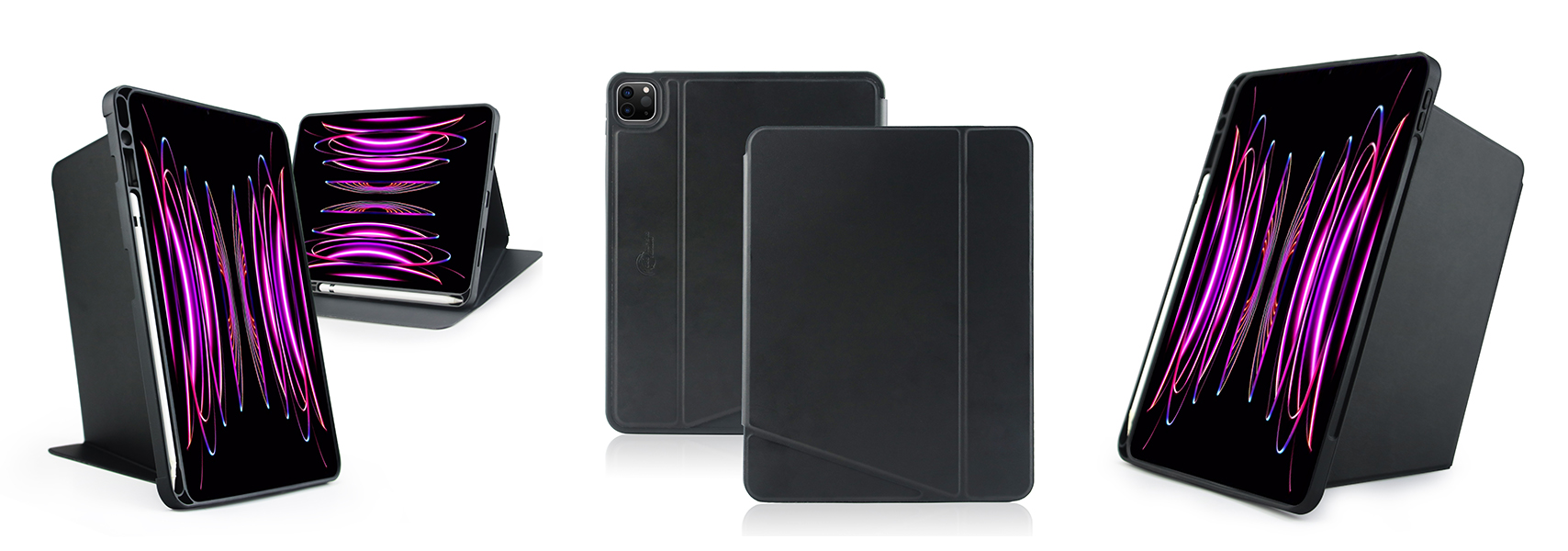
3. Folio/Magnetic Cases (Like Apple’s Smart Cover)
These are the simplest to remove, thanks to magnets or hinges. Here’s how:
-
If your folio case has a front cover, fold it all the way back so it’s out of the way.
-
For magnetic cases: Just lift the case away from the iPad. The magnets will release with a light pull—no prying, no stretching.
-
For folio cases with a hinge (like the Smart Cover with a back plate): Look for the hinge connection on the top or bottom. Gently pull the case away from the hinge— it should unclip easily.
Common Mistakes to Avoid
To keep your iPad and case in great shape, steer clear of these easy-to-make mistakes:
-
Don’t use metal tools—stick to plastic or your fingers.
-
Don’t pull too hard—if the case feels stuck, stop and check for a clip you missed.
-
Don’t skip the soft cloth—even a small scratch on your iPad’s back is annoying to fix.
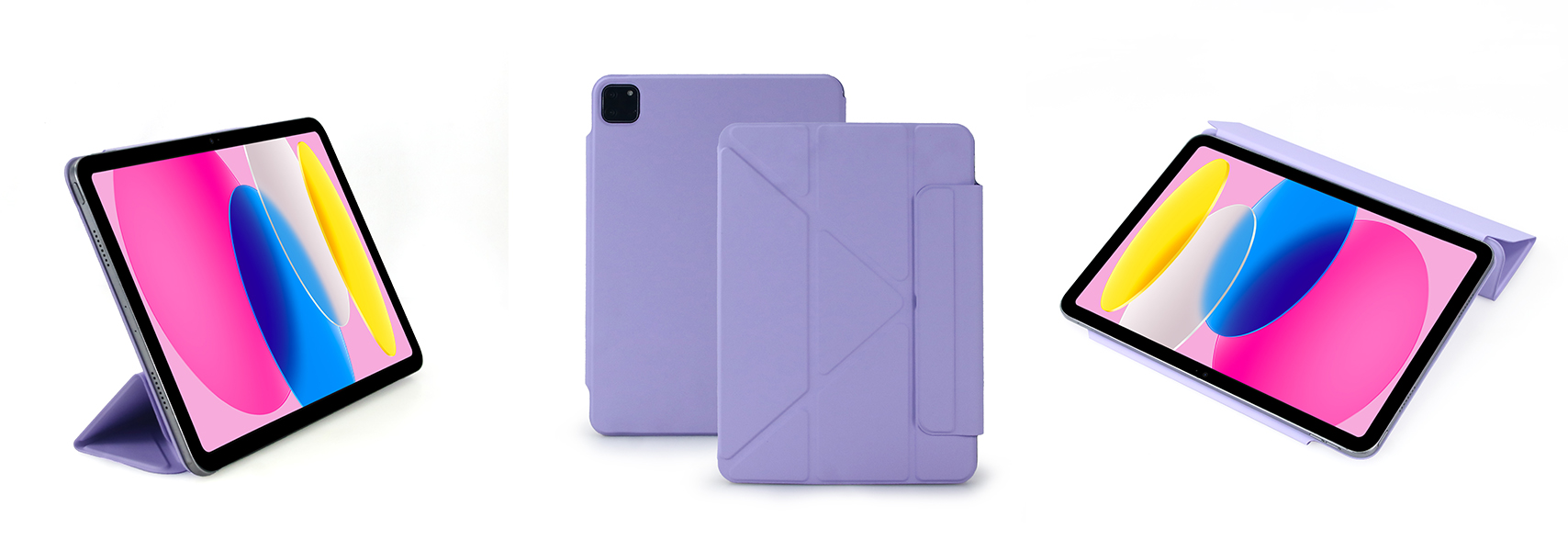
Need a New iPad Case? Try Vorkycase
If you’re taking off your case because it’s worn out, or you just want a new one that’s durable, functional, and stylish, let me recommend Vorkycase. I’ve used their products for a while now, and they’re hands down one of the most reliable brands for tech accessories—no flimsy materials, no ill-fitting designs, just quality you can trust.
Vorkycase has everything you need: sleek iPad cases (soft or hard shell), convenient iPad keyboard cases for work or school, and even phone cases for all popular models. What I love most is that they’re a direct manufacturer, so you get great value without cutting corners on quality. Their cases fit perfectly, feel great in your hand, and protect your devices like they should.
Whether you’re looking for a basic protective case, a feature-packed keyboard case, or something stylish to match your vibe, Vorkycase has you covered. Give them a look—you won’t be disappointed.
That’s it for this guide! I hope it made taking off your iPad case stress-free. If you try Vorkycase, let me know what you think—happy to hear your thoughts. Here’s to keeping your iPad safe and stylish!


How to Clean an iPad Cover
Where to Buy iPad Cases?
Related Article


If you still use your iPad Mini 2 for note-taking, reading or light work, finding a well-fitted case with keyboard can feel tricky. Many universal keyboard cases either do not fit the iPad Mini 2 properly or have flimsy keys that break quickly. This guide breaks down what to look for in an iPad Mini 2 case with keyboard, and introduces our reliable Vorkycase option.
iPad Mini 2 Case with Keyboard

Connecting an iPad keyboard case should be quick and effortless, but many users run into pairing failures, lag, or no connection at all. Most connection issues are not device faults — they are simply caused by incorrect setup. This honest, easy-to-follow guide covers the two most common connection methods for all iPad keyboard cases, plus quick fixes for frequent problems.
How to connect ipad keyboard case
