
iPad 360° Rotating Case with Pencil Holder: All-in-One Versatility
author: Levi
2026-05-28
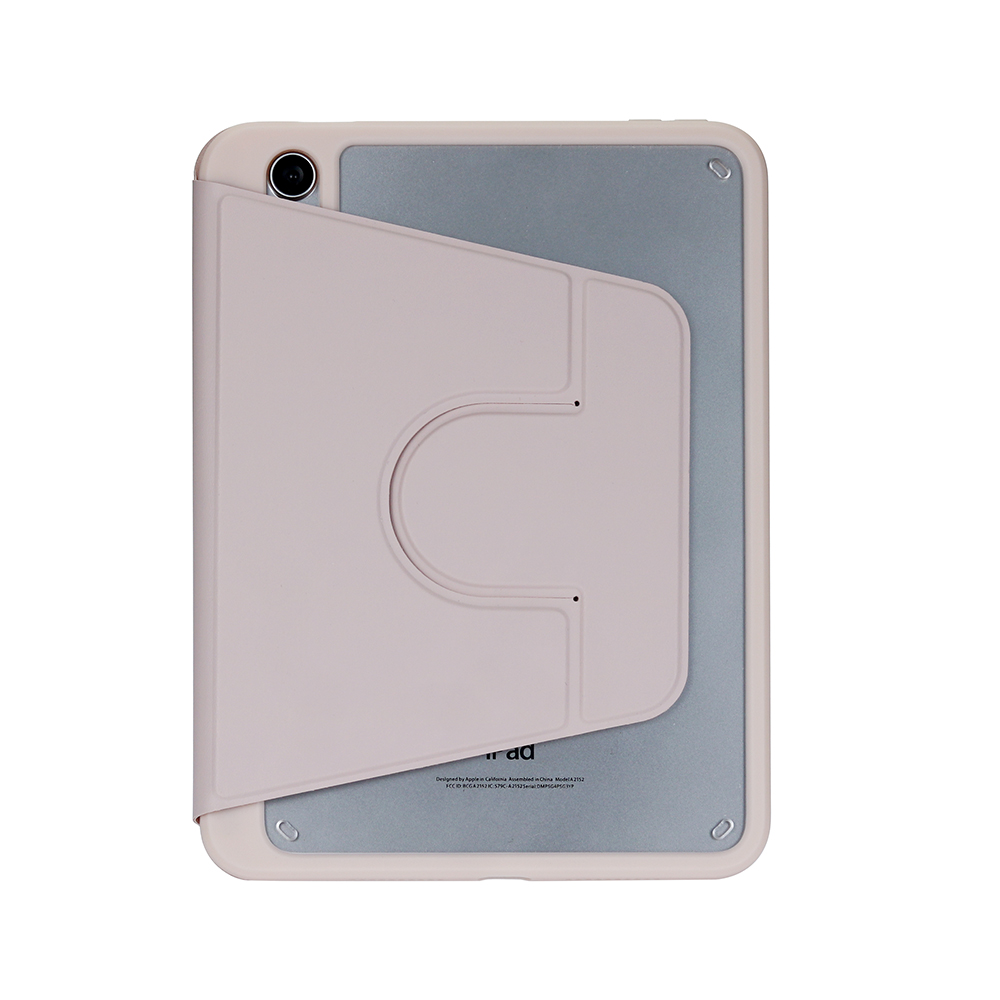
1. 360° Free Rotation Stand
The built-in rotary disc allows full 360° rotation, so you can easily switch between horizontal and vertical viewing modes. Whether you’re typing notes, streaming videos, or presenting, you’ll always find the perfect angle. The embedded design ensures the stand stays secure, even with frequent use.
2. All-Round Device Protection
Crafted with a soft TPU bumper and scratch-resistant PU leather exterior, this case guards your iPad against drops, bumps, and daily wear. The raised lip around the screen and camera prevents scratches when placed face-down.
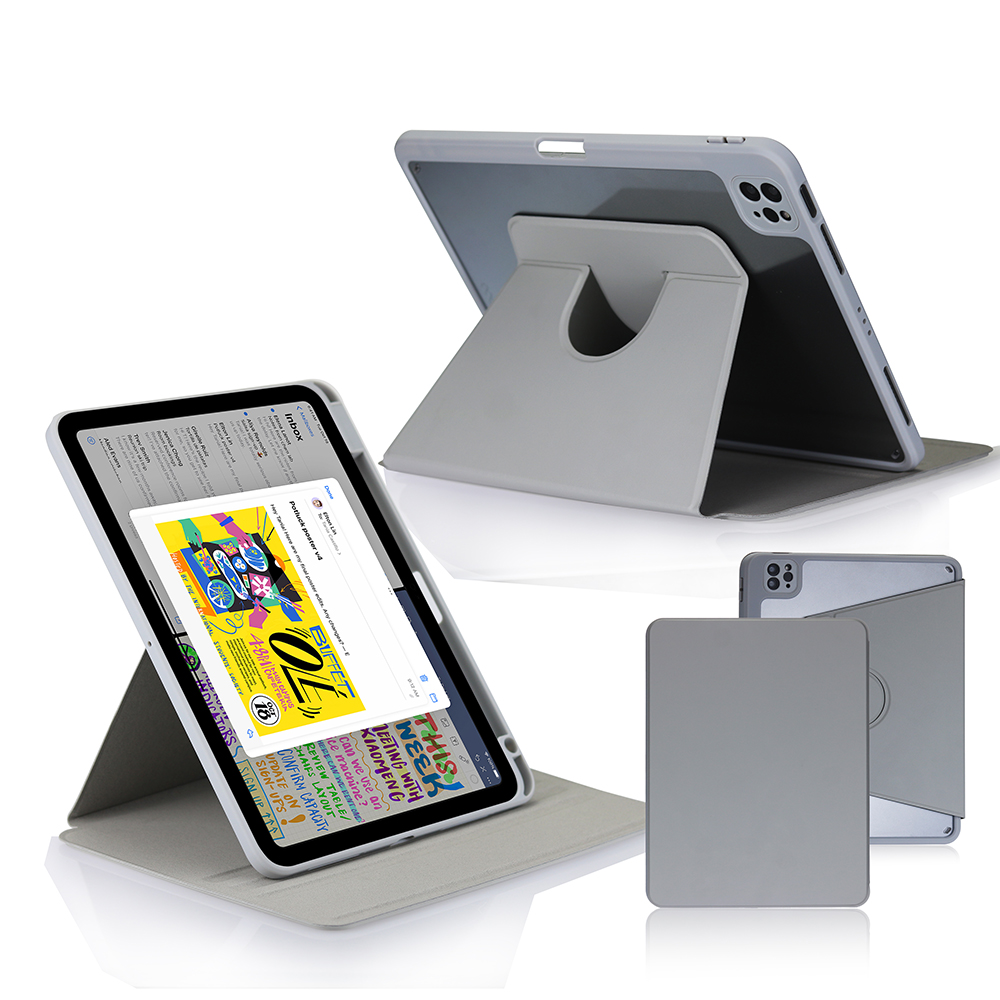
3. Built-in Apple Pencil Holder
The precise, 1:1 molded slot keeps your Apple Pencil securely stored and within reach. It supports magnetic charging for the stylus, so your pencil is always powered and ready to use.
4. Versatile Viewing Angles
The foldable cover transforms into a sturdy stand, offering multiple positions for typing, reading, and hands-free viewing. It fully adapts to learning, entertainment, and office scenarios.
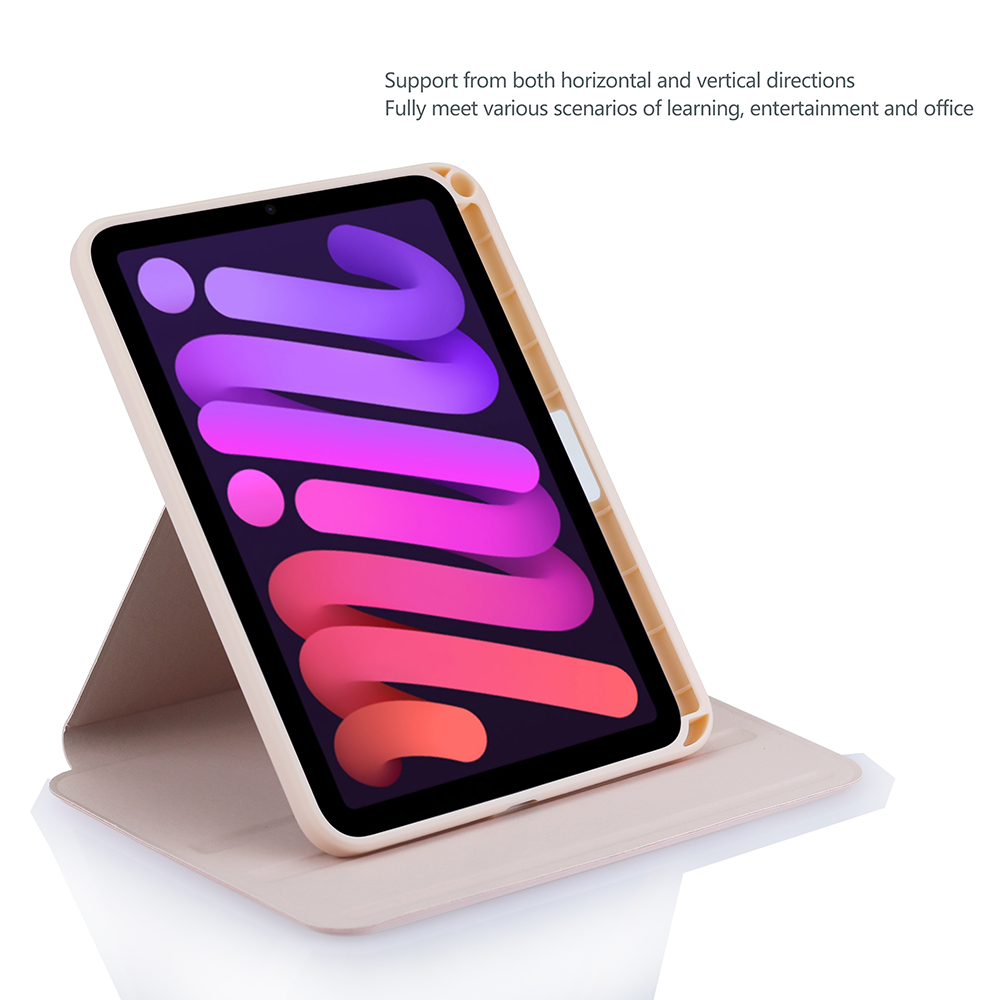
5. Slim & Lightweight Design
The low-profile case adds minimal bulk, making it easy to slip into bags or backpacks. The smooth, matte finish is comfortable to hold and resists fingerprints.
6. Precision Cutouts
All ports, buttons, speakers, and the camera are fully accessible without removing the case. The cutouts are perfectly aligned for seamless use.
This case is ideal for users who want a single accessory that can handle every task, from work to play. The combination of protection, versatility, and convenience makes it a must-have for any iPad owner.


iPad Multi-Angle Folio Case: Protection & Versatility in Bold Red
iPad Transparent Foldable Stand Case: Style & Function in One
Related Article


If you still use your iPad Mini 2 for note-taking, reading or light work, finding a well-fitted case with keyboard can feel tricky. Many universal keyboard cases either do not fit the iPad Mini 2 properly or have flimsy keys that break quickly. This guide breaks down what to look for in an iPad Mini 2 case with keyboard, and introduces our reliable Vorkycase option.
iPad Mini 2 Case with Keyboard

Connecting an iPad keyboard case should be quick and effortless, but many users run into pairing failures, lag, or no connection at all. Most connection issues are not device faults — they are simply caused by incorrect setup. This honest, easy-to-follow guide covers the two most common connection methods for all iPad keyboard cases, plus quick fixes for frequent problems.
How to connect ipad keyboard case
