
Tablet Case
author: Eliza
2026-04-03

Why a Good Tablet Case Matters & What to Look For
A tablet case is far more than just a decorative accessory—it’s an essential investment that protects your device and enhances how you use it every single day. Whether you’re using your tablet for office work, online learning, casual entertainment, or on-the-go productivity, the right case can extend your tablet’s lifespan, keep it looking like new, and make your daily interactions with it smoother and more convenient.
Let’s be honest: tablets are fragile, and even a small drop or scratch can ruin their appearance or functionality. A quality case doesn’t just add a layer of protection—it fits seamlessly into your routine, whether you’re tossing it in your bag for work, using it on the couch at home, or taking it with you while traveling.
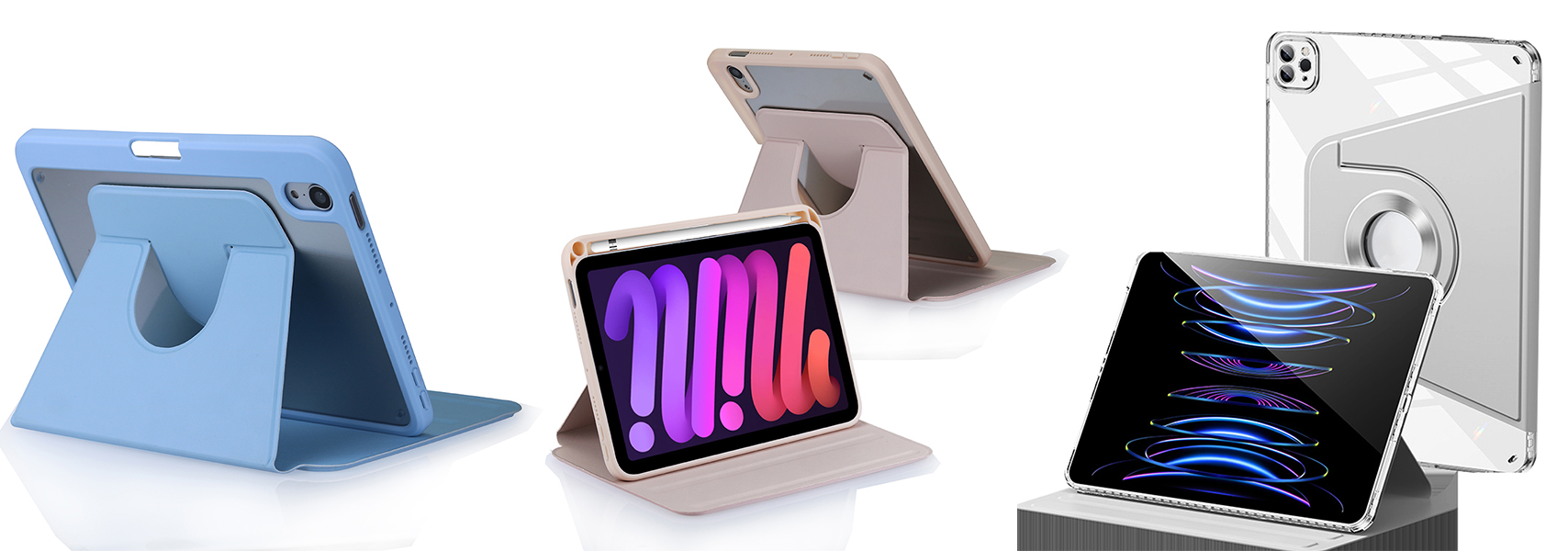
What a Quality Tablet Case Should Offer
-
Reliable protection A good tablet case should shield your device against accidental drops, unsightly scratches, dust buildup, and everyday wear and tear—especially around the vulnerable corners and the screen. Look for cases with shock-absorbent materials that can cushion impacts without adding unnecessary bulk.
-
Practical design Functionality is key. A great case will have stable stand angles for hands-free viewing, comfortable typing, or video calls—perfect for working from home or watching your favorite shows. It should also have precise cutouts for ports, cameras, and buttons, so you don’t have to remove the case to charge your tablet or take photos.
-
Comfortable feel You’ll be holding your tablet with its case regularly, so comfort matters. Opt for cases with soft-touch materials that feel good in your hand, a slim build that fits easily in bags or purses, and a lightweight design that doesn’t weigh you down during long use.
-
Long-lasting durability A quality tablet case should stand the test of time. It should be resistant to fading from sunlight, peeling at the edges, or deformation from regular use—so you don’t have to replace it every few months.
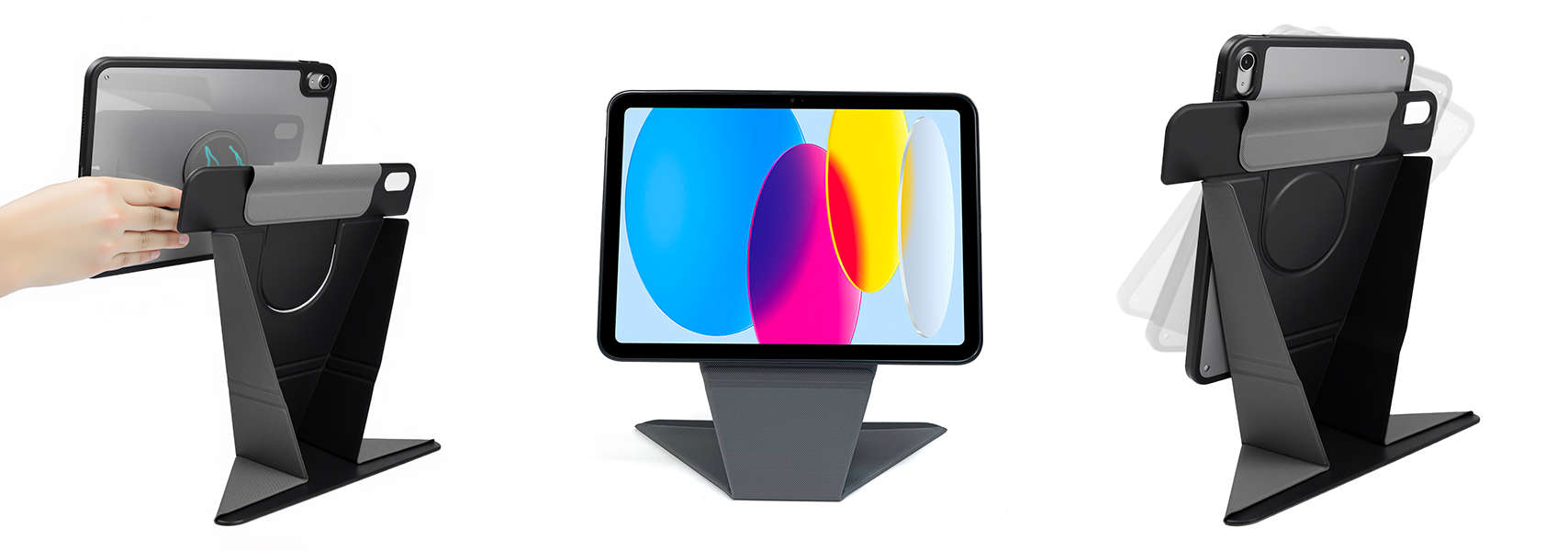
Vorkycase – Your Trusted Tablet Case Supplier
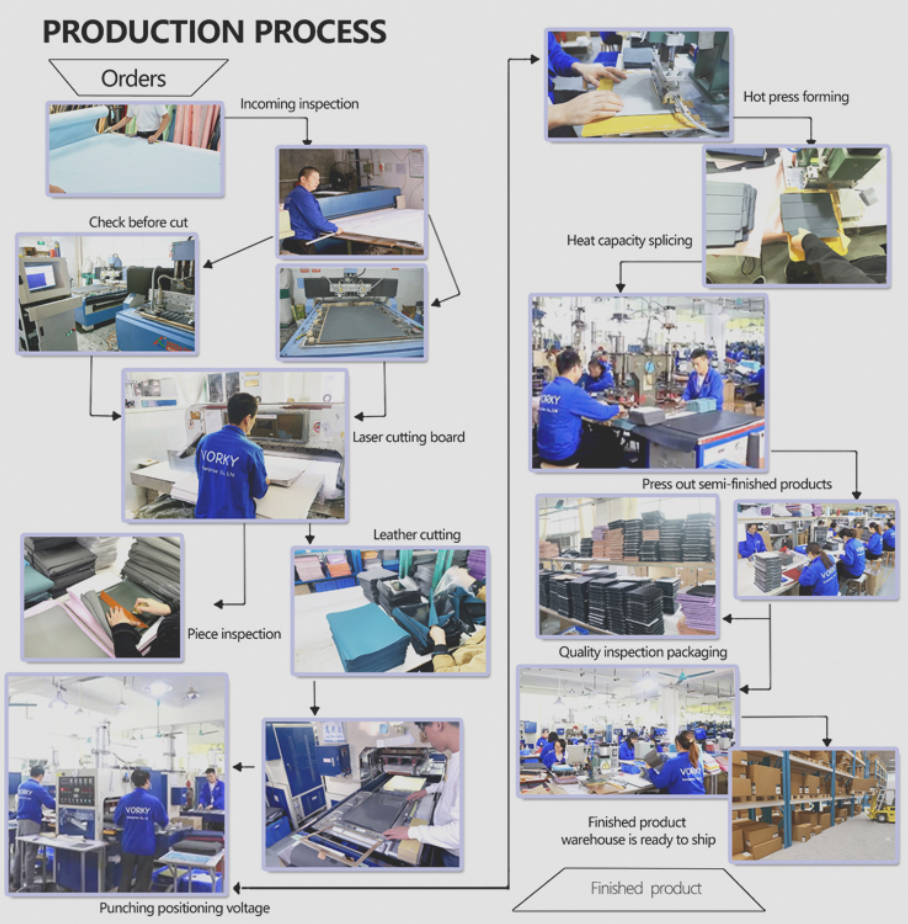
At Vorkycase, we’ve spent 15 years perfecting the art of crafting high-quality tablet cases, tablet keyboard cases, phone cases, and other digital accessories. We understand what users need from a case—balance between protection, functionality, and style—and we build every product with that in mind.
With a 4000㎡ workshop, skilled workers, and strict quality control, we focus on using premium materials that are both durable and comfortable. We also offer full customisation options, including logo printing, embossing or woven labels, GRS-certified materials, custom colors, fabrics, and prints—making our cases perfect for both personal use and business needs.
From slim, minimalist daily cases for everyday use to professional keyboard folios that boost productivity, we provide practical, long-lasting solutions that fit a variety of tablet models and user preferences. Plus, we pride ourselves on on-time order fulfilment and reliable service, so you can trust us to deliver what you need, when you need it.
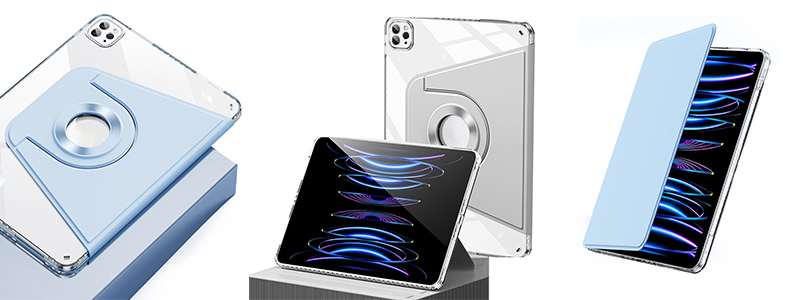

Final Thought
A great tablet case isn’t just about protection—it’s about making your tablet work better for you. It should be functional, comfortable, and durable, without compromising on style. If you’re looking for reliable, well-fitted tablet accessories built for real daily use, Vorkycase has you covered.

How to Connect an iPad Keyboard Case?
Where to Buy iPad Cases
Related Article


If you still use your iPad Mini 2 for note-taking, reading or light work, finding a well-fitted case with keyboard can feel tricky. Many universal keyboard cases either do not fit the iPad Mini 2 properly or have flimsy keys that break quickly. This guide breaks down what to look for in an iPad Mini 2 case with keyboard, and introduces our reliable Vorkycase option.
iPad Mini 2 Case with Keyboard

Connecting an iPad keyboard case should be quick and effortless, but many users run into pairing failures, lag, or no connection at all. Most connection issues are not device faults — they are simply caused by incorrect setup. This honest, easy-to-follow guide covers the two most common connection methods for all iPad keyboard cases, plus quick fixes for frequent problems.
How to connect ipad keyboard case
