
What to Look for in an iPad Keyboard Case?
author: Eliza
2026-05-01

What to Look for in an iPad Keyboard Case – Clear & Honest Buying Guide
Choosing an iPad keyboard case doesn’t have to be confusing. The best ones turn your iPad into a true laptop alternative while protecting it well. Below are the most important features you should check, written simply and practically.
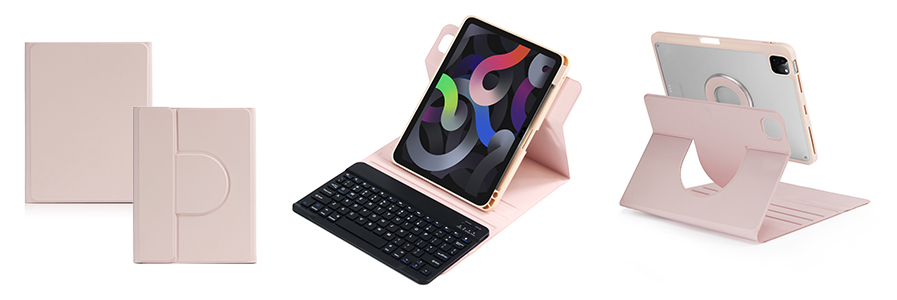
1. Perfect Model Compatibility
Only buy a case made specifically for your iPad model (Air, Pro, 10th gen, etc.). Sizes, camera positions, buttons, and ports vary greatly. A mismatched case blocks ports, misaligns cameras, and feels loose.
2. Comfortable & Responsive Keys
Look for:
- Scissor-switch keys (soft, quiet, laptop-like feel)
- Decent key travel (not flat or stiff)
- Optional backlit keys for night use
- Full QWERTY layout with shortcut row
3. Stable & Adjustable Stand
A good keyboard case must support multiple viewing angles for typing, watching, or video calls. Avoid flimsy stands that slip or collapse.
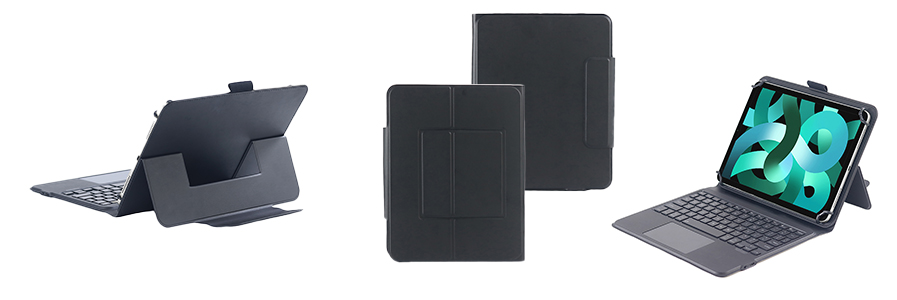
4. Reliable Connection
Two options:
- Smart Connector: Auto-connect, no Bluetooth, no charging
- Bluetooth: Stable, low-latency, easy pairing
5. Full Protection
Your case should shield the back, edges, and screen against drops, scratches, and daily wear. Reinforced corners add safety.
6. Useful Extras That Matter
- Built-in Apple Pencil holder
- Auto sleep/wake function
- Lightweight, portable design
- Long battery life (≥60 hours)
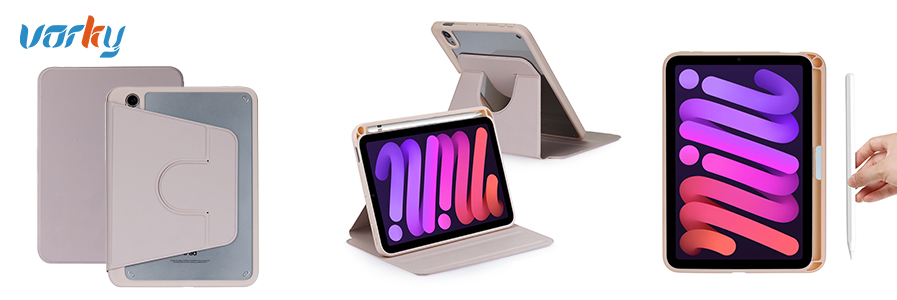
Vorkycase – Quality iPad Keyboard Cases Built for Daily Use
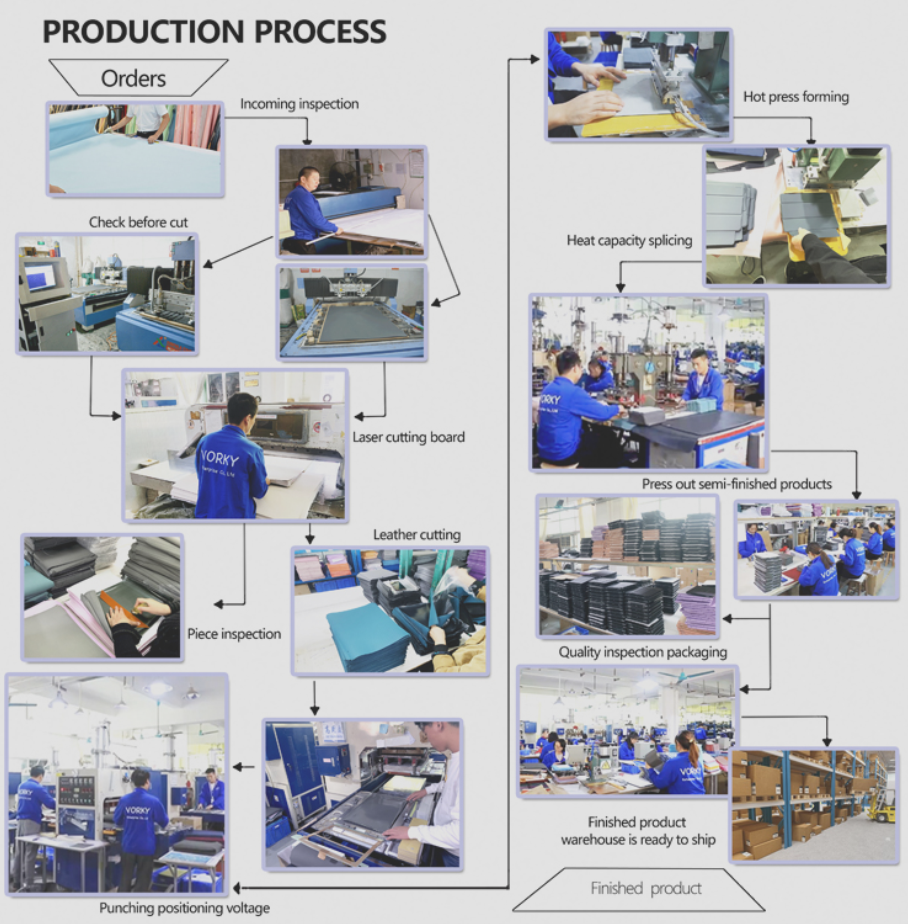
At Vorkycase, we design iPad keyboard cases that balance practicality, durability, and comfort. We focus on precise fitting, responsive keyboards, stable stands, and reliable protection.
Our products include:
- Detachable & fixed keyboard designs
- Backlit scissor-switch keys
- Smart Connector & Bluetooth versions
- Apple Pencil storage & auto sleep/wake
- Premium PU, TPU, and durable fabrics
- Custom options (logo, colour, material) for business buyers
We deliver consistent quality, on-time supply, and thoughtful design for work, study, and travel.

Multi-Angle Adjustable Stand iPad Case With Apple Pencil Holder Shockproof Soft TPU Tablet Cover
Multi-Angle Adjustable Stand iPad Case with Pencil Holder
Related Article


If you still use your iPad Mini 2 for note-taking, reading or light work, finding a well-fitted case with keyboard can feel tricky. Many universal keyboard cases either do not fit the iPad Mini 2 properly or have flimsy keys that break quickly. This guide breaks down what to look for in an iPad Mini 2 case with keyboard, and introduces our reliable Vorkycase option.
iPad Mini 2 Case with Keyboard

Connecting an iPad keyboard case should be quick and effortless, but many users run into pairing failures, lag, or no connection at all. Most connection issues are not device faults — they are simply caused by incorrect setup. This honest, easy-to-follow guide covers the two most common connection methods for all iPad keyboard cases, plus quick fixes for frequent problems.
How to connect ipad keyboard case
