
Magnetic Detachable Origami Foldable Keyboard Folio Case
author: Levi
2026-06-11
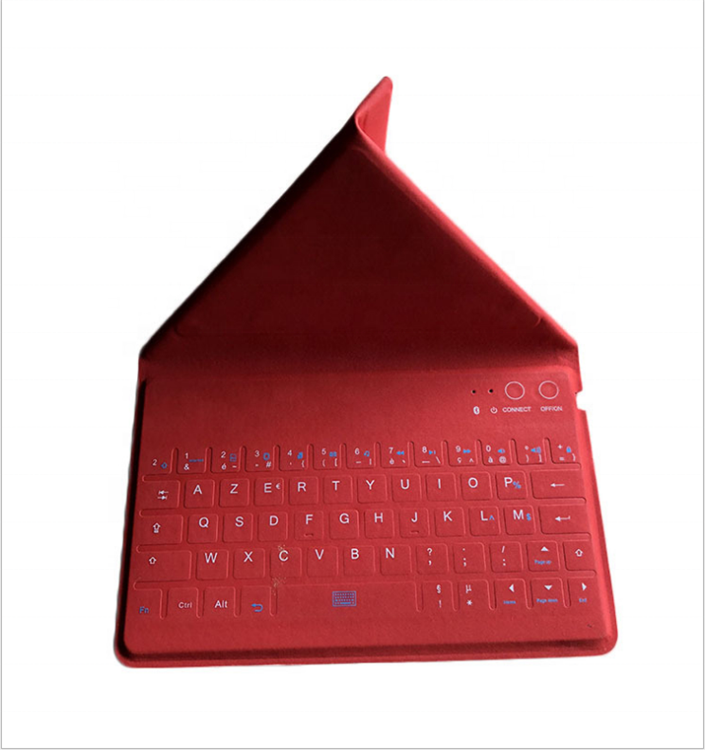
Core Product Advantages
1. Magnetic Detachable Split Design
The keyboard part and the foldable stand cover are connected by hidden magnets, you can attach the tablet on the stand for typing use, or separate the keyboard to use it as an independent external wireless keypad, meeting flexible usage scenarios of fixed desktop and mobile carry.
2. Origami Multi-Angle Foldable Stand
The back cover can be folded into a stable triangular support via origami indent craft, you can adjust different tilt angles for typing, online classes and drama watching, effectively relieve neck fatigue during long-time use.
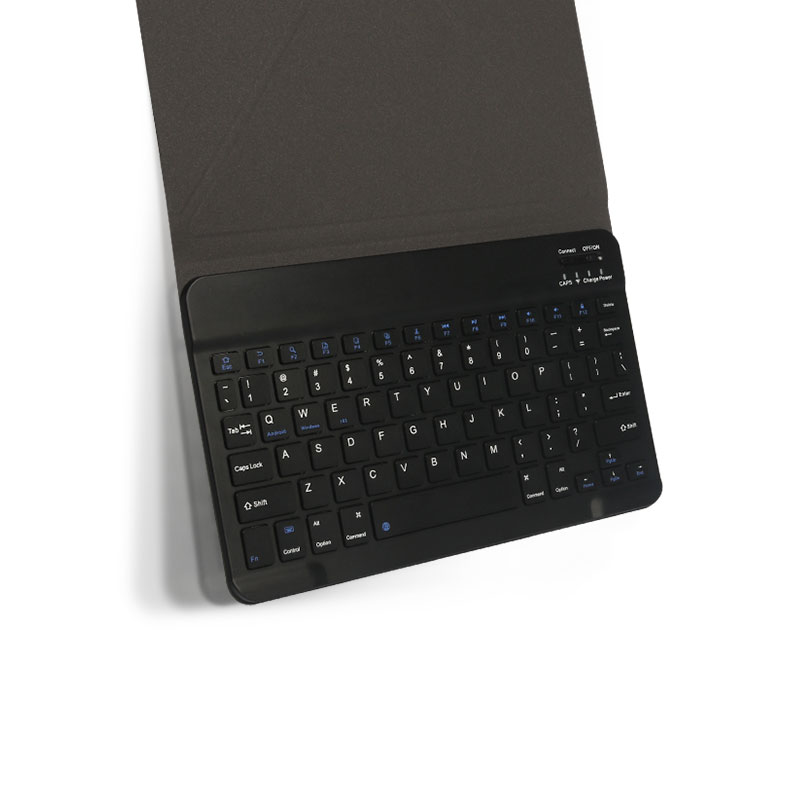
3. Anti-Fingerprint Smooth Keyboard
The keyboard surface uses matte anti-fingerprint treatment, not easy to leave hand stains. Optimized scissor-switch keys deliver soft and quiet pressing feel, with complete system shortcut keys for both iOS and Android systems, paired with independent power switch, connection indicator and Type-C charging port for long battery life.
4. Fine Craft Protective Shell
The outer layer is made of wear-resistant textured PU material, the inner lining is soft flannel to avoid scratching the tablet back. It supports classic black, bright red and more color options, the slim whole structure can be easily put into backpacks for outdoor travel and commuting.
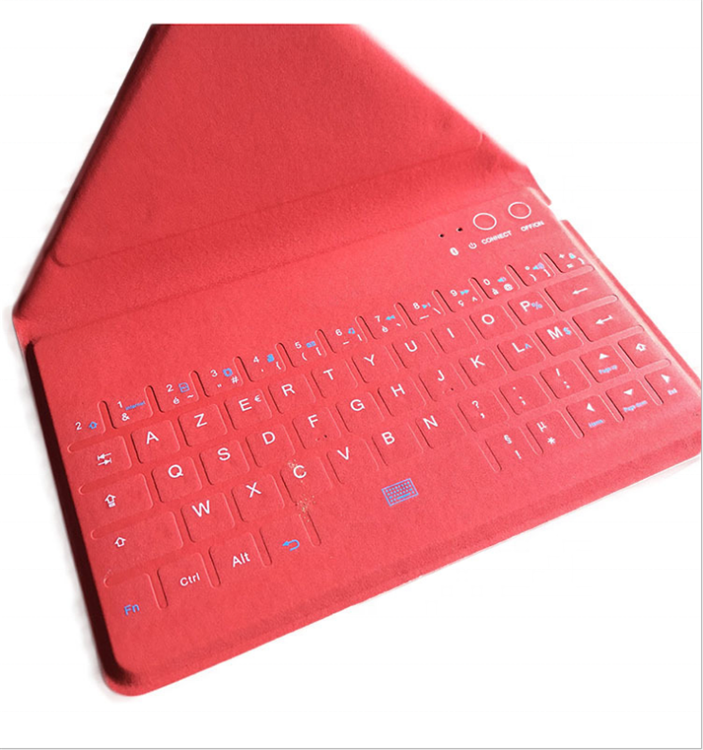
5. Stable Bluetooth Connection
Adopts low-power Bluetooth chip, one-step fast pairing with the tablet, stable and lag-free transmission. Built-in rechargeable lithium battery supports long standby time, very suitable for student learning and business office work.
It is a versatile, easy-to-carry tablet accessory with rich usage modes and stylish color choices.

Magnetic Split Detachable Shockproof Keyboard Folio Case For iPad
Magnetic Dual-Use Phone & Tablet Universal Keyboard Folio Case
Related Article


If you still use your iPad Mini 2 for note-taking, reading or light work, finding a well-fitted case with keyboard can feel tricky. Many universal keyboard cases either do not fit the iPad Mini 2 properly or have flimsy keys that break quickly. This guide breaks down what to look for in an iPad Mini 2 case with keyboard, and introduces our reliable Vorkycase option.
iPad Mini 2 Case with Keyboard

Connecting an iPad keyboard case should be quick and effortless, but many users run into pairing failures, lag, or no connection at all. Most connection issues are not device faults — they are simply caused by incorrect setup. This honest, easy-to-follow guide covers the two most common connection methods for all iPad keyboard cases, plus quick fixes for frequent problems.
How to connect ipad keyboard case
