
Magnetic Detachable Trackpad Keyboard Folio Case For iPad
author: Levi
2026-07-31
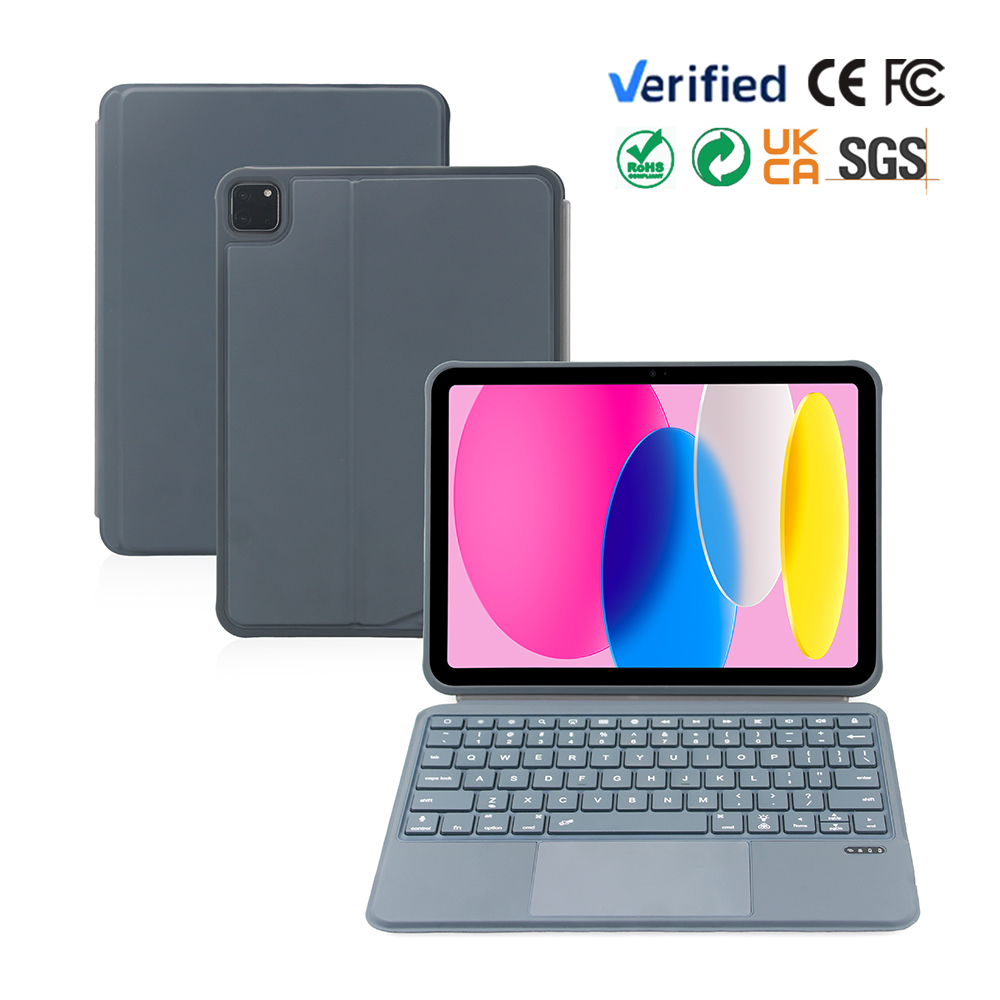
- Fully Detachable Magnetic Split Keyboard Strong magnetic adsorption makes the keyboard easy to attach and separate. Combined for efficient typing work, split apart to use keyboard or protective cover independently to reduce carrying weight.
- Dual-Angle Tri-fold Bracket Design The tri-fold leather cover forms two fixed stable postures. Low height fits long-time text input, high position is ideal for watching videos and online meetings without shaking.
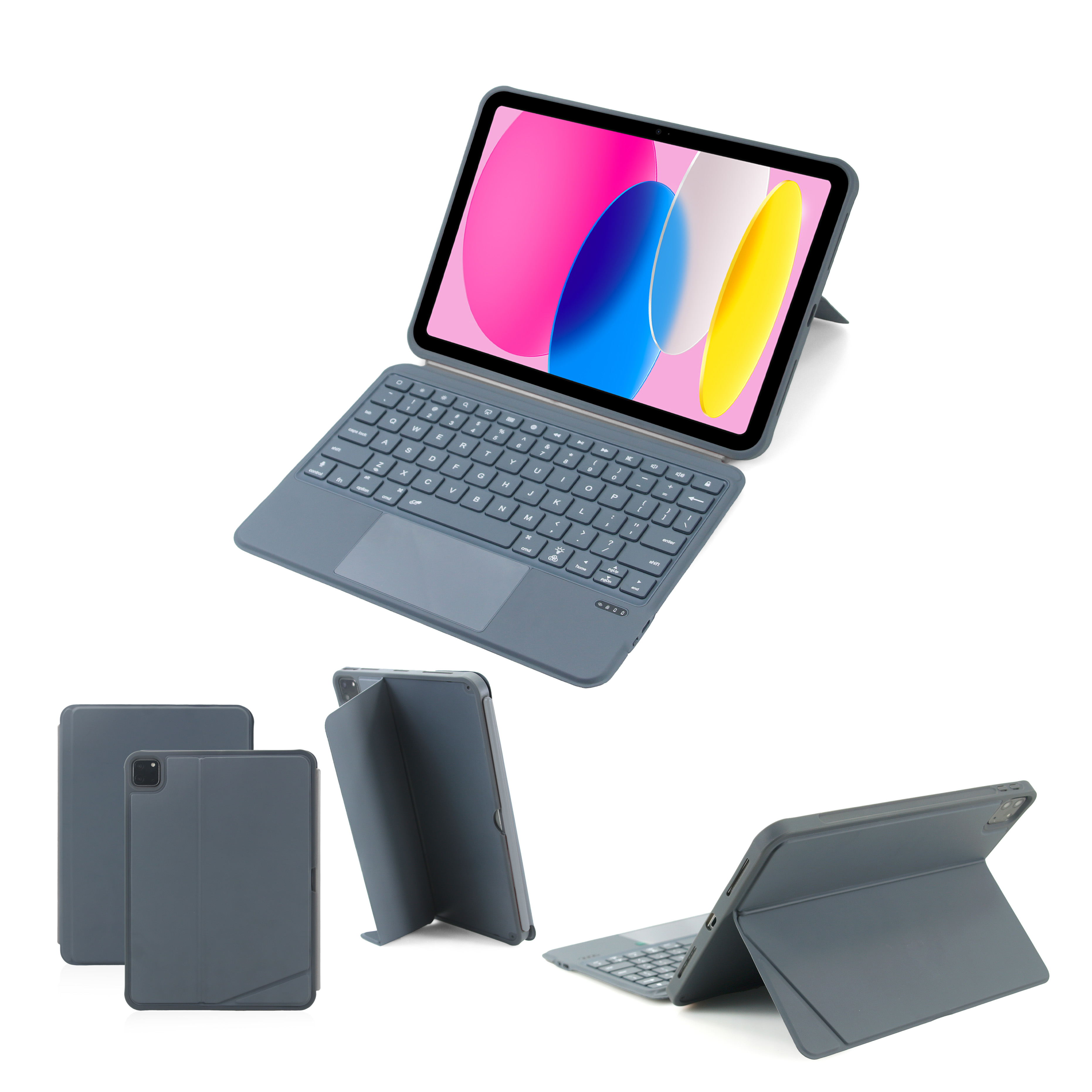
- All-round Shockproof Anti-scratch Protection Soft rubber wrapped borders plus thickened corner cushions absorb impact force effectively. Outer wear-resistant PU leather avoids fingerprint and abrasion, inner honeycomb lining fixes tablet tightly to prevent sliding and scratching.
- High Precision Multi-touch Large Trackpad Support complete ipadOS gesture control together with exclusive ipad function shortcut keys, realize one-key control of brightness, media playback, screenshot and lock screen to greatly raise work efficiency.
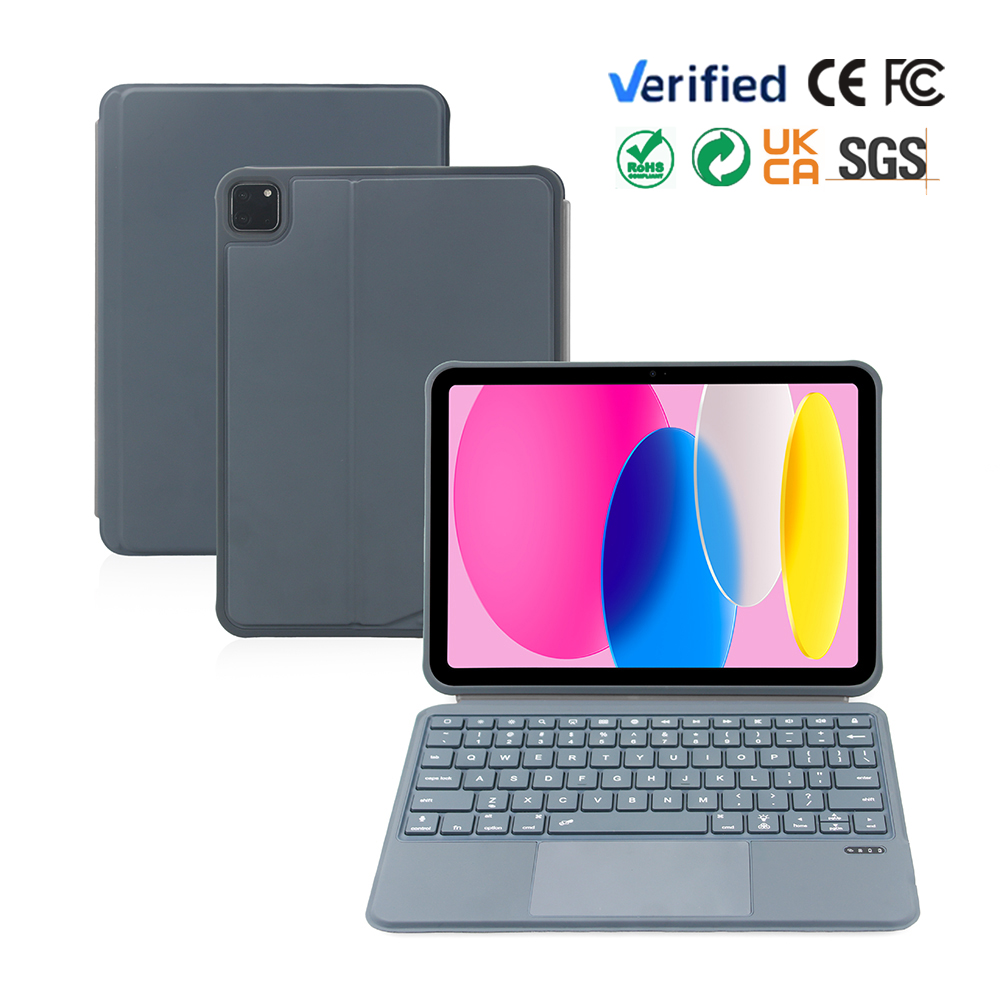
- Stable Low Consumption Bluetooth Transmission Auto sleep function reduces unnecessary power loss. Built-in rechargeable battery owns long standby life, matched with universal Type-C charging interface for convenient power supply during outdoor usage.

Full Touchpad Detachable Keyboard Folio Case For iPad
360° Rotatable Ring Kickstand Detachable Bluetooth Keyboard Case For iPad
Related Article


If you still use your iPad Mini 2 for note-taking, reading or light work, finding a well-fitted case with keyboard can feel tricky. Many universal keyboard cases either do not fit the iPad Mini 2 properly or have flimsy keys that break quickly. This guide breaks down what to look for in an iPad Mini 2 case with keyboard, and introduces our reliable Vorkycase option.
iPad Mini 2 Case with Keyboard

Connecting an iPad keyboard case should be quick and effortless, but many users run into pairing failures, lag, or no connection at all. Most connection issues are not device faults — they are simply caused by incorrect setup. This honest, easy-to-follow guide covers the two most common connection methods for all iPad keyboard cases, plus quick fixes for frequent problems.
How to connect ipad keyboard case
