
Magnetic Suspension Floating Integrated Magic Keyboard Case For iPad
author: Levi
2026-07-31
-
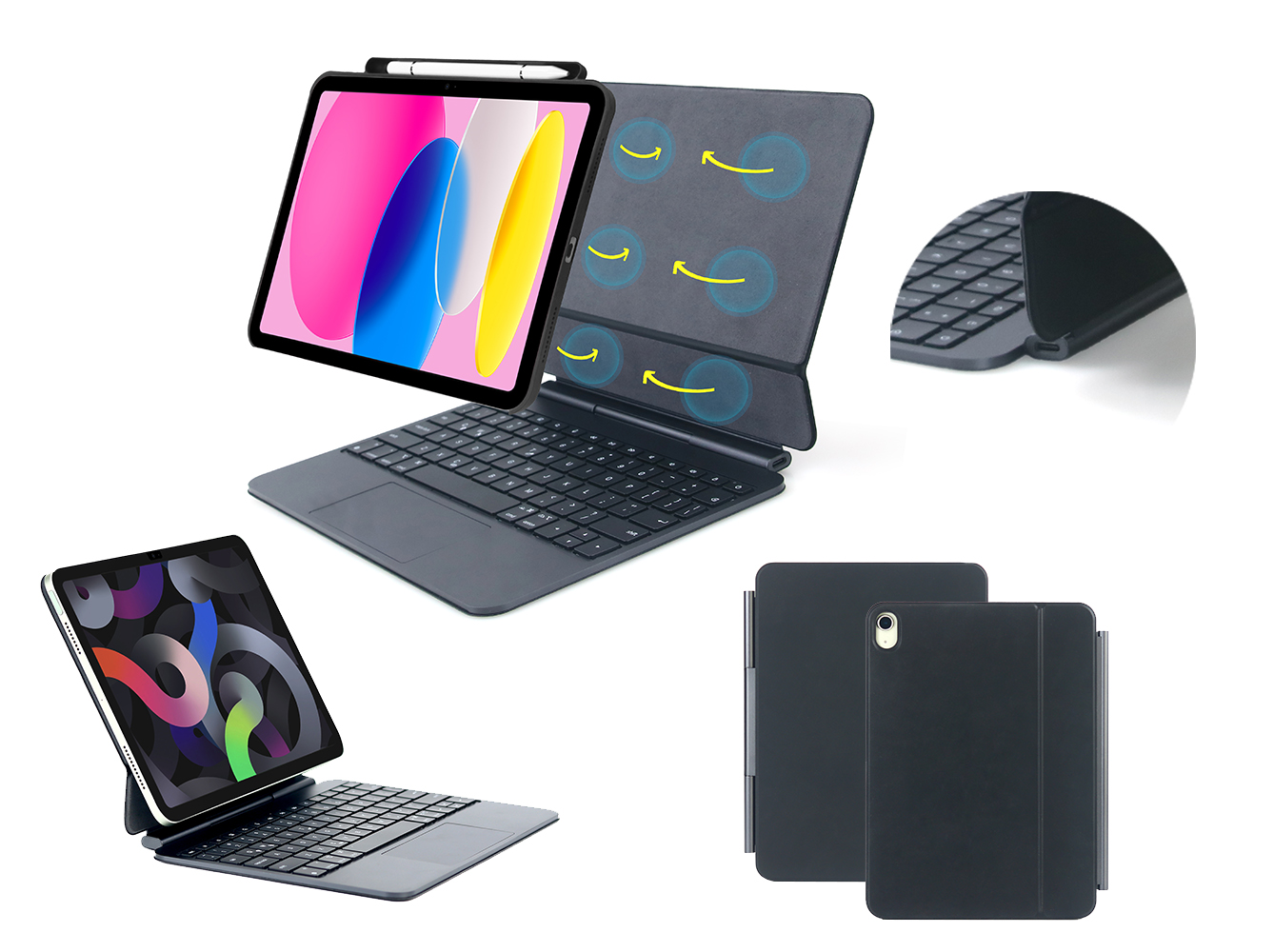
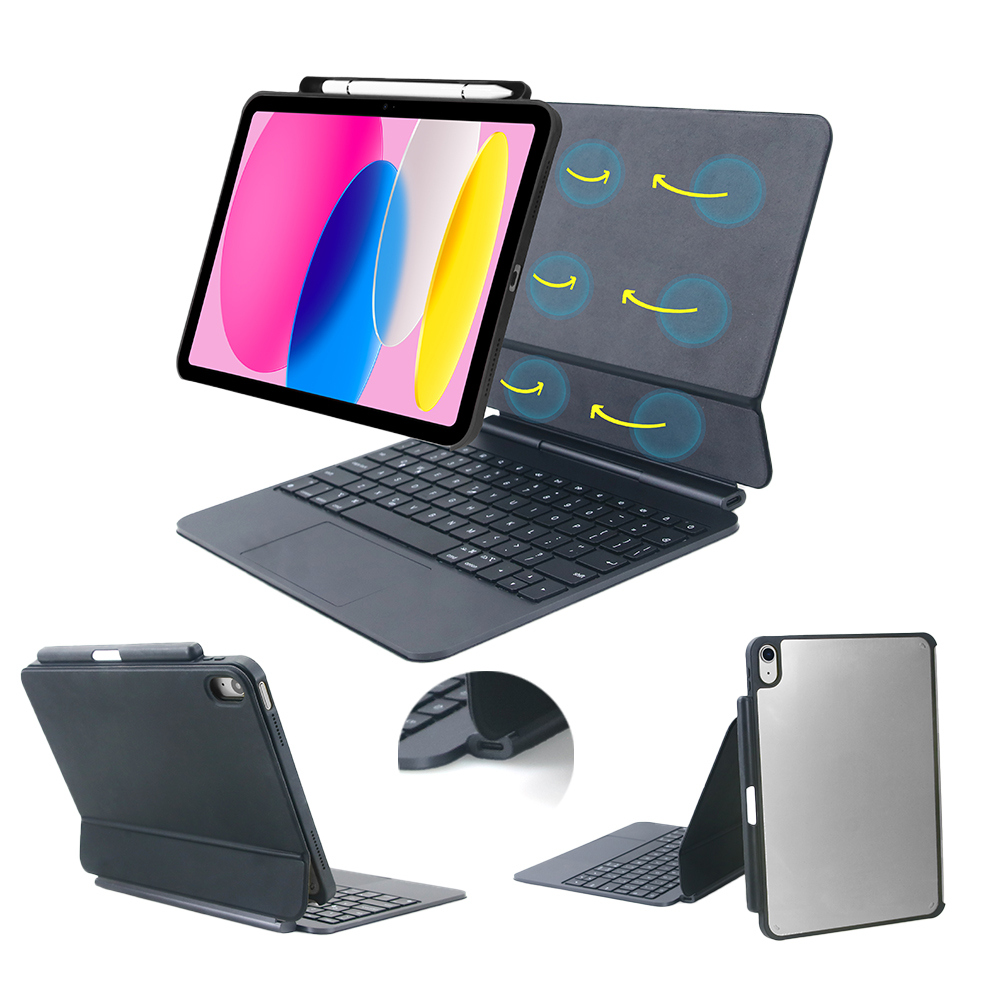
Magnetic Suspension Design With Durable Metal Hinge Powerful built-in magnets firmly attach the iPad without extra buckles. High-precision metal hinge allows stepless free adjustment of screen height and angle, stable support will not shake or collapse during long-term typing and viewing.
-
Scissor-Structure Silent Keyboard With iOS Shortcuts Adopts standard laptop-grade scissor keys with moderate key travel and soft silent rebound. Complete iOS system shortcut keys are available for one-click screenshot, brightness adjustment, media playback control and page switching to improve typing efficiency greatly.
-
Full-Size Trackpad With Full iOS Multi-Gestures The enlarged integrated trackpad is fully compatible with official iPad system gestures, supporting cursor control, multi-finger sliding, zooming, dragging and file selection. No extra mouse is required for document editing and daily office operation.
-
Side Independent Apple Pencil Storage Slot A special side pencil cavity is reserved on the case frame for stable placement of Apple Pencil, meanwhile supporting pencil magnetic charging. Tablet, keyboard and stylus are stored as a whole to effectively prevent pencil loss.
-
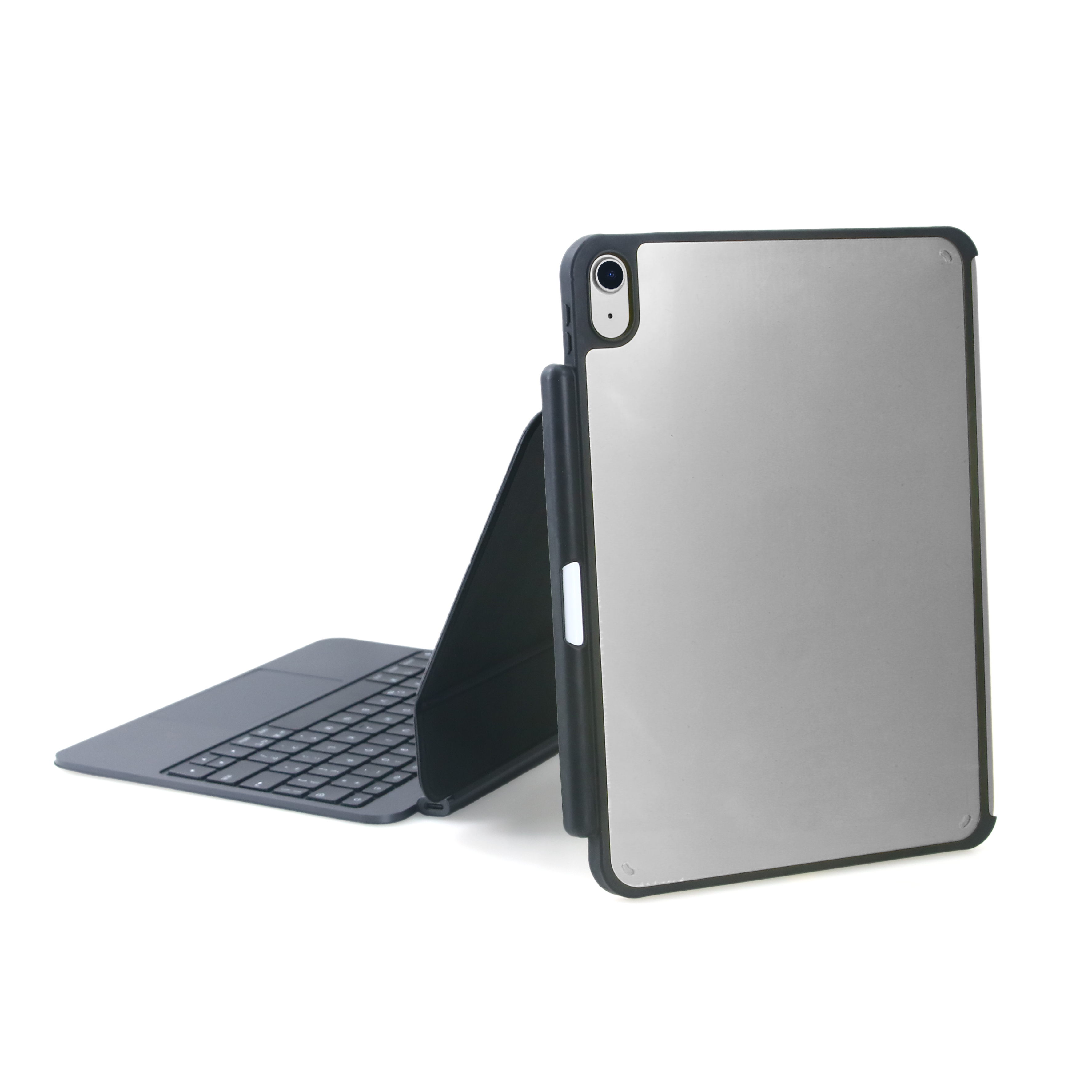
Matte Aluminum Back Shell For Full Protection Hard aluminum back panel effectively resists bending and external impact. Soft flannel inner lining avoids abrasion to the tablet body. Precise mold cutouts guarantee unobstructed access to cameras, speakers and all physical buttons of the iPad.

Magnetic Integrated Wireless Keyboard Folio Case For iPad
Can You Use a Case With iPad Magic Keyboard?
Related Article


If you still use your iPad Mini 2 for note-taking, reading or light work, finding a well-fitted case with keyboard can feel tricky. Many universal keyboard cases either do not fit the iPad Mini 2 properly or have flimsy keys that break quickly. This guide breaks down what to look for in an iPad Mini 2 case with keyboard, and introduces our reliable Vorkycase option.
iPad Mini 2 Case with Keyboard

Connecting an iPad keyboard case should be quick and effortless, but many users run into pairing failures, lag, or no connection at all. Most connection issues are not device faults — they are simply caused by incorrect setup. This honest, easy-to-follow guide covers the two most common connection methods for all iPad keyboard cases, plus quick fixes for frequent problems.
How to connect ipad keyboard case
