
Magnetic Flap Water-Resistant Fabric Laptop Sleeve
author: Levi
2026-06-04
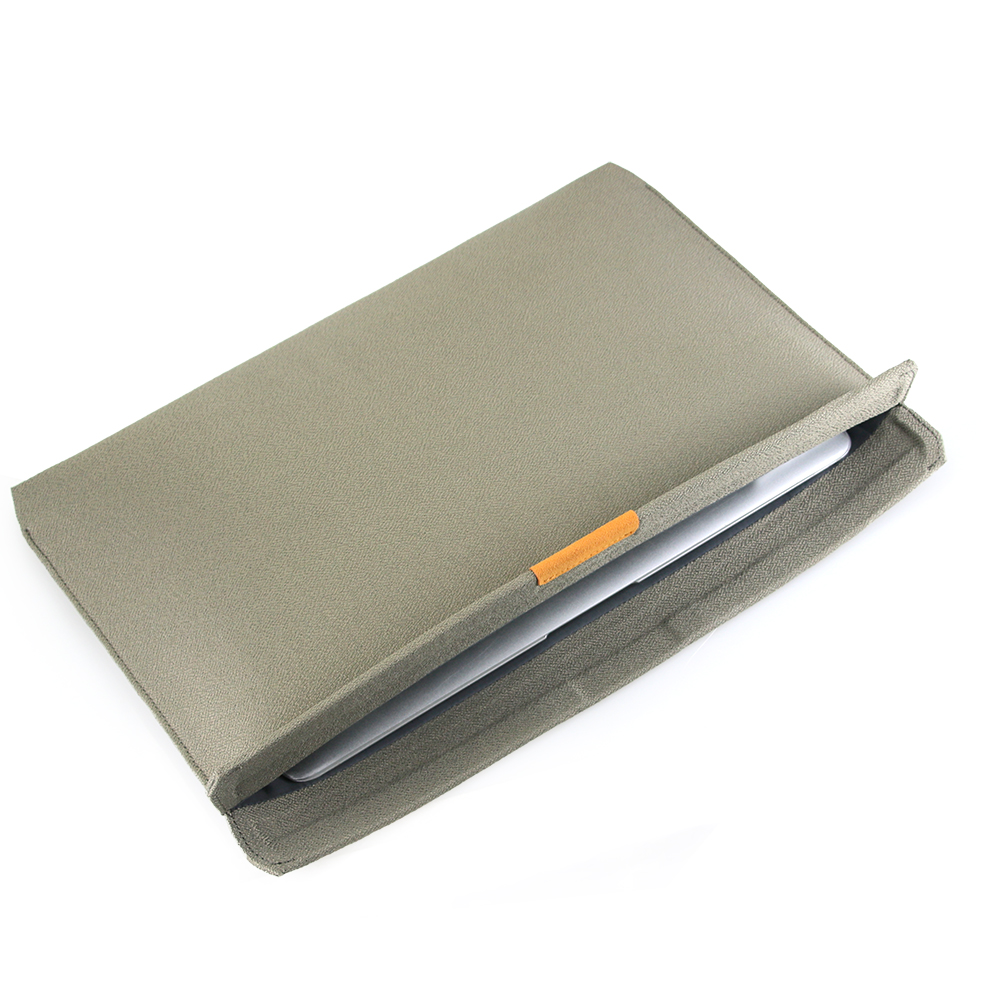
Core Product Features
1. Hidden Magnetic Auto-Close Flap
Built-in invisible surrounding magnets enable automatic tight flap attachment without extra zippers or snaps. The genuine leather decorative tab improves texture while fixing the flap position, easy to open and close for quick laptop access.
2. Water-Repellent Grid Woven Fabric
Special grid-textured outer fabric features excellent splash-proof and dustproof performance, water droplets bead up on surface without permeating, guarding devices against accidental coffee spills, rain splash and daily dust buildup.
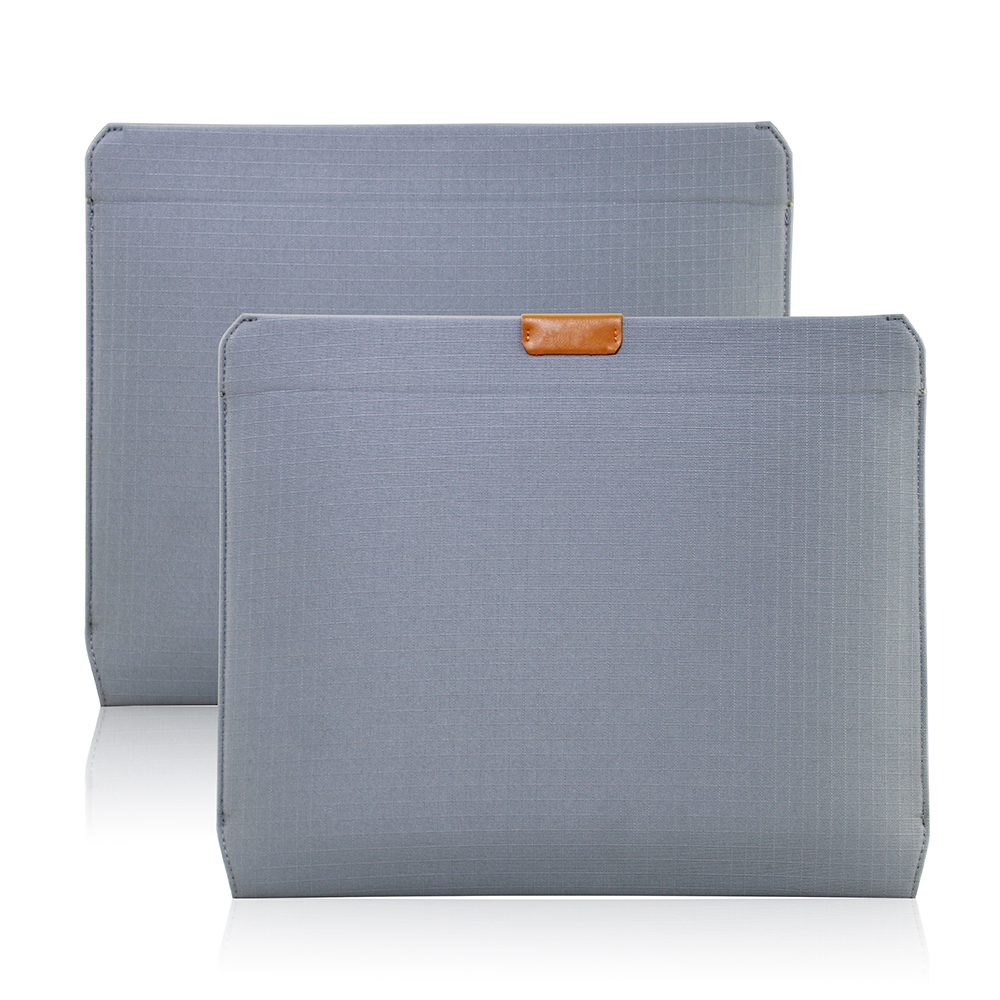
3. Shock-Absorbent Soft Inner Lining
Thickened soft fleece interior delivers effective cushioning against drops, bumps and edge abrasion, fully wrapping the notebook to prevent scratch on screen and chassis during transportation.
4. Ultra-Slim Portable Profile
Streamlined thin outline avoids redundant bulk, can be tucked into backpacks, briefcases or tote bags effortlessly without occupying extra space, ideal for daily office, business trips and school carry.

5. Multi-Color Classic Selection
Available in black, beige, light gray and dark gray neutral tones to match diverse business and casual dressing styles, compatible with most mainstream laptop sizes for universal application.
Perfect choice for office workers, freelancers and students who prefer concise business aesthetic and reliable all-round laptop protection.

Ultra Light Multi-Compartment Water Resistant Laptop Handbag
Dual-Pocket Shockproof Neoprene Laptop Sleeve
Related Article


If you still use your iPad Mini 2 for note-taking, reading or light work, finding a well-fitted case with keyboard can feel tricky. Many universal keyboard cases either do not fit the iPad Mini 2 properly or have flimsy keys that break quickly. This guide breaks down what to look for in an iPad Mini 2 case with keyboard, and introduces our reliable Vorkycase option.
iPad Mini 2 Case with Keyboard

Connecting an iPad keyboard case should be quick and effortless, but many users run into pairing failures, lag, or no connection at all. Most connection issues are not device faults — they are simply caused by incorrect setup. This honest, easy-to-follow guide covers the two most common connection methods for all iPad keyboard cases, plus quick fixes for frequent problems.
How to connect ipad keyboard case
