
Ultra Thin Magnetic Leather Laptop Sleeve | Built-in Adjustable Stand
author: Levi
2026-06-03

Core Product Features
1. Premium Slim Leather Construction
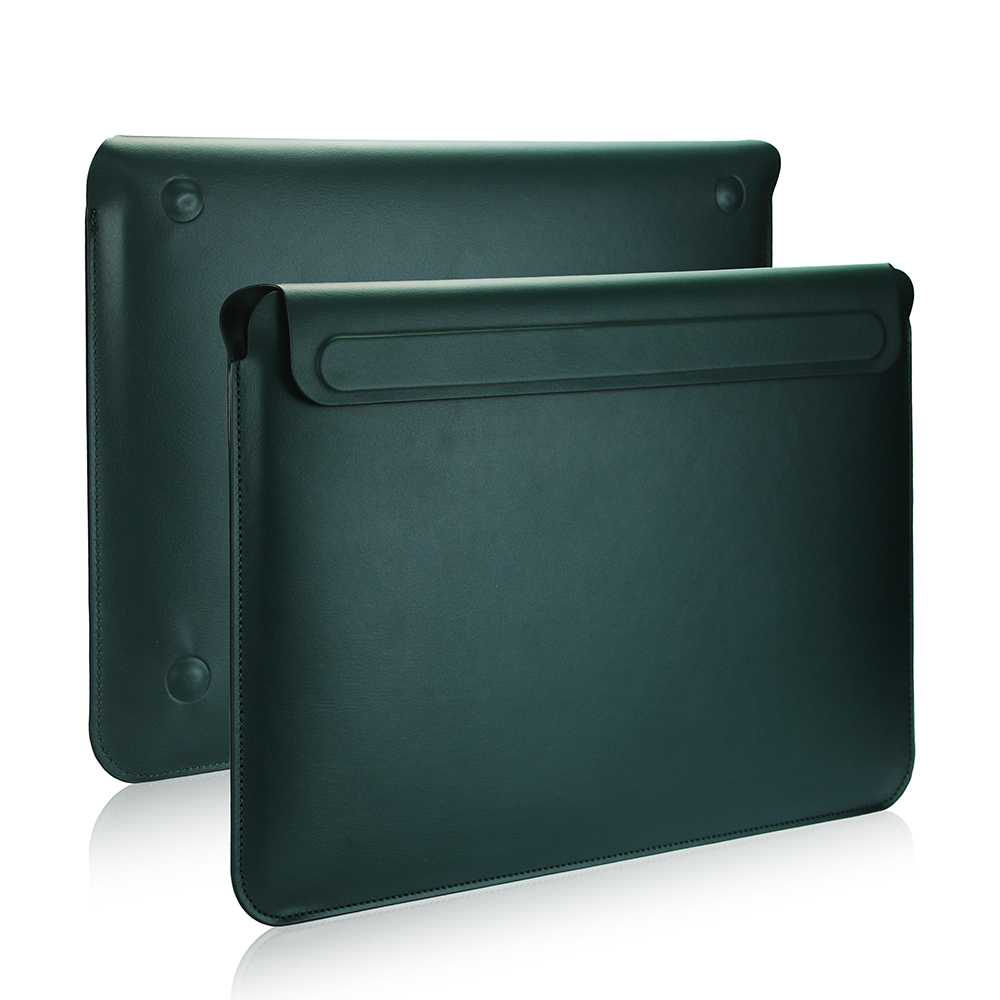
Crafted from soft skin-friendly faux leather, ultra-thin streamlined outline eliminates bulky extra thickness, easily slips into backpacks or briefcases without adding extra load, delivering lightweight all-around device protection against scratches and minor bumps.
2. Strong Magnetic Adsorption Closure
Hidden built-in magnets enable automatic tight folding closure, no extra snap or zipper needed; the cover stays fixed firmly during movement and opens smoothly when taking out the laptop.
3. Dual Adjustable Ergonomic Stand
Origami foldable inner structure supports 30° and 60° two fixed viewing heights. Raises the notebook screen to correct ergonomic height to ease cervical spine strain, relax wrist posture and avoid hunchback from long-time desk work.
4. Anti-Skid Bottom Protection Pads
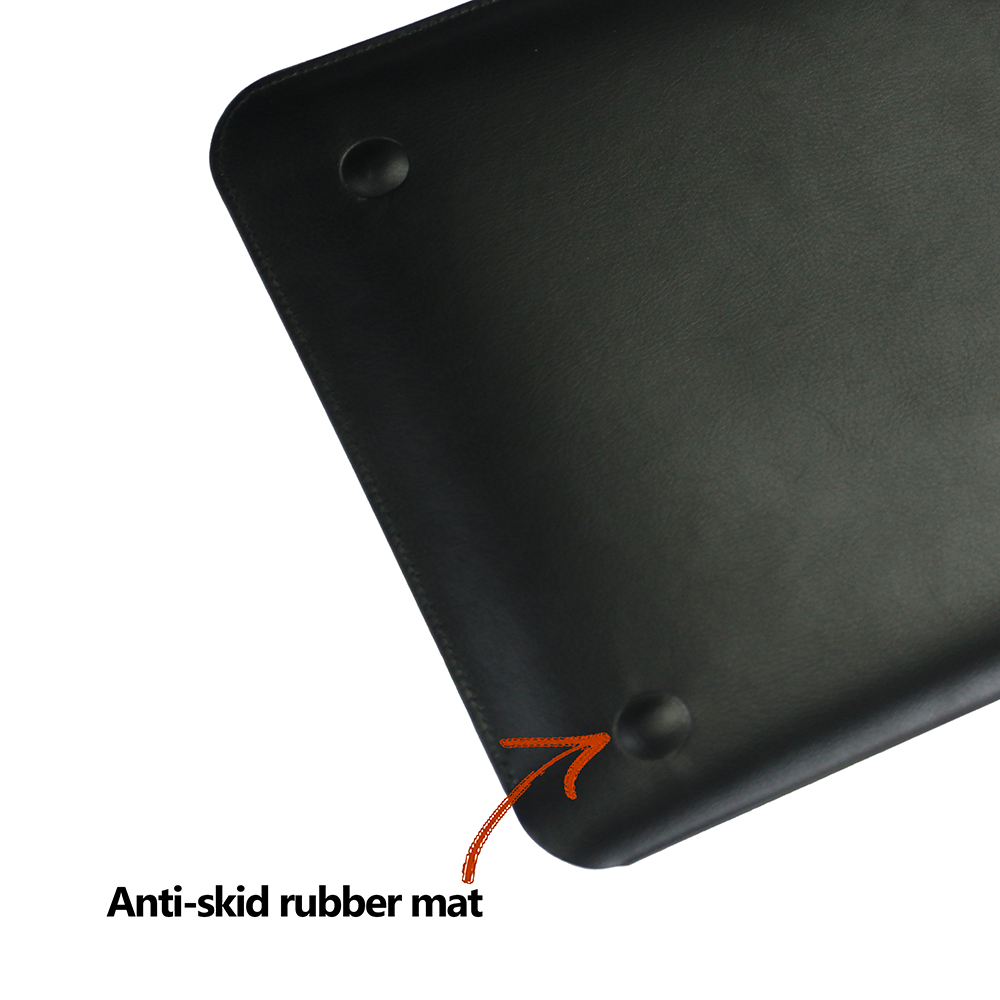
Four embedded silicone anti-slip bumpers on the sleeve bottom prevent sliding on desktop surfaces, meanwhile cushion the laptop base to avoid direct abrasion against hard tabletops.
5. Precise Custom Molding
Made via real machine mold opening, fits mainstream notebook sizes precisely with redundant-free tailored contour, compatible with most popular laptop models for versatile daily use.
Suitable for business professionals, office staff and frequent travelers pursuing minimalist style and practical ergonomic protection.


3-in-1 Multifunctional Waterproof Leather Laptop Sleeve
iPhone 17 Pro Max Case
Related Article


If you still use your iPad Mini 2 for note-taking, reading or light work, finding a well-fitted case with keyboard can feel tricky. Many universal keyboard cases either do not fit the iPad Mini 2 properly or have flimsy keys that break quickly. This guide breaks down what to look for in an iPad Mini 2 case with keyboard, and introduces our reliable Vorkycase option.
iPad Mini 2 Case with Keyboard

Connecting an iPad keyboard case should be quick and effortless, but many users run into pairing failures, lag, or no connection at all. Most connection issues are not device faults — they are simply caused by incorrect setup. This honest, easy-to-follow guide covers the two most common connection methods for all iPad keyboard cases, plus quick fixes for frequent problems.
How to connect ipad keyboard case
