
Shockproof Hard Shell Keyboard Folio Case For iPad
author: Levi
2026-07-31
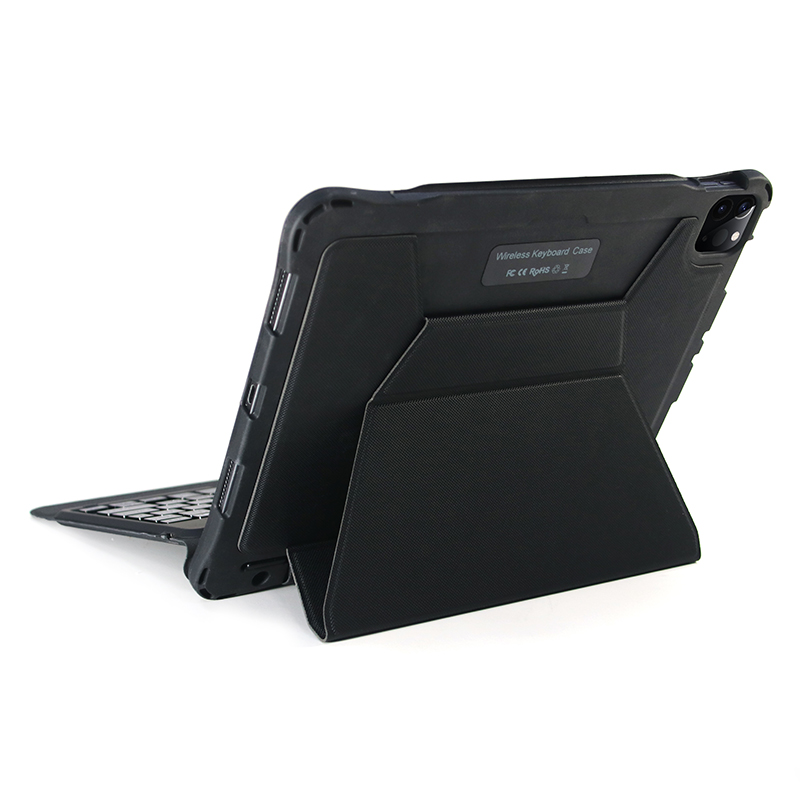
- All-Round Anti-Collision Shockproof StructureThickened reinforced corners and hard TPU frame absorb impact effectively when dropping. The hard shell prevents bending, squeezing and daily abrasion, fully protecting the tablet body.
- Multi-Angle Foldable Flip StandThe flip folio can be folded into several fixed inclinations, the bracket stays stable without wobble, perfectly adapting to long document typing and video playback scenarios.
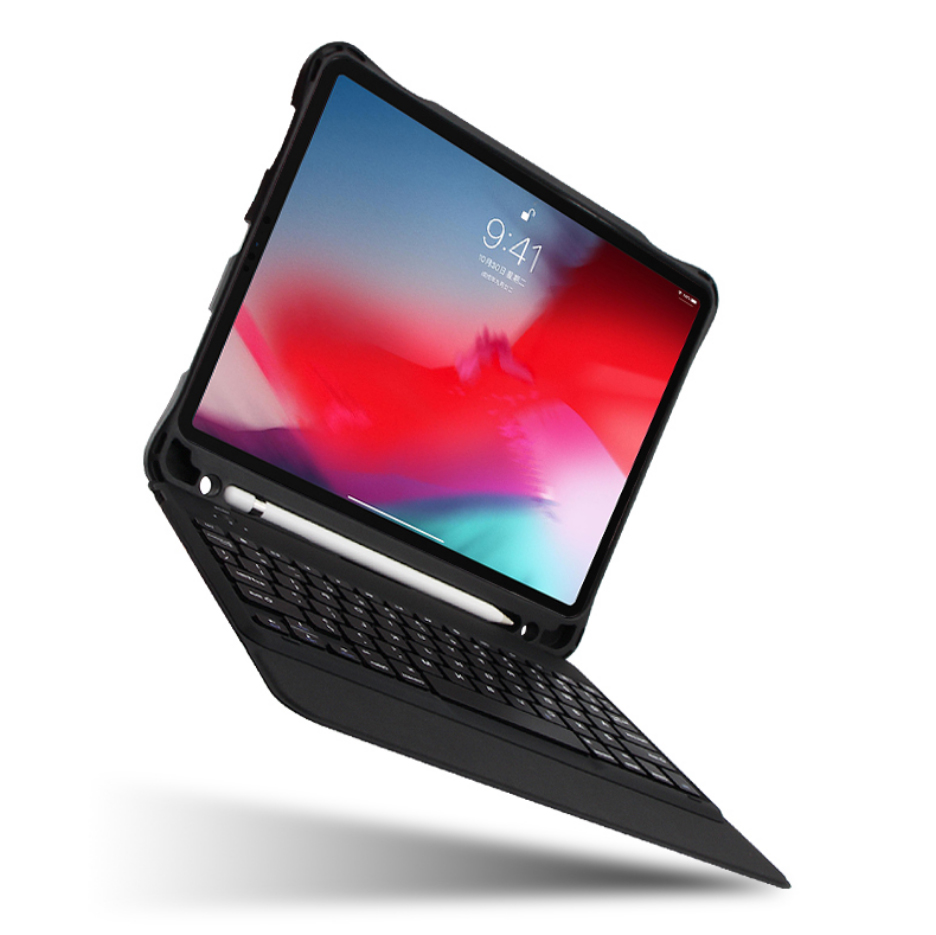
- Slim Stable Bluetooth KeyboardLow-power Bluetooth keyboard pairs quickly with iPad, with well-spaced quiet keys and independent shortcut keys for brightness adjustment, media control and screenshot, greatly boosting work efficiency.
- Textured Wear-Resistant PU ExteriorThe outer textured leather resists fingerprints and scratches, while the soft inner lining keeps the screen and back panel from being scuffed. Precise cutouts ensure unobstructed access to cameras, charging ports and buttons.
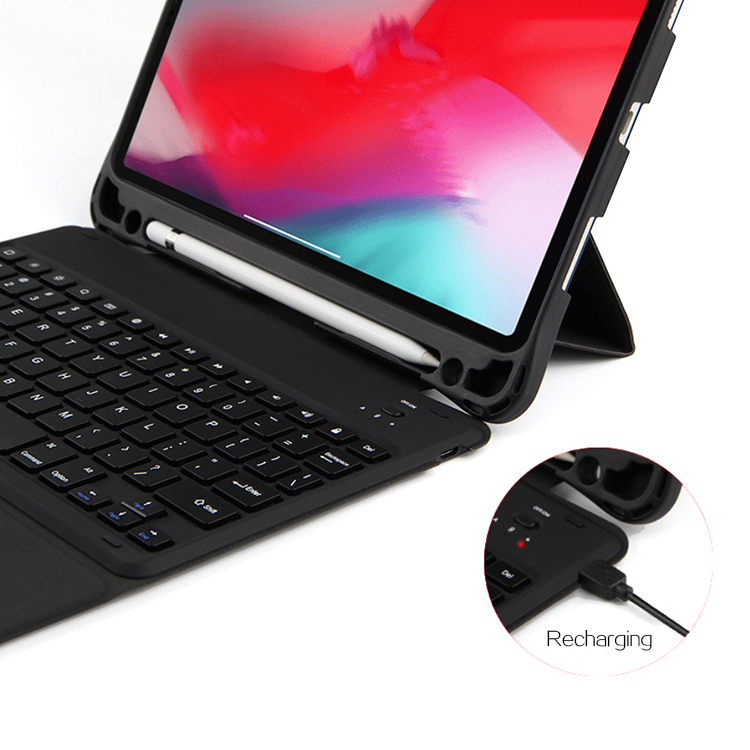
- Ultra-Portable Integrated DesignKeyboard and protective cover are combined as one unit without loose parts. The whole case stays slim and lightweight, easy to slip into backpacks for school, office and travel.

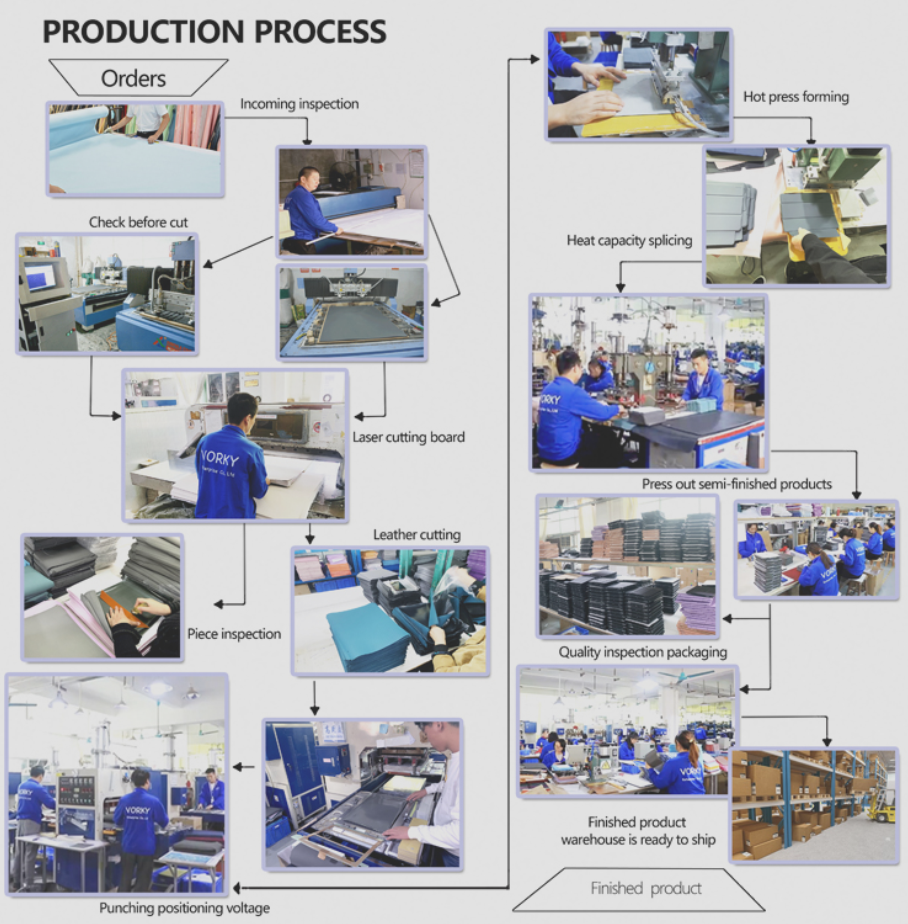
Honeycomb Heat Dissipation TPU Detachable Keyboard Folio Case For iPad
Detachable Trackpad Keyboard Folio Case for iPad
Related Article


If you still use your iPad Mini 2 for note-taking, reading or light work, finding a well-fitted case with keyboard can feel tricky. Many universal keyboard cases either do not fit the iPad Mini 2 properly or have flimsy keys that break quickly. This guide breaks down what to look for in an iPad Mini 2 case with keyboard, and introduces our reliable Vorkycase option.
iPad Mini 2 Case with Keyboard

Connecting an iPad keyboard case should be quick and effortless, but many users run into pairing failures, lag, or no connection at all. Most connection issues are not device faults — they are simply caused by incorrect setup. This honest, easy-to-follow guide covers the two most common connection methods for all iPad keyboard cases, plus quick fixes for frequent problems.
How to connect ipad keyboard case
