
Slim Soft Felt Universal Tablet Protective Sleeve
author: Levi
2026-06-05

Core Product Advantages
1. Premium Skin-Friendly Felt Material
Selected high-density soft wool felt features flexible texture and excellent shock buffering performance. The soft inner surface avoids scraping screen and device shell, effectively blocking daily scratches, minor bumps and dust buildup during storage and carry.
2. Leather Patch Velcro Secure Closure
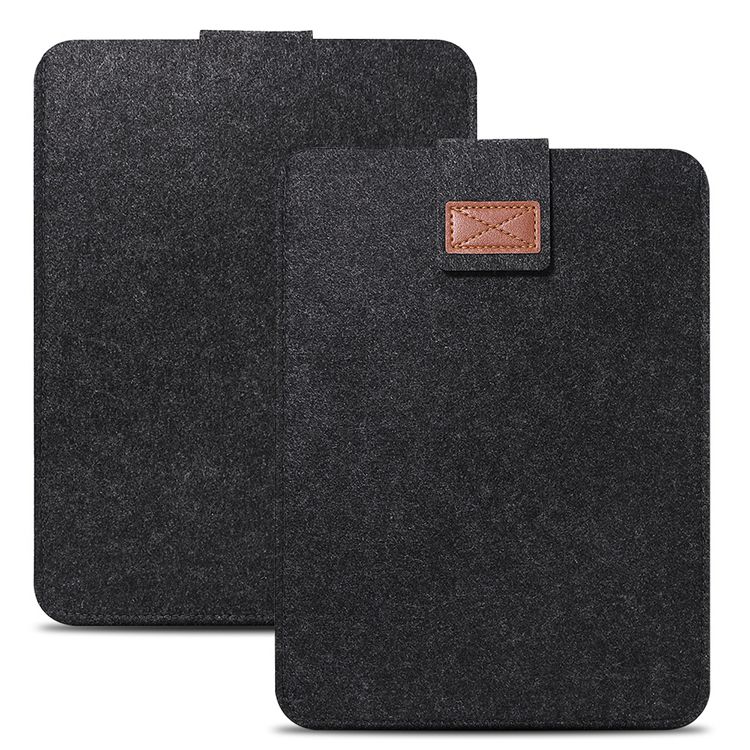
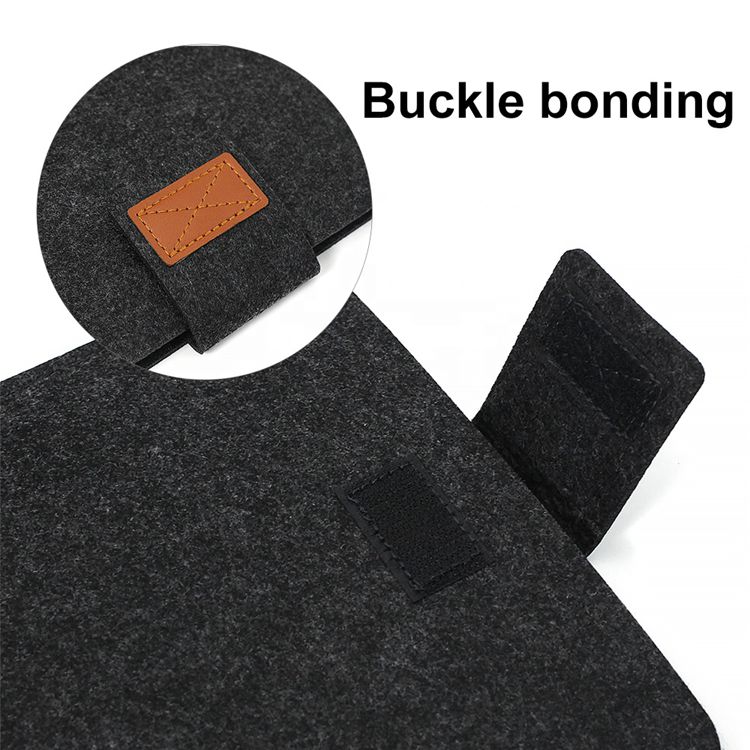
Exquisite cross-stitched genuine leather decorative tab matches durable built-in velcro, firmly fixes the sleeve flap to prevent accidental slipping-out of devices; easy to open and close for quick access to your tablet.
3. Precise Neat Stitching Craft
Uniform tight edge stitching shapes rounded corner outline, reinforcing overall structural durability to avoid edge fraying after long-term repeated use, bringing tidy minimalist visual effect.
4. Ultra-Thin Portable Minimalist Design
Slim streamlined profile without redundant bulk, can be easily tucked inside backpacks, handbags or briefcases without occupying extra space, perfect for commute, travel and casual outdoor carry.
5. Wide Universal Compatibility
Customizable inner space fits most mainstream sizes of Android tablets, iPad series and various e-readers, ideal for students and office staff looking for lightweight cost-effective daily device protection.
Practical minimalist protective accessory for daily tablet storage and mobile use.


Vintage Grain PU Leather Multi-Function Tablet Protective Case
Ultra Light Multi-Compartment Water Resistant Laptop Handbag
Related Article


If you still use your iPad Mini 2 for note-taking, reading or light work, finding a well-fitted case with keyboard can feel tricky. Many universal keyboard cases either do not fit the iPad Mini 2 properly or have flimsy keys that break quickly. This guide breaks down what to look for in an iPad Mini 2 case with keyboard, and introduces our reliable Vorkycase option.
iPad Mini 2 Case with Keyboard

Connecting an iPad keyboard case should be quick and effortless, but many users run into pairing failures, lag, or no connection at all. Most connection issues are not device faults — they are simply caused by incorrect setup. This honest, easy-to-follow guide covers the two most common connection methods for all iPad keyboard cases, plus quick fixes for frequent problems.
How to connect ipad keyboard case
