
iPad Multi-Angle Case: Versatile Protection with Built-In Pencil Holder
author: Levi
2026-06-06
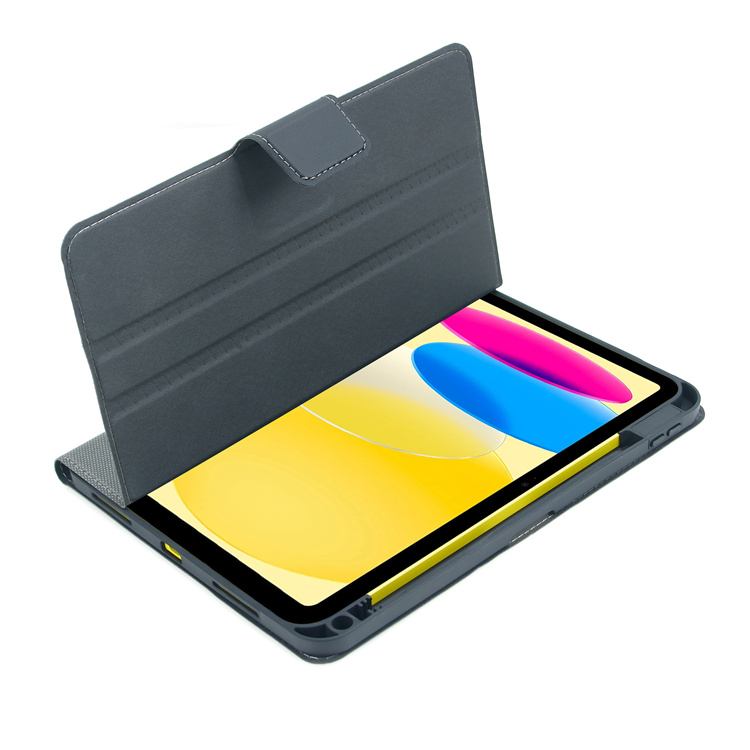
Key Features
1. 7 Adjustable Viewing Angles
The base features multiple grooves, allowing you to lock your iPad into different angles. Whether you’re typing, drawing, or streaming, you’ll find the perfect position.
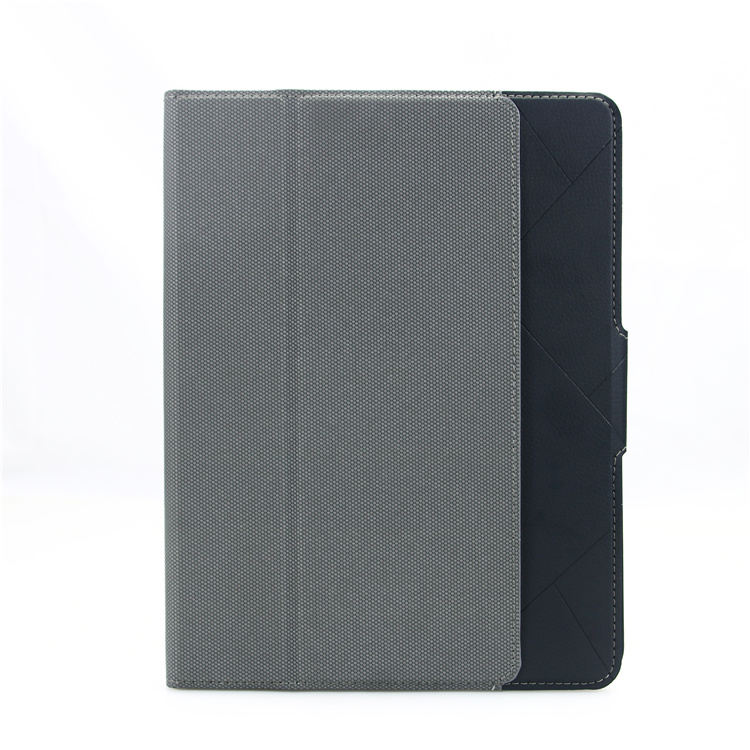
2. Built-In Apple Pencil Holder
The integrated slot keeps your Apple Pencil securely stored, protected, and always within reach.
3. Full-Edge & Corner Protection
The reinforced TPU frame wraps around all edges and corners, providing excellent shock absorption against drops and bumps. The raised bezel prevents screen and camera scratches.
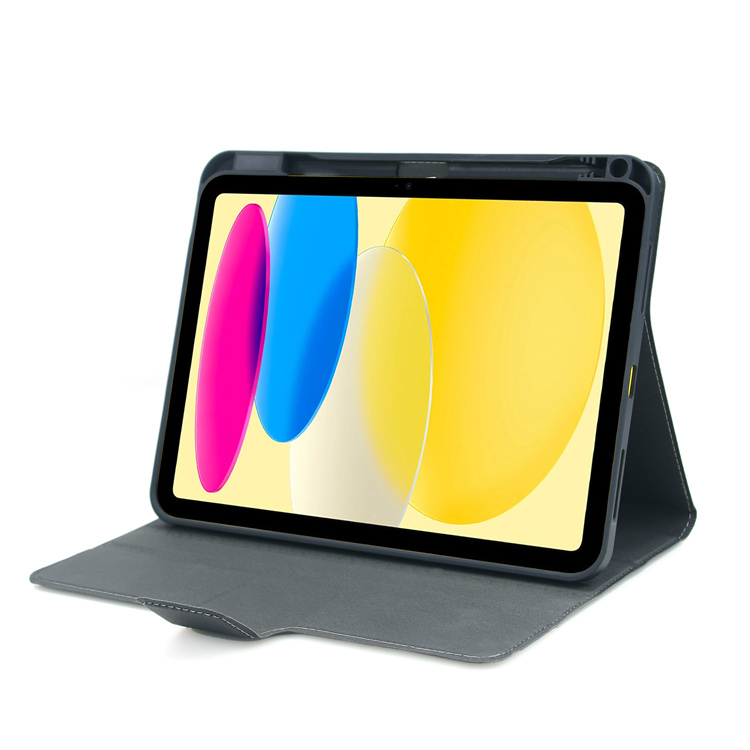
4. Premium Durable Material
The smooth PU leather exterior is scratch-resistant and anti-slip, with a soft microfiber lining to keep your iPad’s screen clean.
5. Auto Sleep/Wake Function
The magnetic folio cover automatically wakes your iPad when opened and puts it to sleep when closed, helping to save battery life.
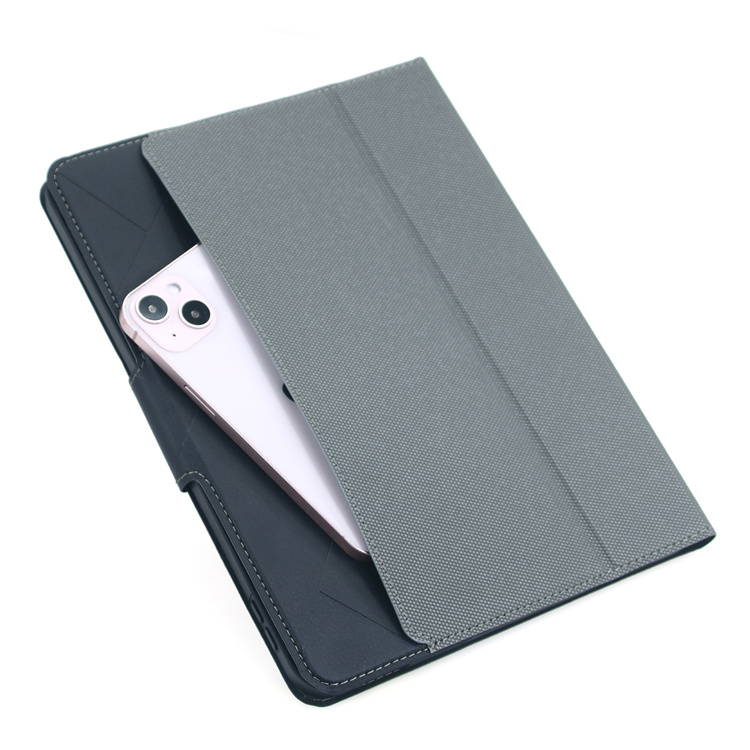
6. Precision Cutouts
All ports, buttons, speakers, and the camera are fully accessible without removing the case.
This case is ideal for users who want a single accessory that adapts to every task, from work presentations to casual streaming.


iPad Origami Case: Slim Protection with Versatile Viewing
iPad Multi-Angle Adjustable Case: All-in-One Versatility
Related Article


If you still use your iPad Mini 2 for note-taking, reading or light work, finding a well-fitted case with keyboard can feel tricky. Many universal keyboard cases either do not fit the iPad Mini 2 properly or have flimsy keys that break quickly. This guide breaks down what to look for in an iPad Mini 2 case with keyboard, and introduces our reliable Vorkycase option.
iPad Mini 2 Case with Keyboard

Connecting an iPad keyboard case should be quick and effortless, but many users run into pairing failures, lag, or no connection at all. Most connection issues are not device faults — they are simply caused by incorrect setup. This honest, easy-to-follow guide covers the two most common connection methods for all iPad keyboard cases, plus quick fixes for frequent problems.
How to connect ipad keyboard case
