
Full Touchpad Detachable Keyboard Folio Case For iPad
author: Levi
2026-07-31
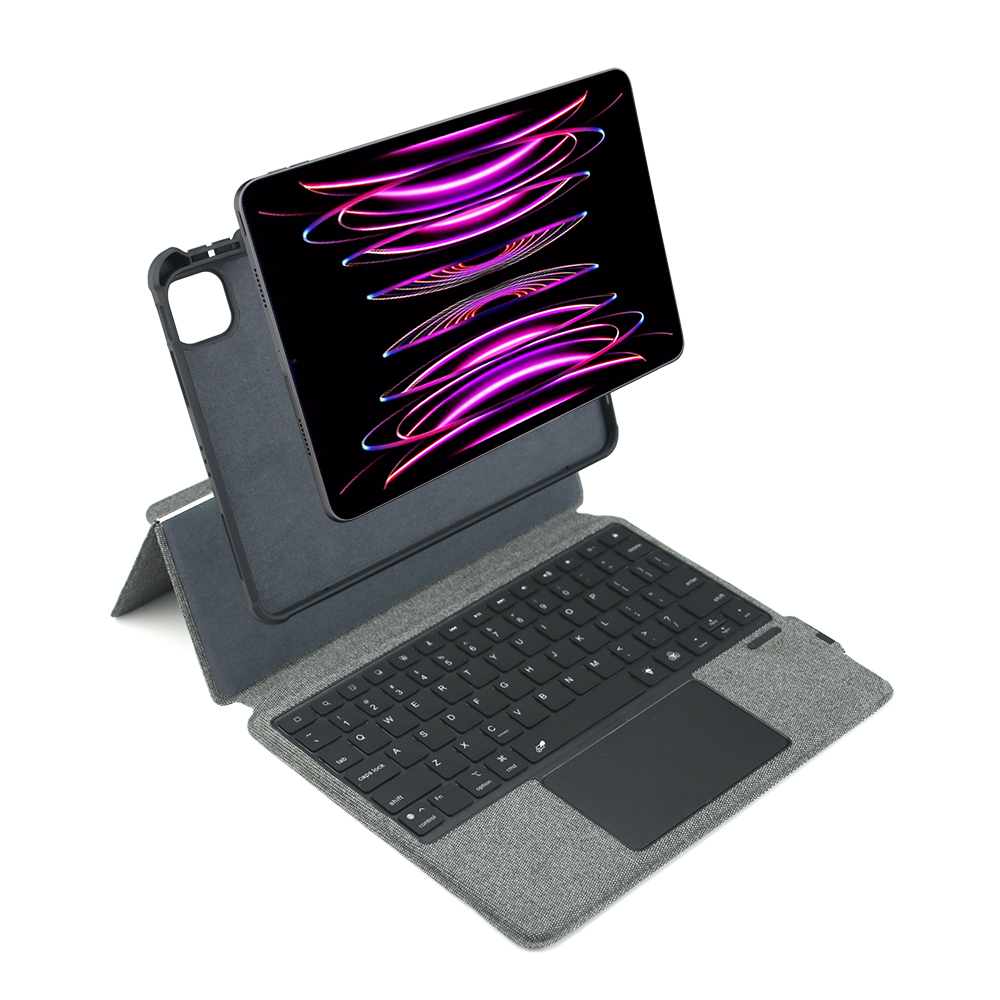
- Separable Integrated Keyboard & Touchpad Module The keyboard and protective cover are connected as a whole structure, stable connection without falling off. The large integrated touchpad supports sliding, zooming, right-click and other iPadOS gestures, matched with dedicated media and function shortcut keys to improve typing efficiency greatly.
- Built-in Exclusive Apple Pencil Storage Compartment Reserved closed pen slot on the side of the protective frame, stably fix the stylus during carrying, support magnetic charging for Apple Pencil without taking the pen out frequently.
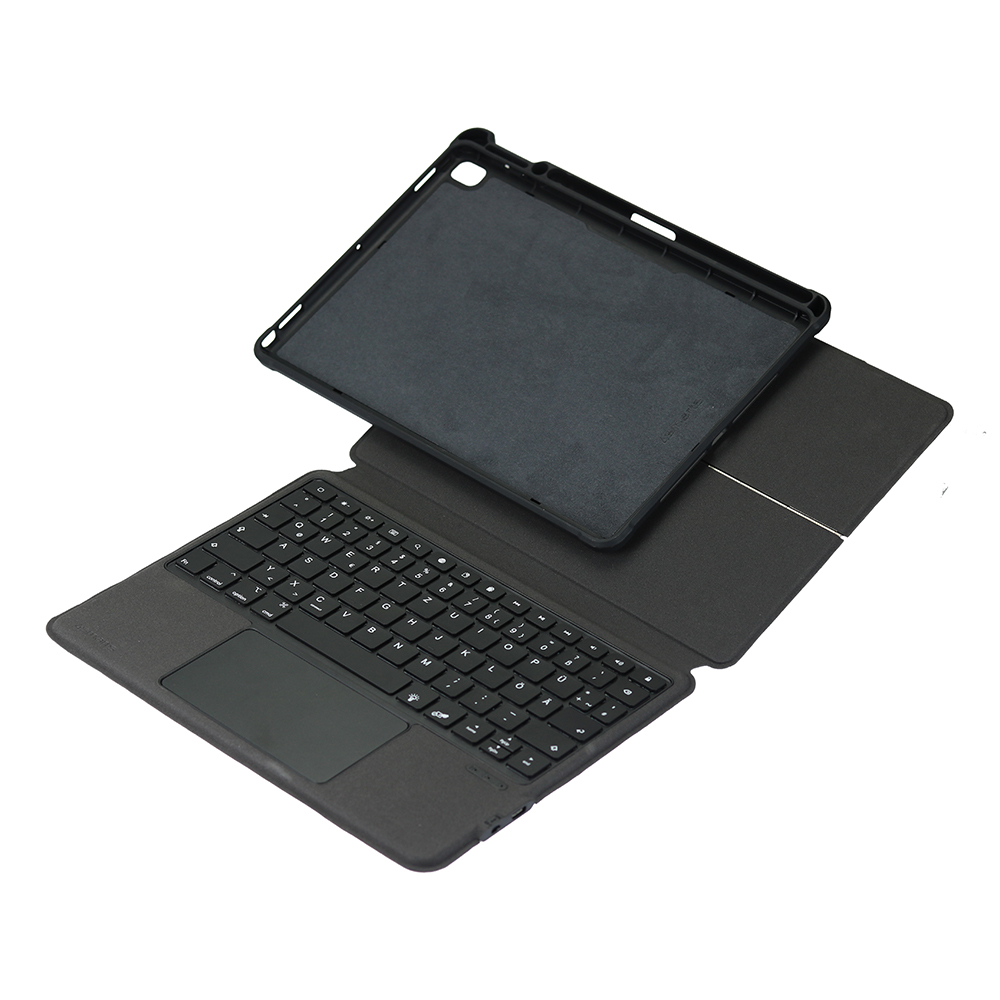
- Multi-angle Freely Adjustable Folding Stand The flip leather cover can be folded into multiple inclined angles, meet the demands of long-time typing input, video watching and video conference, the structure is firm and not easy to shake during use.
- Full Surround Anti-drop & Anti-scratch Protection Hard TPU wrapping frame wraps the four corners and edges of the tablet comprehensively to buffer impact when falling. Outer textured PU material resists daily wear and fingerprint adhesion, soft flannel inner surface avoids scratching the tablet screen and back shell.
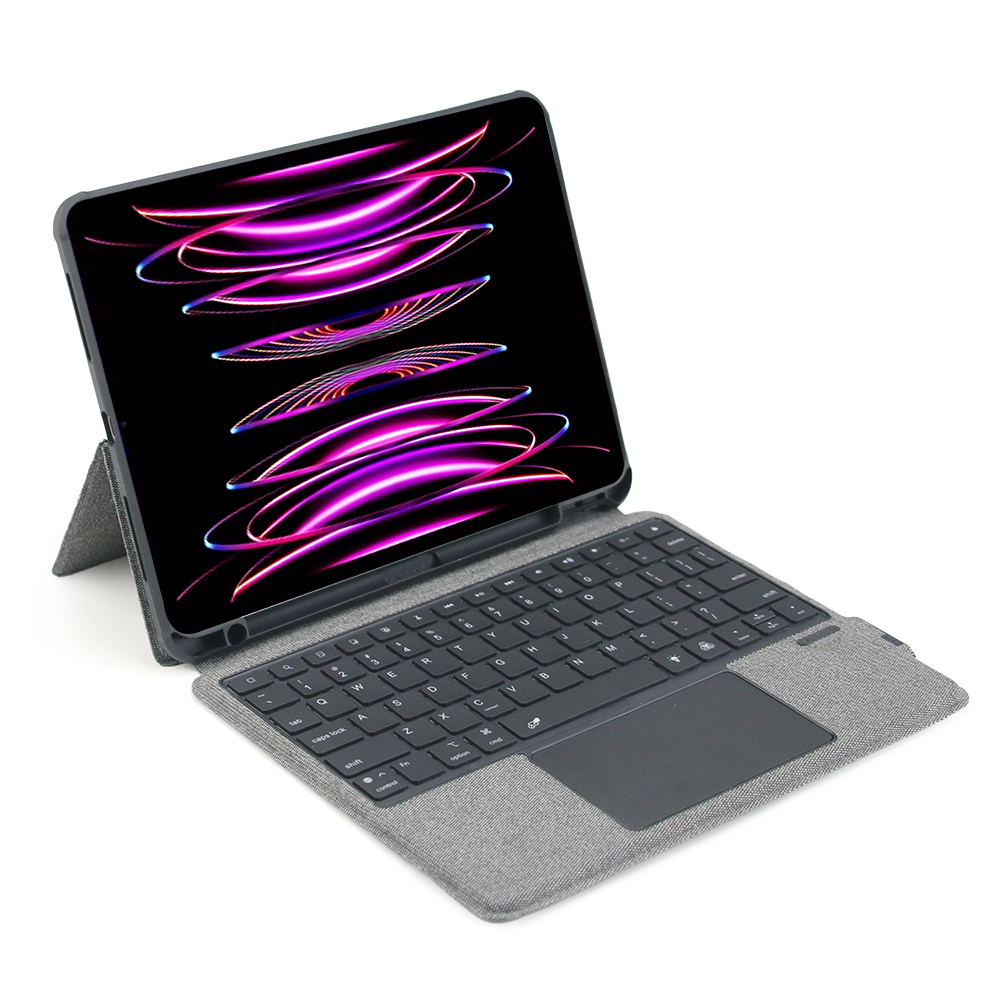
- Type-C Charging Low Power Bluetooth Keyboard Adopt low-power bluetooth chip to maintain stable pairing connection with iPad. Built-in lithium battery supports long standby time, equipped with independent Type-C charging port for quick replenishment, with physical switch to cut off power to save electricity when idle.

360° Rotatable Aluminum Alloy Keyboard Case For iPad
Magnetic Detachable Trackpad Keyboard Folio Case For iPad
Related Article


If you still use your iPad Mini 2 for note-taking, reading or light work, finding a well-fitted case with keyboard can feel tricky. Many universal keyboard cases either do not fit the iPad Mini 2 properly or have flimsy keys that break quickly. This guide breaks down what to look for in an iPad Mini 2 case with keyboard, and introduces our reliable Vorkycase option.
iPad Mini 2 Case with Keyboard

Connecting an iPad keyboard case should be quick and effortless, but many users run into pairing failures, lag, or no connection at all. Most connection issues are not device faults — they are simply caused by incorrect setup. This honest, easy-to-follow guide covers the two most common connection methods for all iPad keyboard cases, plus quick fixes for frequent problems.
How to connect ipad keyboard case
