
Tri-Fold Detachable Bluetooth Keyboard Folio Case For iPad
author: Levi
2026-07-31
-
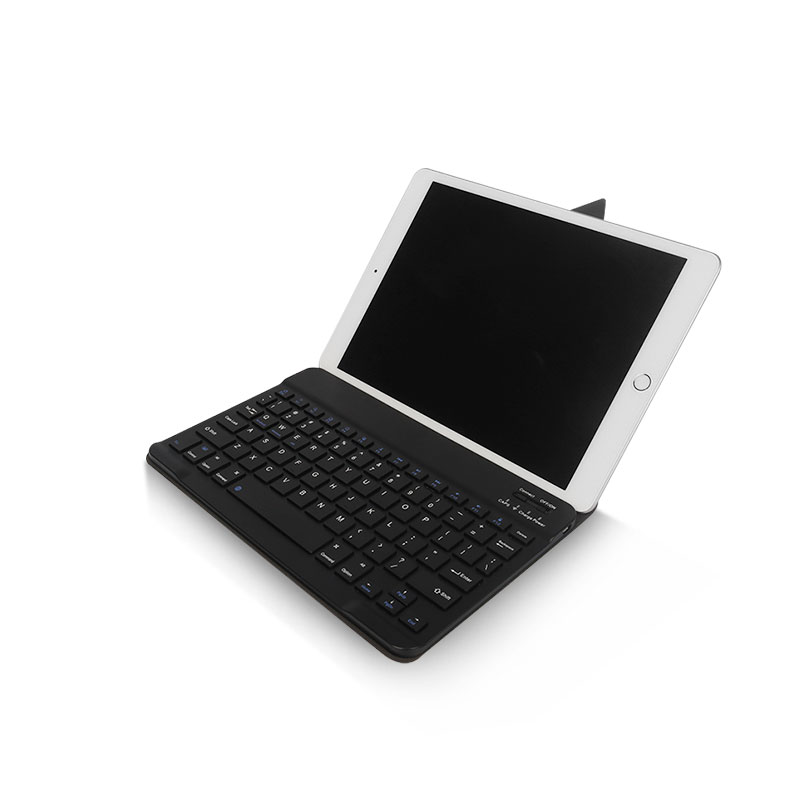
Detachable Wireless Bluetooth KeyboardThe keyboard can be completely separated from the leather cover. You can remove it freely when you just want to watch videos or draw on the screen. It supports fast Bluetooth pairing and stable wireless connection. The keys are anti-fingerprint, keeping the surface clean after long-time use. It comes with a built-in rechargeable battery and USB charging port for long-lasting standby.
-
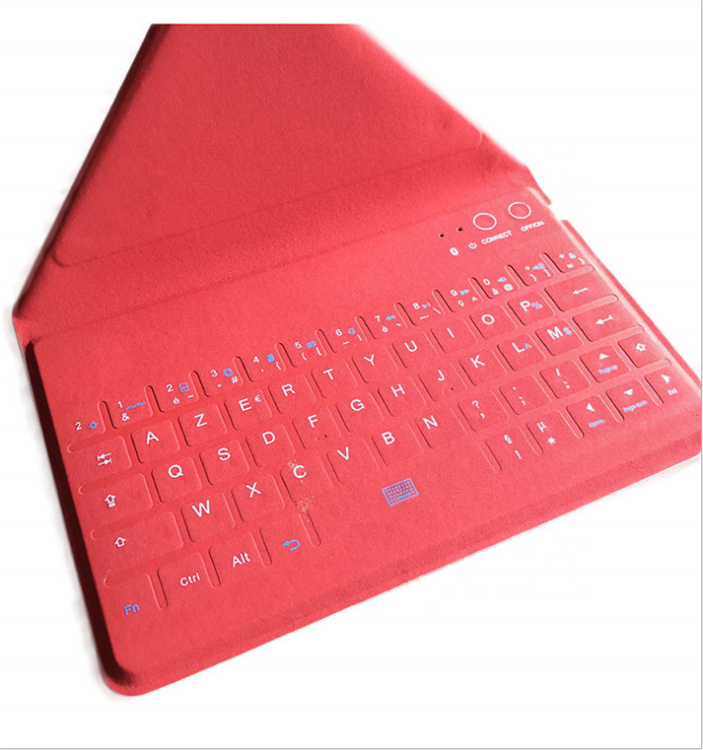
Tri-Fold Stable Folding StandThe tri-fold leather cover forms a sturdy bracket. It holds your iPad firmly at a comfortable viewing and typing angle without wobbling. The foldable design makes the whole case ultra-slim and easy to slip into backpacks.
-
Premium PU Leather ExteriorThe outer cover is made of soft wear-resistant PU leather. It resists fingerprints, stains and daily scratches. The soft inner lining protects your tablet body from abrasion. Precise cutouts keep all buttons and ports accessible without removing the cover.
-
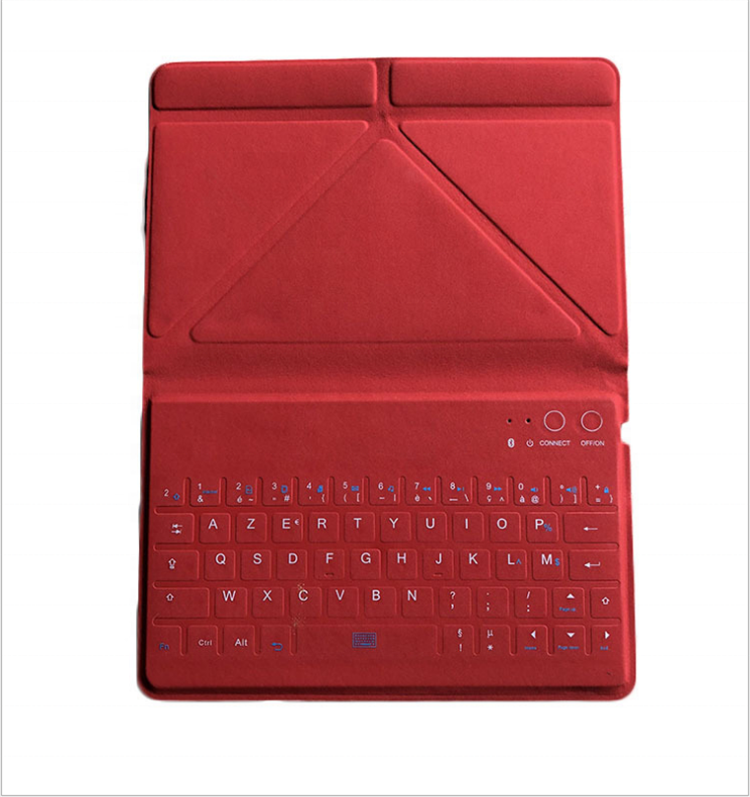
Ultra-Portable DesignSlim and compact structure reduces extra weight. It is ideal for business trips, classroom study and daily entertainment. Multiple classic color options including black and red can meet different preference demands.
-


Universal Magnetic Backlit Bluetooth Keyboard Folio Case for Smartphone & 10-11 Inch Tablet
Honeycomb Heat Dissipation TPU Detachable Keyboard Folio Case For iPad
Related Article


If you still use your iPad Mini 2 for note-taking, reading or light work, finding a well-fitted case with keyboard can feel tricky. Many universal keyboard cases either do not fit the iPad Mini 2 properly or have flimsy keys that break quickly. This guide breaks down what to look for in an iPad Mini 2 case with keyboard, and introduces our reliable Vorkycase option.
iPad Mini 2 Case with Keyboard

Connecting an iPad keyboard case should be quick and effortless, but many users run into pairing failures, lag, or no connection at all. Most connection issues are not device faults — they are simply caused by incorrect setup. This honest, easy-to-follow guide covers the two most common connection methods for all iPad keyboard cases, plus quick fixes for frequent problems.
How to connect ipad keyboard case
