
Universal Elastic Hook Multi-Size Tablet Keyboard Folio Case
author: Levi
2026-06-04
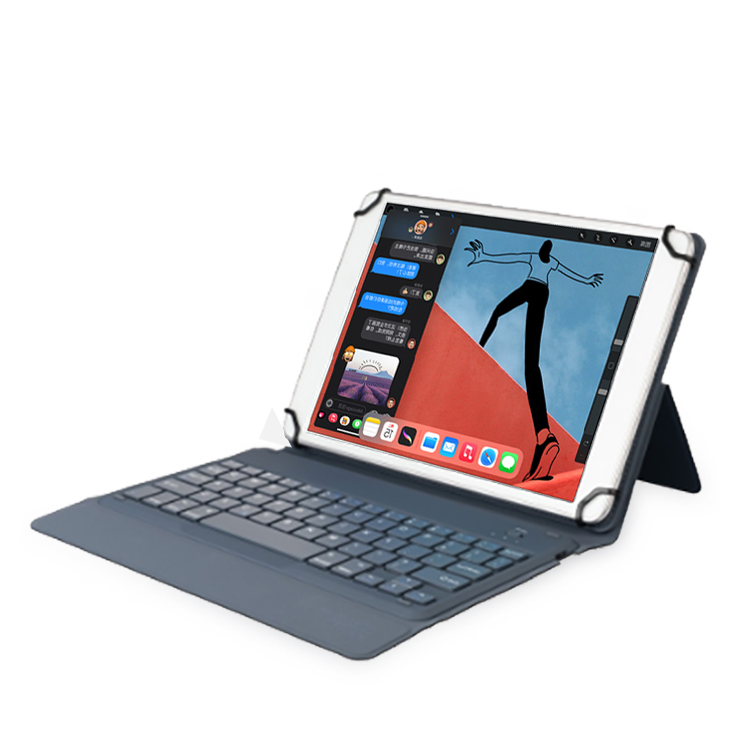
Core Product Features
1. Four Adjustable Elastic Corner Hooks for Universal Fit
Four flexible rubber elastic hooks at inner four corners stretch freely to fix tablets of different length & width, compatible with mainstream iPad and Android tablets across multiple sizes, eliminating separate case purchase for different devices.
2. Detachable Wireless Bluetooth Keyboard
Built-in integrated Bluetooth keyboard with independent on-off switch, fast stable pairing with tablet; optimized low-noise scissor keys for comfortable long-hour typing, can be separated from folio shell to use alone as standalone external keyboard.
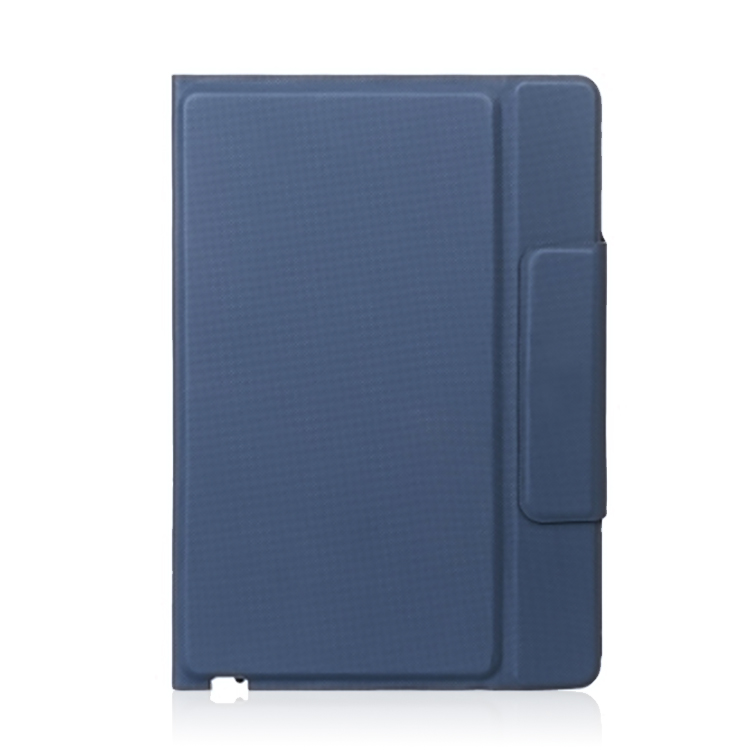
3. Multi-Angle Origami Folding Kickstand
Back shell with segmented indent folding craft supports multiple adjustable viewing & typing angles, easily switch between document input, online class and video playback modes to relieve neck fatigue.
4. Side Magnetic Auto-Absorb Closure
Built-in hidden magnet on side flap realizes automatic adsorption closing, prevents accidental flip-open of cover during carrying, effectively guard tablet screen against scratch and impact.
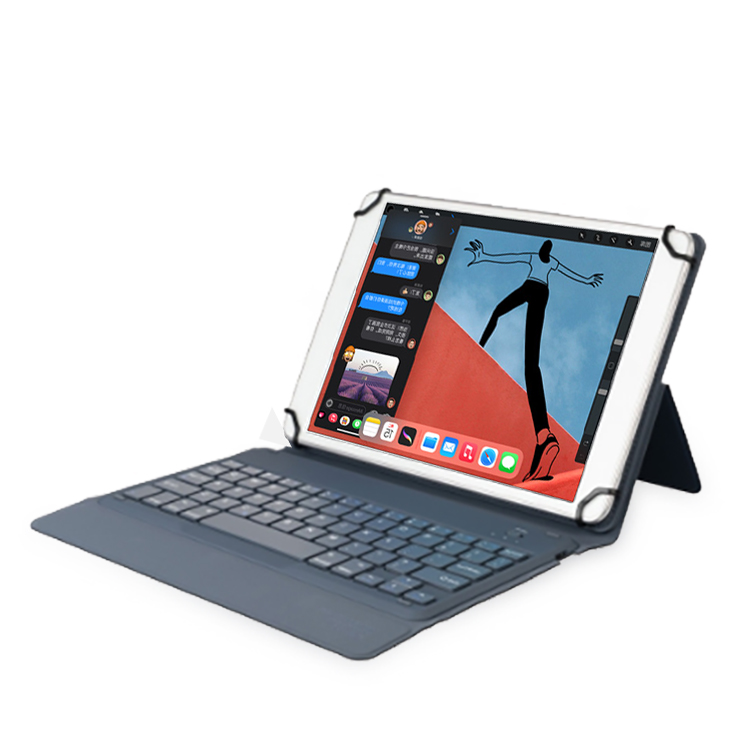
5. Textured Wear-Resistant Outer PU Material
Fine grain textured PU outer shell is anti-slip, stain-resistant and wear-proof, soft inner lining avoids abrasion to tablet body; compact folio shape is easy to put into backpack or handbag for outdoor commute.
Cost-effective universal tablet accessory ideal for users owning multiple different-size tablets.

Split Detachable Touchpad Bluetooth Keyboard iPad Case
Magnetic Split Detachable Keyboard Folio Tablet Case
Related Article


If you still use your iPad Mini 2 for note-taking, reading or light work, finding a well-fitted case with keyboard can feel tricky. Many universal keyboard cases either do not fit the iPad Mini 2 properly or have flimsy keys that break quickly. This guide breaks down what to look for in an iPad Mini 2 case with keyboard, and introduces our reliable Vorkycase option.
iPad Mini 2 Case with Keyboard

Connecting an iPad keyboard case should be quick and effortless, but many users run into pairing failures, lag, or no connection at all. Most connection issues are not device faults — they are simply caused by incorrect setup. This honest, easy-to-follow guide covers the two most common connection methods for all iPad keyboard cases, plus quick fixes for frequent problems.
How to connect ipad keyboard case
