
Universal Tablet Keyboard Case: All-Round Productivity & Protection
author: Levi
2026-06-21
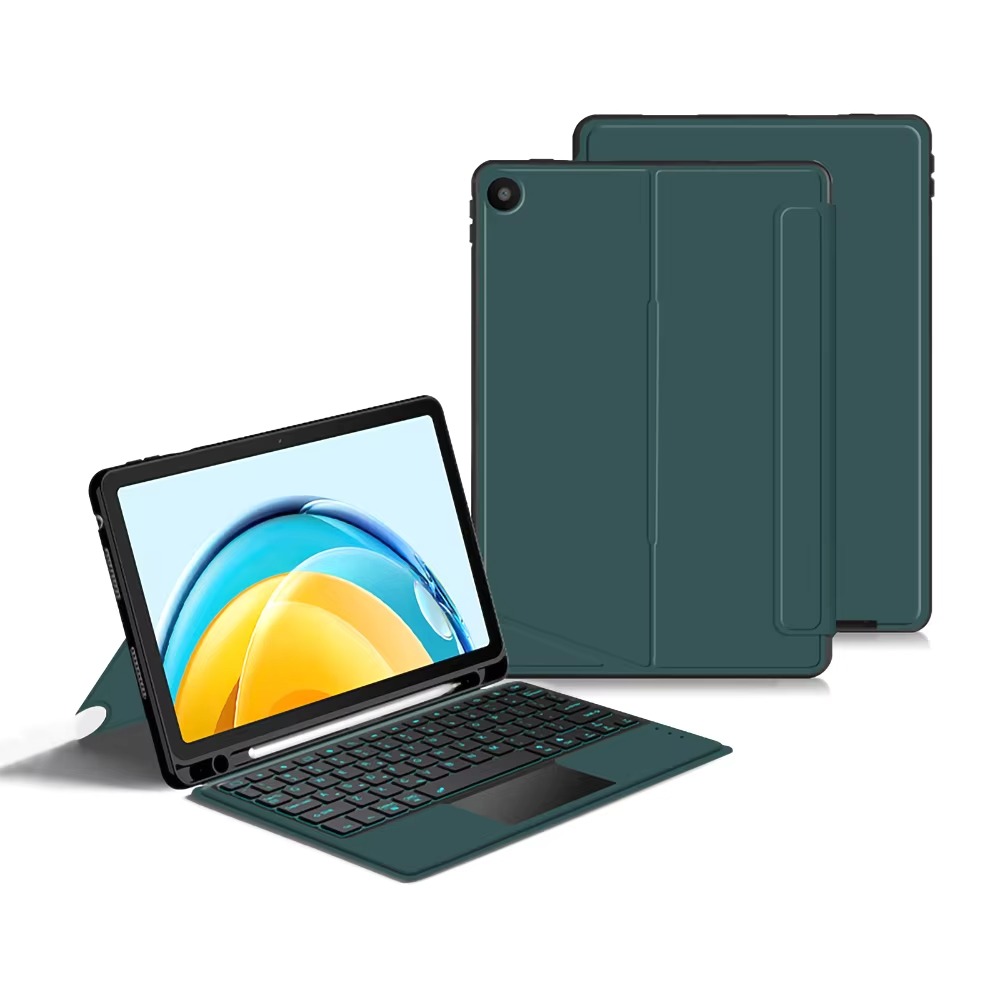
Key Features
1. Backlit Keyboard & Multi-Touch Trackpad
The keyboard comes with soft backlight for comfortable typing even in dim spaces. The sensitive trackpad supports various touch gestures, enabling flexible operation just like a standard laptop.

2. Flexible Adjustable Stand
The foldable cover can be set at multiple angles. You can pick proper positions for typing, watching videos, making video calls or reading.
3. Built-In Pen Holder
A reserved slot keeps your stylus firmly in place, preventing loss and letting you take notes or draw conveniently anytime.

4. Full Protection Structure
Reinforced frame and premium outer material defend the tablet against scratches, bumps and accidental drops. Raised edges protect the screen and camera when placed flat.
5. Stable Bluetooth Connection
Built-in Bluetooth module connects quickly and maintains stable signal. Dedicated shortcut keys further improve your operating efficiency.
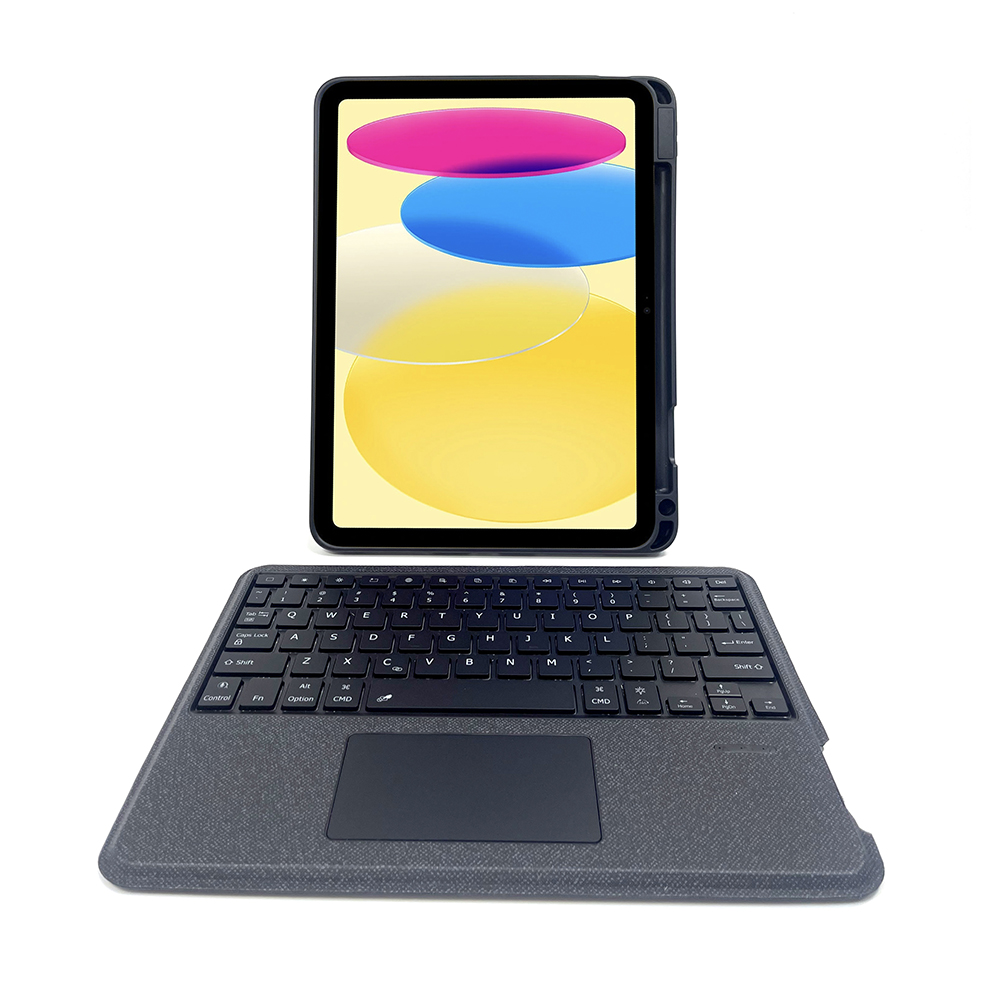
6. Universal Compatibility & Multiple Colors
Designed to fit most common tablet models. Various color options are available to match different styles and preferences.
This practical all-in-one case is a great choice for anyone pursuing high efficiency, full protection and stylish appearance for their tablet.


iPhone 17 Pro Max Case
Fabric Textured Bluetooth Keyboard iPad Case: Sleek Style & Seamless Functionality
Related Article


If you still use your iPad Mini 2 for note-taking, reading or light work, finding a well-fitted case with keyboard can feel tricky. Many universal keyboard cases either do not fit the iPad Mini 2 properly or have flimsy keys that break quickly. This guide breaks down what to look for in an iPad Mini 2 case with keyboard, and introduces our reliable Vorkycase option.
iPad Mini 2 Case with Keyboard

Connecting an iPad keyboard case should be quick and effortless, but many users run into pairing failures, lag, or no connection at all. Most connection issues are not device faults — they are simply caused by incorrect setup. This honest, easy-to-follow guide covers the two most common connection methods for all iPad keyboard cases, plus quick fixes for frequent problems.
How to connect ipad keyboard case
