
Upgraded Full Package Bluetooth Keyboard iPad Case: Durable Protection & Enhanced Typing
author: Levi
2026-06-12
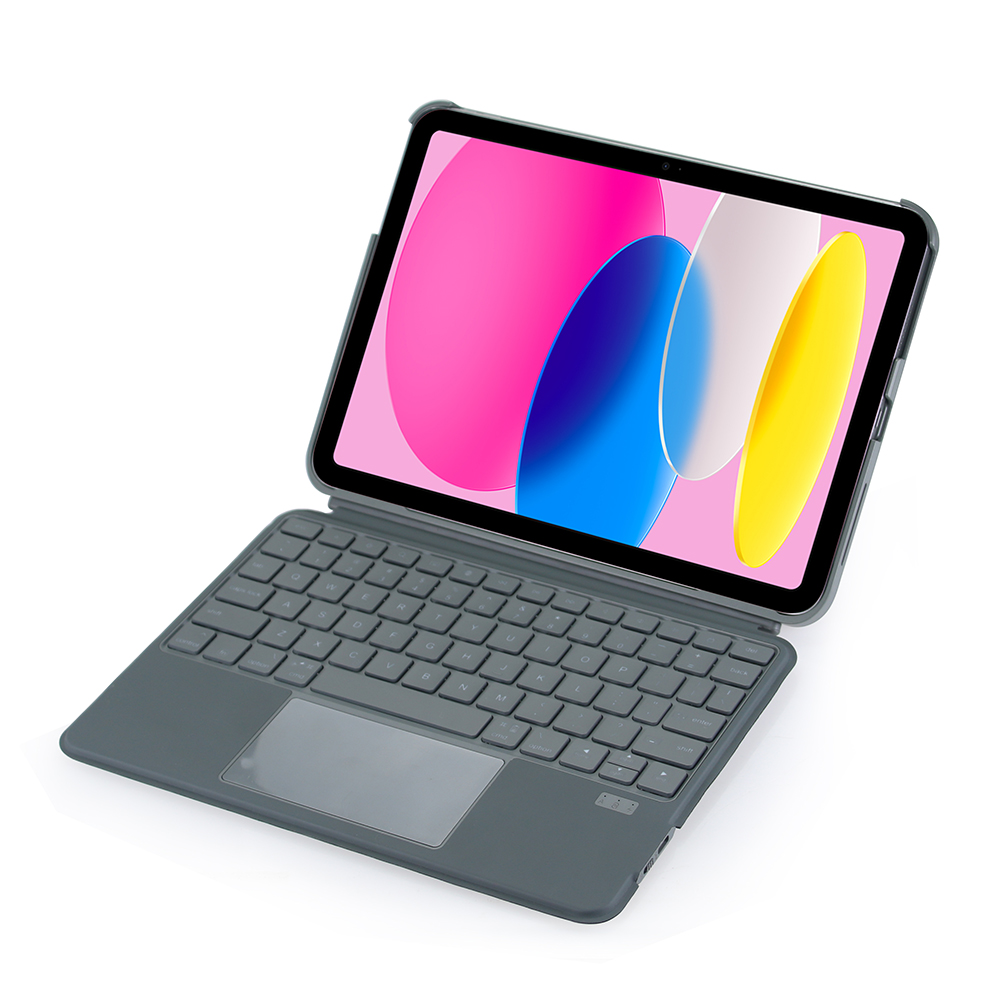
Key Features
1. Upgraded Wider Keyboard
The new keyboard design features larger, more spaced-out keys, reducing the chance of pressing the wrong key and improving typing efficiency for work and study tasks.
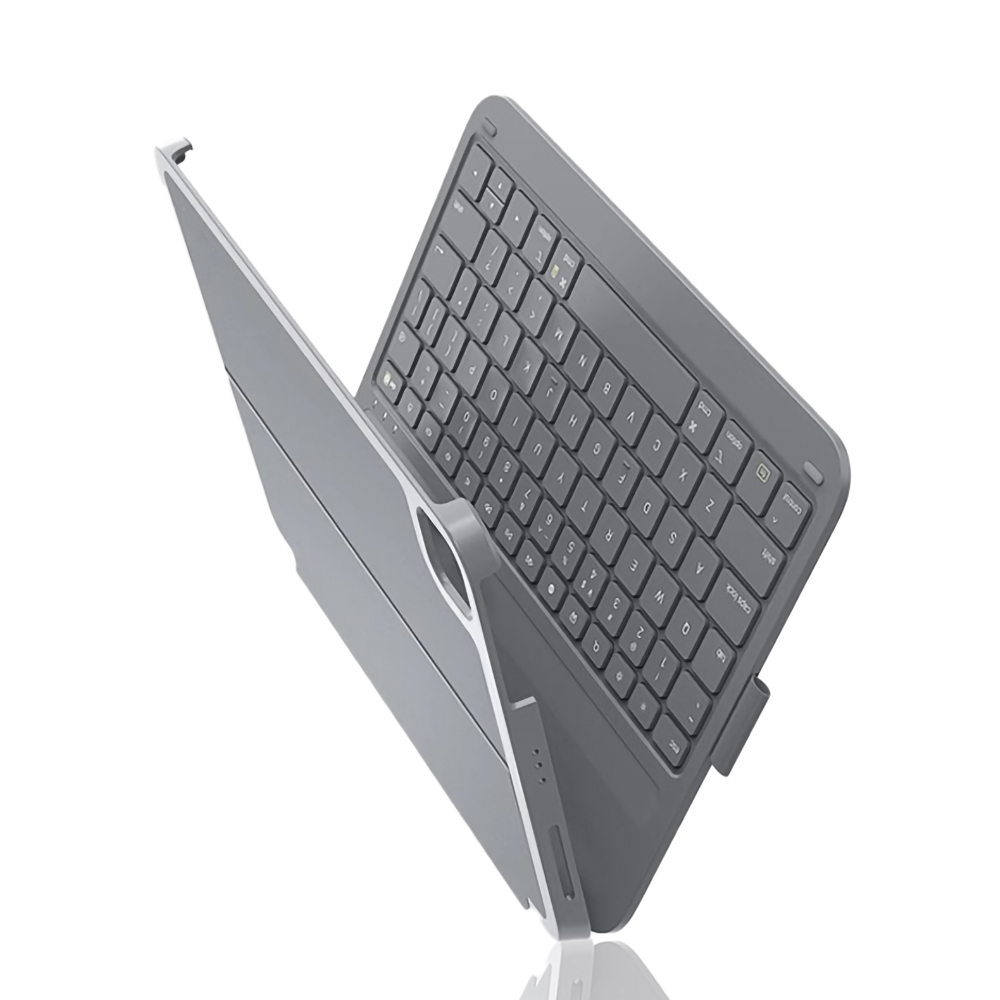
2. Full Package Anti-Fall Protection
Reinforced soft cushioning around all edges and corners provides excellent shock absorption against drops and bumps. The durable construction prevents paint chipping and deformation, keeping your iPad safe from everyday accidents.
3. Multi-Angle Adjustable Stand
The foldable cover transforms into a sturdy stand, supporting multiple viewing angles. You can easily switch between low typing positions and high viewing positions for streaming, video calls, or reading.
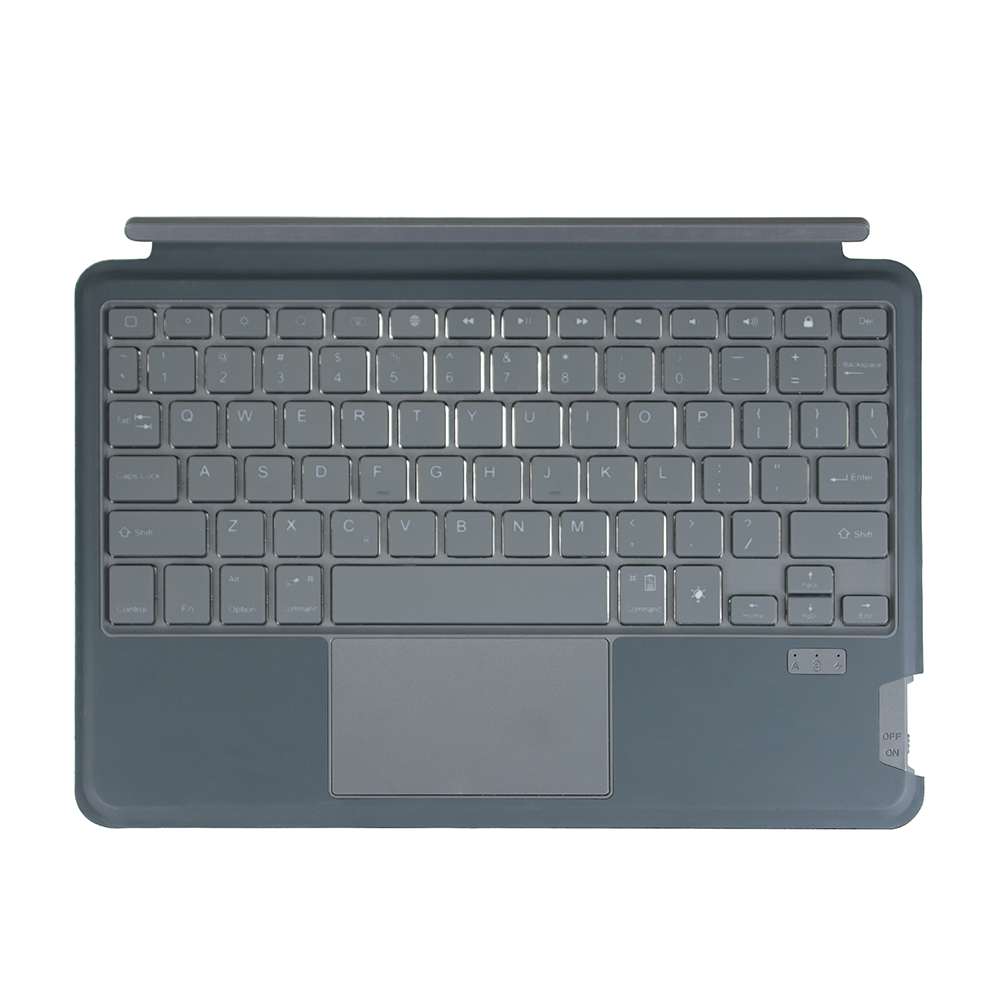
4. Magnetic Intelligent Sensing
Built-in magnets enable automatic Bluetooth connection and the auto sleep/wake function, helping to conserve battery life and simplify usage.
5. Skin-Friendly PU Fabric
The case is made of high-quality PU fabric that is stain-resistant, durable, and comfortable to the touch, making it ideal for long-term use.
This case is perfect for users who want a durable, functional accessory that combines enhanced typing comfort, full protection, and versatile stand functionality.


Fabric Textured Bluetooth Keyboard iPad Case: Sleek Style & Seamless Functionality
Floating Cantilever Magnetic Keyboard iPad Case: Redefine Your Workstation
Related Article


If you still use your iPad Mini 2 for note-taking, reading or light work, finding a well-fitted case with keyboard can feel tricky. Many universal keyboard cases either do not fit the iPad Mini 2 properly or have flimsy keys that break quickly. This guide breaks down what to look for in an iPad Mini 2 case with keyboard, and introduces our reliable Vorkycase option.
iPad Mini 2 Case with Keyboard

Connecting an iPad keyboard case should be quick and effortless, but many users run into pairing failures, lag, or no connection at all. Most connection issues are not device faults — they are simply caused by incorrect setup. This honest, easy-to-follow guide covers the two most common connection methods for all iPad keyboard cases, plus quick fixes for frequent problems.
How to connect ipad keyboard case
