
Vintage Leather Wallet Card Holder Phone Case With Kickstand For iPhone All Series
author: Levi
2026-07-11
Core Product Highlights
-
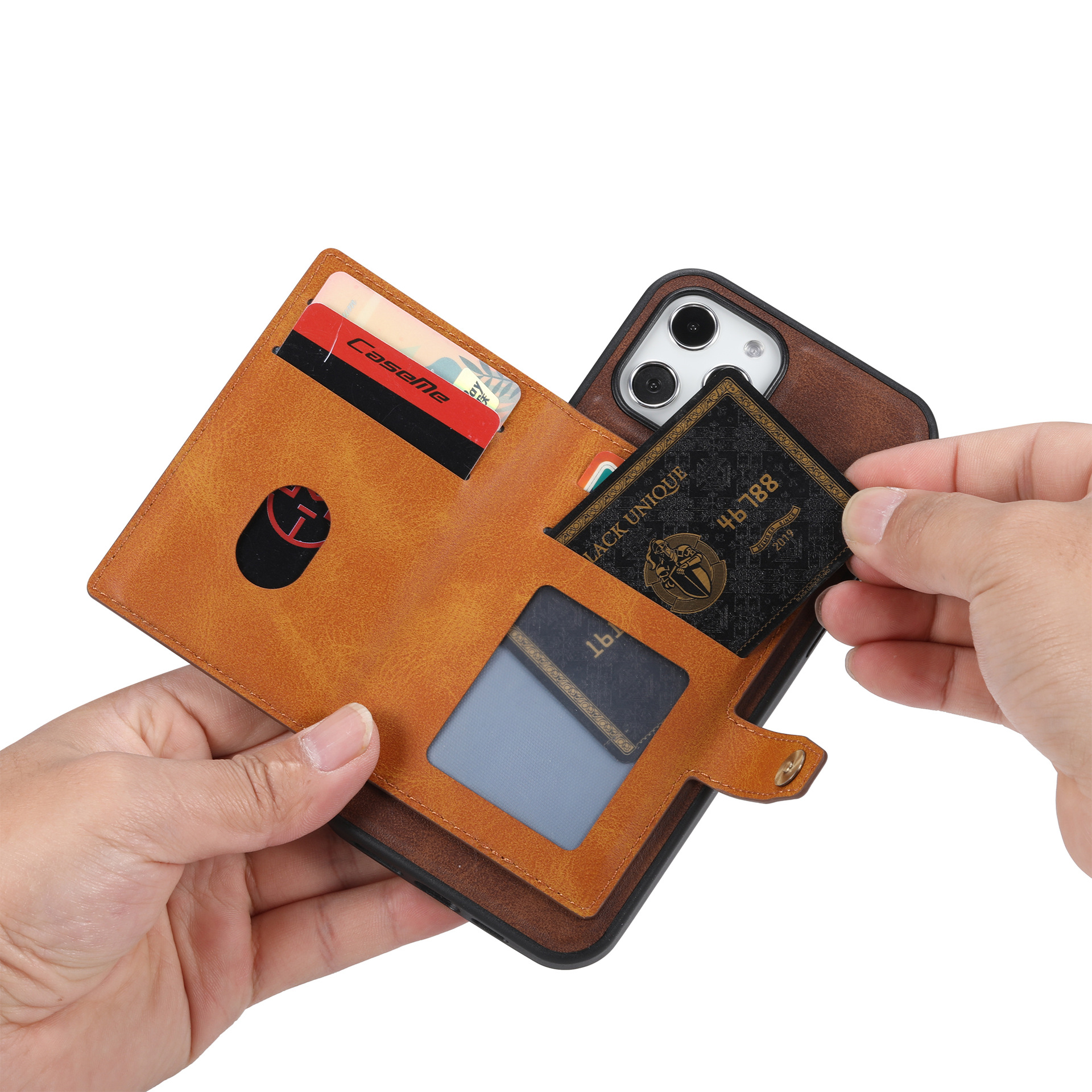
Universal iPhone Precise Molding Fit Custom one-piece mold for full iPhone series, accurate cutouts for camera, side buttons and charging port, no lens blocking, tight fit without shaking after installation.
-
Multi-Layer Snap Button Card Wallet Design Dual card slots inside the back pouch can store ID, bank cards and transit cards. Metal snap buckle firmly locks the pocket to prevent cards slipping out, convenient for daily travel without carrying a separate wallet.
-
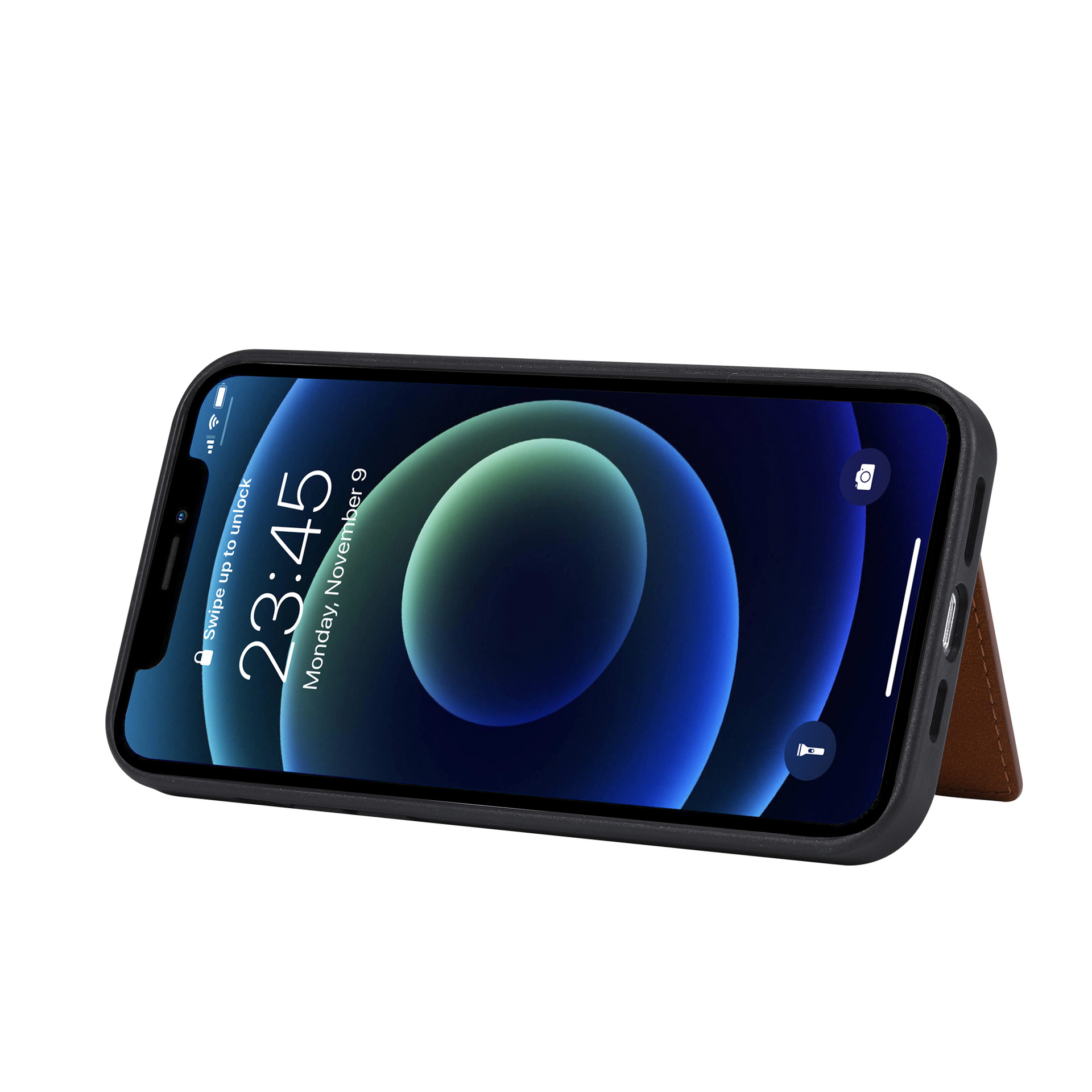
Foldable Hidden Hands-Free Kickstand The card pouch can flip out to become a stable horizontal viewing stand, perfect for video calls, movie watching and online meetings, releasing your hands during long-time screen use.
-
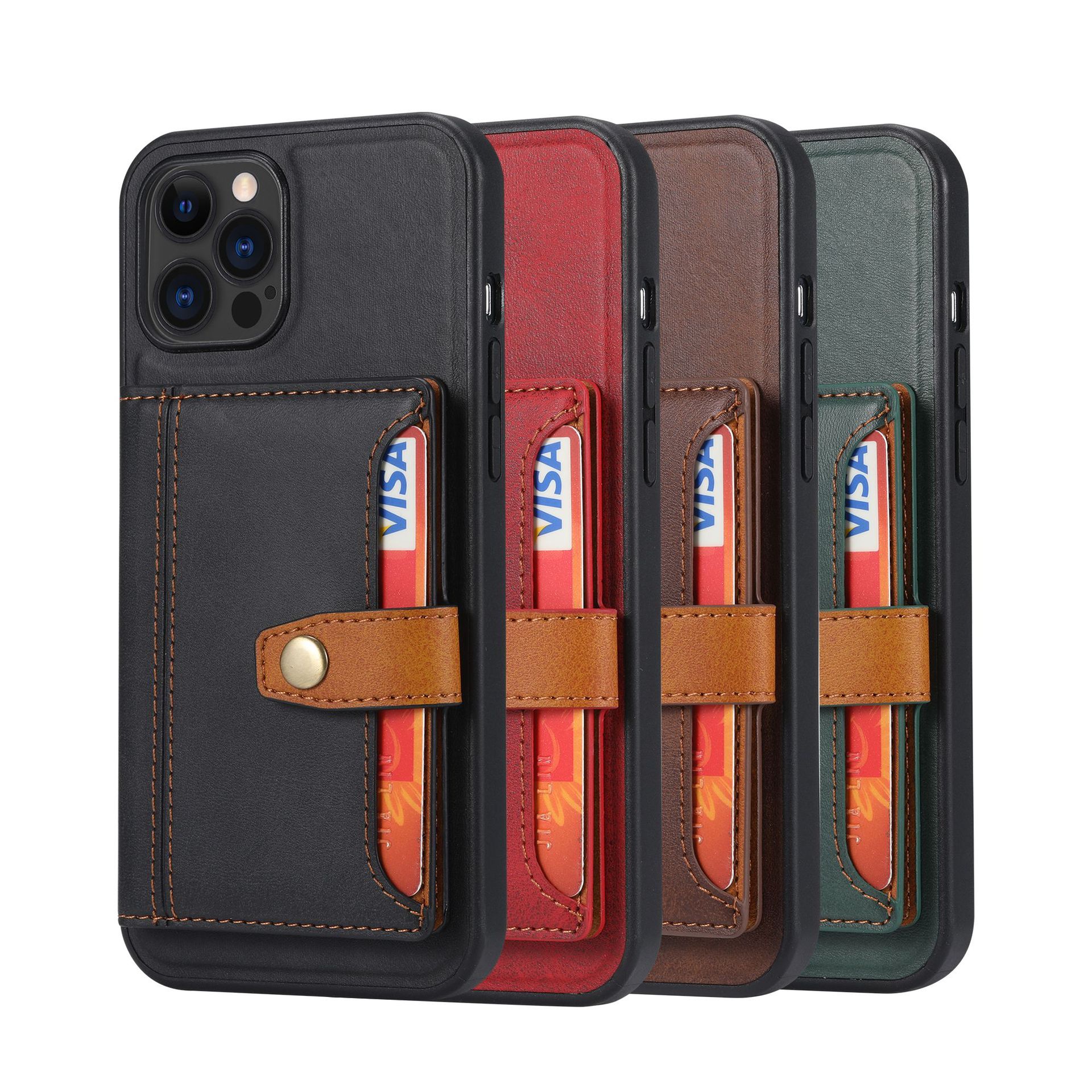
Vintage Wear-Resistant PU Leather Exterior Premium retro textured leather surface with fine stitching, scratch-proof and anti-fading, soft touch texture, available in 4 classic colorways: Black, Coffee, Red, Army Green to match different daily styles.
-
Raised Camera & Full Body Shockproof Protection Elevated camera frame keeps lenses away from flat surfaces to avoid scratches. Flexible soft TPU inner bumper absorbs drop impact, wrapping all four corners to buffer collision damage effectively.
-
Slim Integrated Portable Structure Lightweight all-in-one wallet design won’t add excessive bulk to your phone, easy to install and remove, compatible with wireless charging without taking off the case.

Detachable Magnetic Leather Wallet Phone Case For iPhone Series With 4 Card Slots & Foldable Kickstand
Matte Hybrid TPU PC Phone Case With Built-in Sensitive Camera Control Button For iPhone 17 Pro
Related Article


If you still use your iPad Mini 2 for note-taking, reading or light work, finding a well-fitted case with keyboard can feel tricky. Many universal keyboard cases either do not fit the iPad Mini 2 properly or have flimsy keys that break quickly. This guide breaks down what to look for in an iPad Mini 2 case with keyboard, and introduces our reliable Vorkycase option.
iPad Mini 2 Case with Keyboard

Connecting an iPad keyboard case should be quick and effortless, but many users run into pairing failures, lag, or no connection at all. Most connection issues are not device faults — they are simply caused by incorrect setup. This honest, easy-to-follow guide covers the two most common connection methods for all iPad keyboard cases, plus quick fixes for frequent problems.
How to connect ipad keyboard case
