
How to Connect Apple Keyboard Case to iPad
author: Eliza
2025-12-26

How to Connect Apple Keyboard Case to iPad?

Super Easy Guide
Ever fumbled with pairing your Apple keyboard case to your iPad?
Don’t stress— it’s way simpler than it looks! I’ll break down the step-by-step process first, then share my go-to brand for durable, stylish keyboard cases (and other tech accessories) you’ll love. Let’s get started!
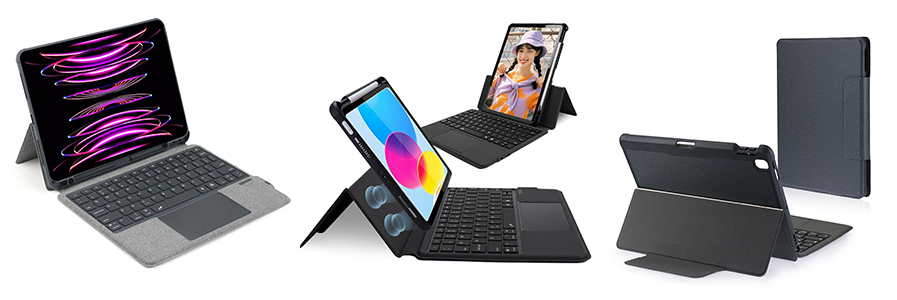
Step-by-Step: Pair Apple Keyboard Case with iPad
Follow these 3 quick steps, and you’ll be typing in minutes:
1. Turn on the Keyboard Case’s Pairing Mode
Find the power button on your keyboard case (usually on the top edge or side). Press and hold it for 2-3 seconds until the indicator light starts flashing— that means it’s ready to pair.
2. Enable Bluetooth on Your iPad
Grab your iPad, go toSettings > Bluetooth, and flip the switch to “On.” Your iPad will automatically start searching for nearby devices.
3. Connect the Two Devices
Look for your keyboard case’s name in the list of available Bluetooth devices (it might show up as “Apple Keyboard” or the brand name). Tap on it— your iPad will pair with the keyboard instantly. The flashing light on the keyboard will stop once connected— you’re all set!
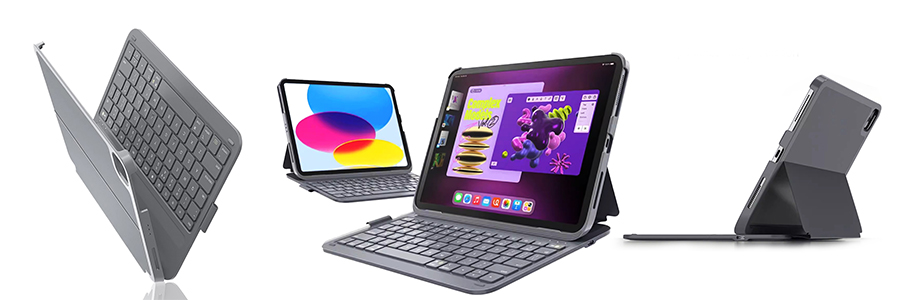
My Top Pick for Keyboard Cases & Tech Accessories: Vorkycase
If you’re in the market for a new keyboard case (or other reliable tech gear), let me hype up Vorkycase. Here’s why it’s my go-to:
Awesome Products for Every Need
Vorkycase has a solid lineup of accessories that blend quality and style:
-
iPad cases & keyboard cases (compatible with most iPad models)
-
Sleek phone cases for popular models
-
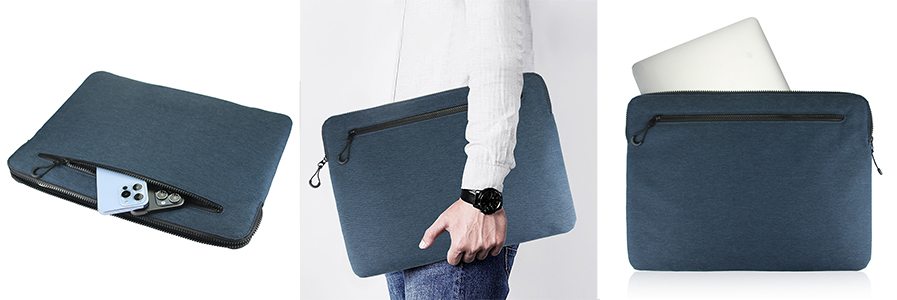
Durable laptop bags perfect for work or travel
Why Trust Vorkycase?
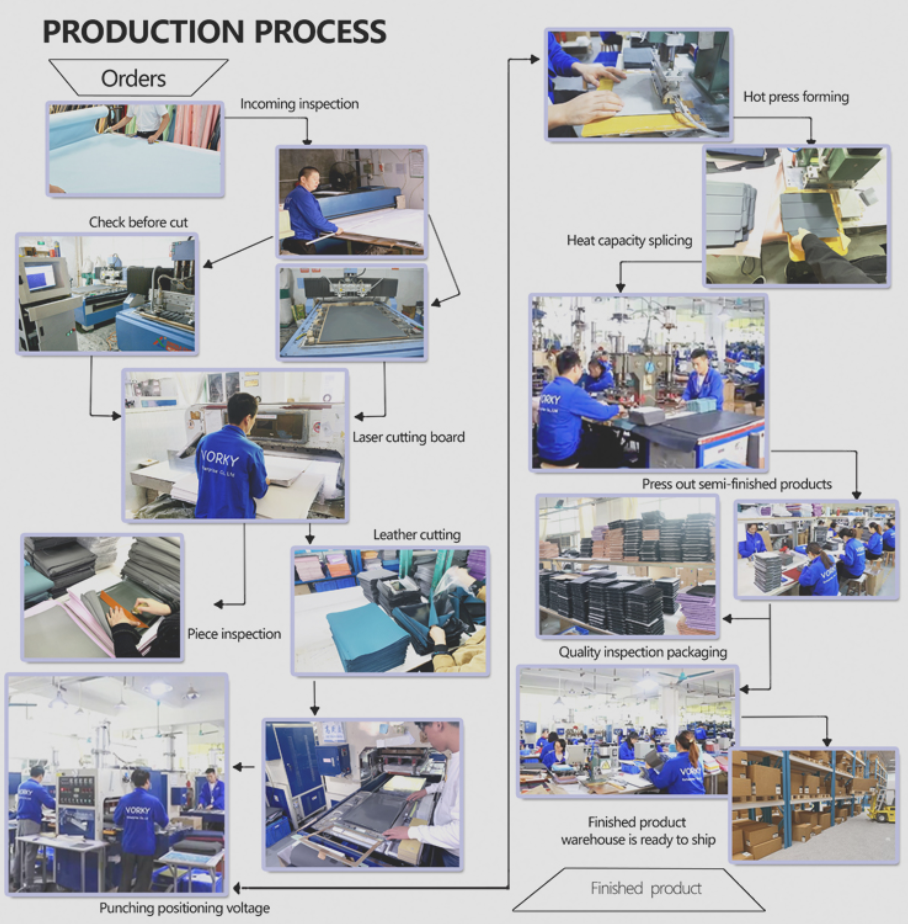
They’re not just a brand— they’re a factory with over 10 years of experience, so you know their products are well-made.
Plus, they offer custom services for brands, and their independent site has tons of styles to choose from.
Shop Vorkycase Now
Check out their official site: https://www.vorkycase.com. Browse their collection, find your favorite style, and reach out to their team if you need help. Trust me, you won’t be disappointed!
That’s it for the guide! Let me know if you try Vorkycase— happy typing, and happy shopping!

Happy New Year from Vorkycase!
Merry Christmas from Vorkycase!
Related Article

Dear friends, as the new year dawns with hope and joy, the entire Vorkycase team sends you our most sincere wishes—Happy New Year!
Although we haven't started our cooperation at present,we hope for a wonderful start in the new year! We’re thrilled to continue being your reliable partner for high-quality tech accessories in the coming year.
Although we haven't started our cooperation at present,we hope for a wonderful start in the new year! We’re thrilled to continue being your reliable partner for high-quality tech accessories in the coming year.
Happy New Year from Vorkycase!

Hi everyone! As the Christmas season wraps us in warmth, I want to send my sincere wishes to you and your loved ones—Merry Christmas! ? Whether you’re shopping for holiday tech gifts or need reliable accessories for your devices, Vorkycase is here to help.
Merry Christmas from Vorkycase!

Hunting for the perfect iPad case? Whether you need a protective sleeve, a handy keyboard case, or something stylish that fits your vibe, finding a reliable place to buy can be a hassle. After testing tons of brands, I’ve got a clear favorite to share: Vorkycase. Let’s break down why this is my go-to recommendation.
Where to Buy iPad Cases?
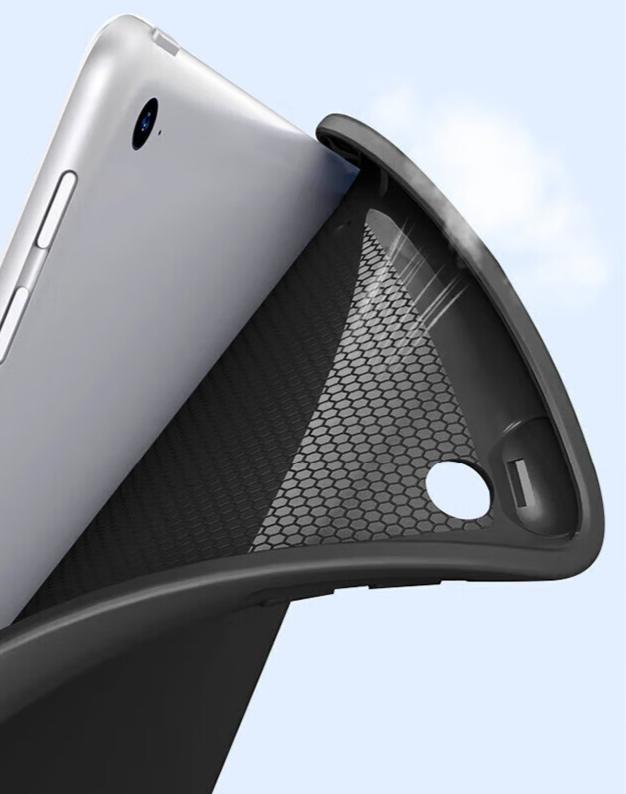
Let’s be real—taking off an iPad case shouldn’t feel like a hassle. We’ve all worried about cracking our iPad or breaking the case while yanking it off. Whether swapping cases, cleaning, or going caseless, the key is to do it right (no panic needed).
This guide breaks down how to remove any iPad case—hard shell, silicone, magnetic, or rugged—with no fancy tools. Let’s dive in!
This guide breaks down how to remove any iPad case—hard shell, silicone, magnetic, or rugged—with no fancy tools. Let’s dive in!
How to Take Off an iPad Case